Monday, November 2, 2026 · UX & UI Design
Affinity for iPad Brings Sketching, Vector Design, Photo Editing and Layout Together
Noted by Katy Cowan · 341 reads
Affinity’s iPad app combines four creative studios in one touch-first workspace, with core tools free for individuals and optional Canva AI features.
Affinity’s new iPad app puts sketching, vector design, photo editing and page layout in one touch-first workspace. For illustrators and designers, the practical change is how those jobs connect: work can move between studios inside a single project file, without exporting artwork or rebuilding it in another app. Canva launched Affinity for iPad today, with the core tools free for individuals.
That setup addresses a familiar drag in creative work. A rough drawing might begin in one app, become vector artwork in another, pass through photo editing and finally land in a layout tool. Each handoff can interrupt the process or create extra versions to manage. Affinity’s shared .af file keeps sketch, vector, photo and layout work together, so a designer can shift from one kind of task to another while the project stays intact.
One file, four ways to work
The file structure is the app’s defining choice. Sketches remain live, so they can be revisited and developed alongside vector shapes, edited photos and page layouts. That gives a project room to change direction without treating an early drawing as disposable or requiring a fresh export each time the work moves into a different studio.
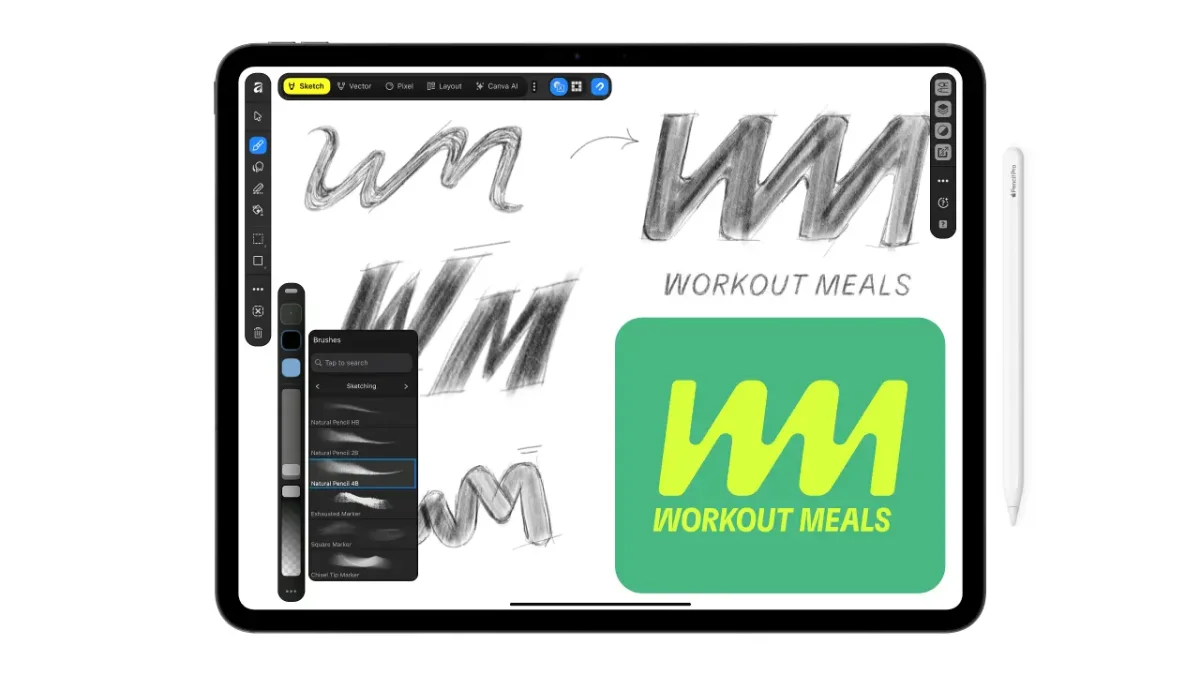
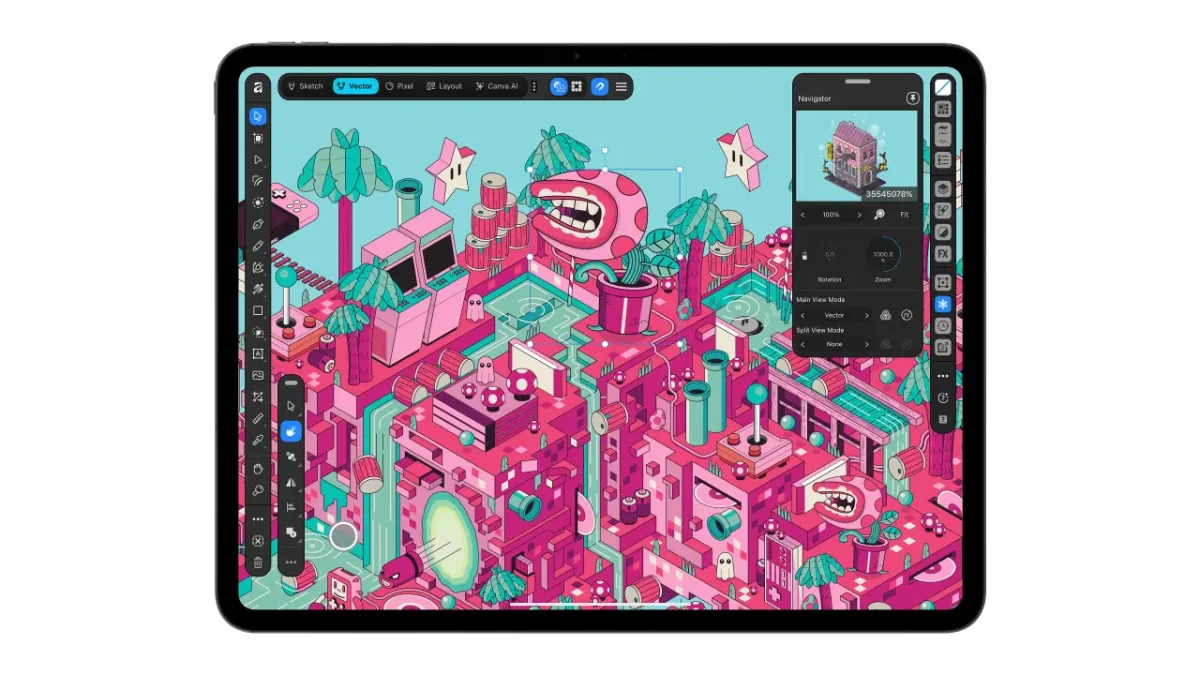
Sketch Studio is built around Apple Pencil, including its pressure and tilt input. The app also supports Apple Pencil Pro features such as barrel roll, squeeze and hover. Those controls give illustrators more ways to vary a mark or interact with the canvas, while the iPad interface was designed for touch instead of being a desktop layout reduced to fit a smaller screen.
Two tools aim to shorten specific parts of the drawing process. Sketch to Shapes converts hand-drawn forms into clean vector shapes. The Mask Tool follows edges as the user draws, with the source describing its use on difficult subjects such as hair and fur. These features could make it easier to move from a loose sketch to editable artwork while keeping more of the work inside the same document.
From drawing to print layout
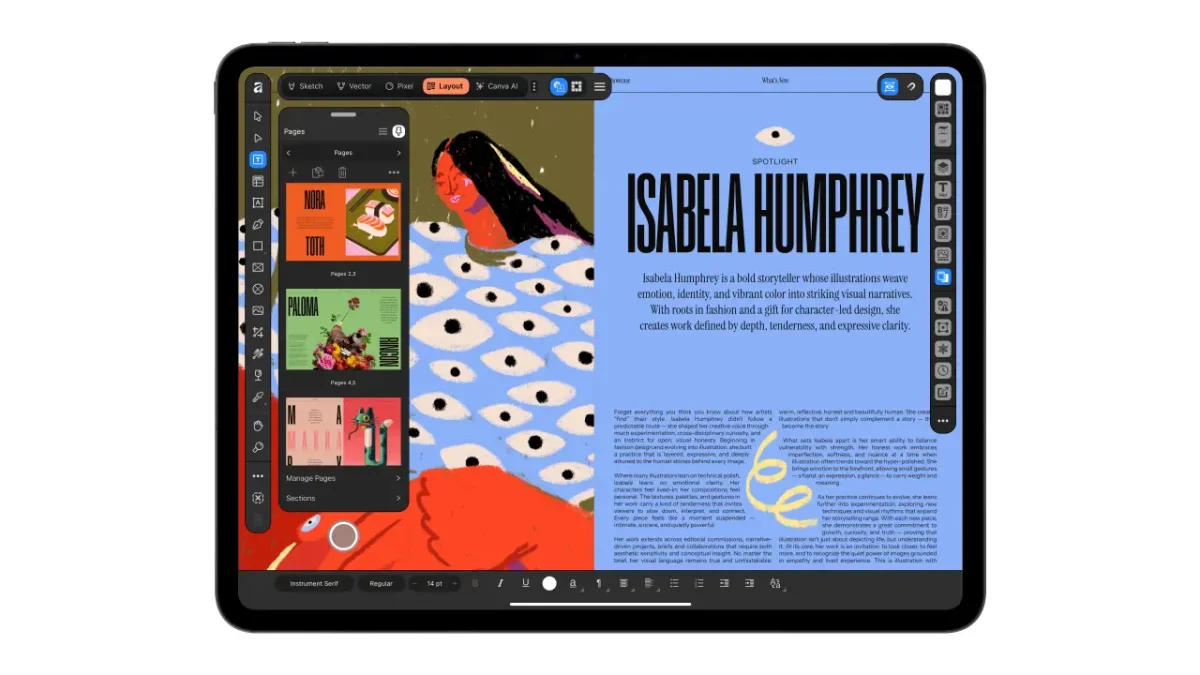
Affinity also brings editorial and publication work into that shared file. Users can make zines, lookbooks and photo books, with master pages and grids to keep repeated elements consistent. The app supports print-ready output and colour handling, which means the layout can continue from assembly through preparation for print without leaving the workspace.
For a small creative team, that continuity may be useful even when several people contribute different kinds of work. Illustration, image treatment and page design often rely on the same underlying assets, and keeping those elements together can make revisions easier to track. The source doesn’t detail collaboration features, though, so the shared file should be understood as a project format rather than a claim about simultaneous team editing.
Canva says feedback from designers, illustrators and photographers, including its designer advisory board, helped shape the app. Duncan Clark, Canva’s CEO of Pro Design, said the most frequent request after Affinity’s desktop tools were brought together was for an iPad version. Affinity has a history on Apple’s tablet: Affinity Photo was named Apple’s iPad App of the Year in 2017.
Free core tools, optional AI features
Individuals can use Affinity for iPad at no cost, and need a free Canva account to get started. Canva Premium is required for AI features. The source reports more than seven million sign-ups for Affinity desktop since it launched a year ago; that figure describes sign-ups, not a count of active users or paid customers.
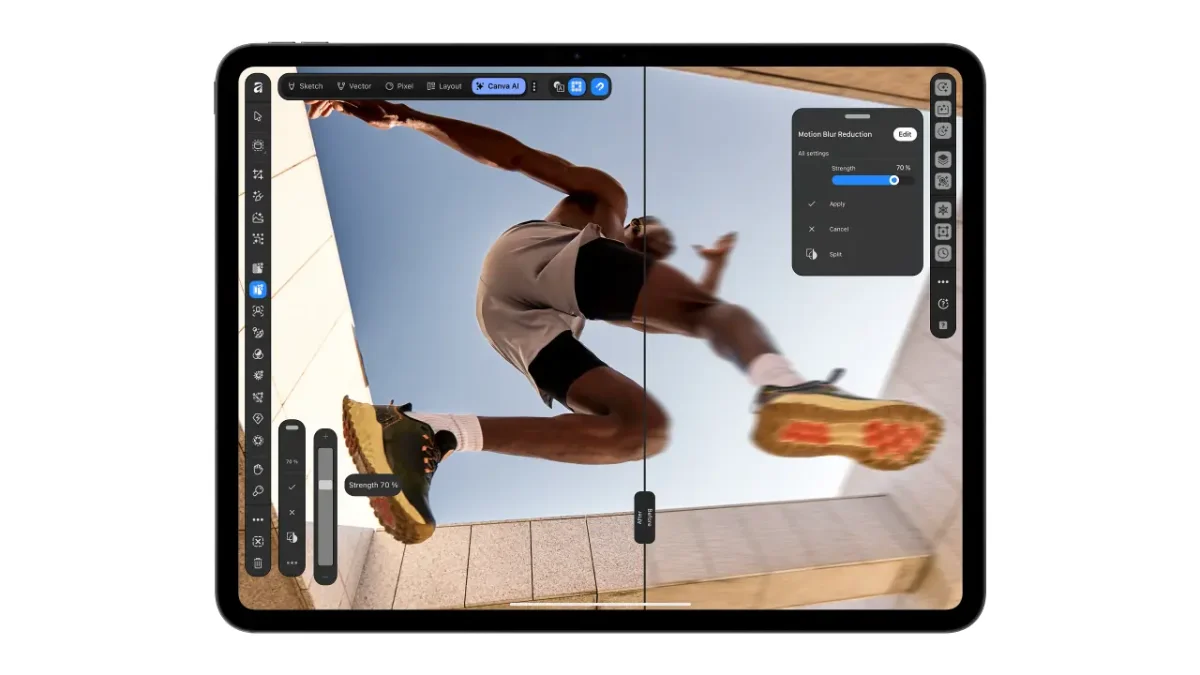
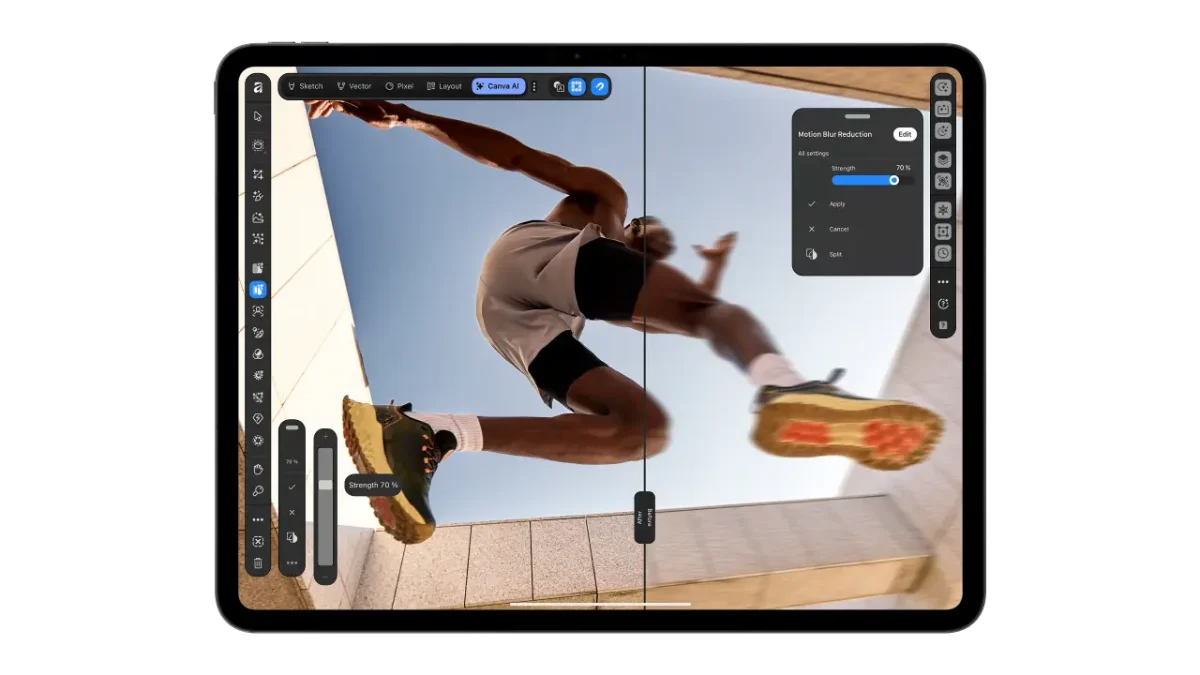
AI arrives in the iPad app through Canva AI Studio. Its tools include Generative Expand, image upscaling for low-resolution references and textures, motion blur, noise reduction and Decompose Layer, which separates a flat image into editable layers. Canva describes these tools as handling time-consuming tasks while leaving creative control with the user. The account requirement makes the distinction between the free core app and the optional AI capabilities especially relevant for anyone planning a workflow around those features.

Neil Ladkin, Affinity’s head of product design, framed the app around the small, repeated adjustments familiar to illustrators, including rotating a canvas to place a line. That focus on how people actually draw gives the product pitch a useful measure: the value will depend on whether touch controls, live sketches and the four connected studios make those adjustments feel natural during real work.
Affinity for iPad is available now on the App Store. Designers can find more details on Affinity’s website. For illustrators weighing a new tablet workflow, the clearest place to start is a project that moves between drawing, vector cleanup and layout: the app’s promise rests on keeping those stages connected in one file.