11 Presentation Tools Compared: How AI, Collaboration and Design Shape Better Decks
Noted by Zain Zia · 553 reads
Compare 11 presentation tools for AI drafting, team collaboration, visual design and pitch analytics to find the right fit for your work.
Presentation tools have changed because the work around them has changed. Teams now build decks across time zones, share ideas asynchronously and increasingly turn to AI to get a first draft on the page. That shift matters more than a longer template list: it changes how a presentation gets made, reviewed and watched.
Over the past 18 months, I’ve tested dozens of tools. This guide compares 11 options available in 2026, with a look at what each does well, who it suits and whether its price makes sense. The ratings and comparisons below reflect features available on October 2, 2026; software changes quickly, so check current product details before choosing.
At a glance
Visme: For branded decks and reports that need interactivity, a broad asset library and AI design tools.
Prezi: For non-linear, motion-led storytelling, especially when keeping a sales prospect engaged matters.
Google Slides: For teams that need quick, collaborative decks and easy access across locations.
Apple Keynote: For Apple users who want polished animation in a presentation app included with their devices.
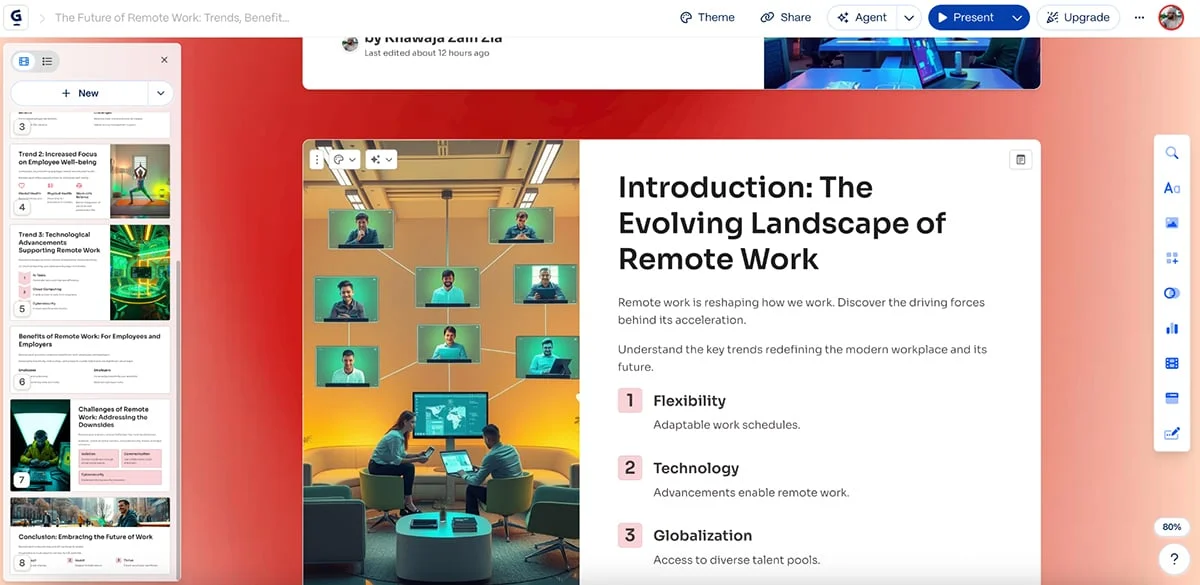
Gamma: For turning text prompts into presentations and documents with AI.
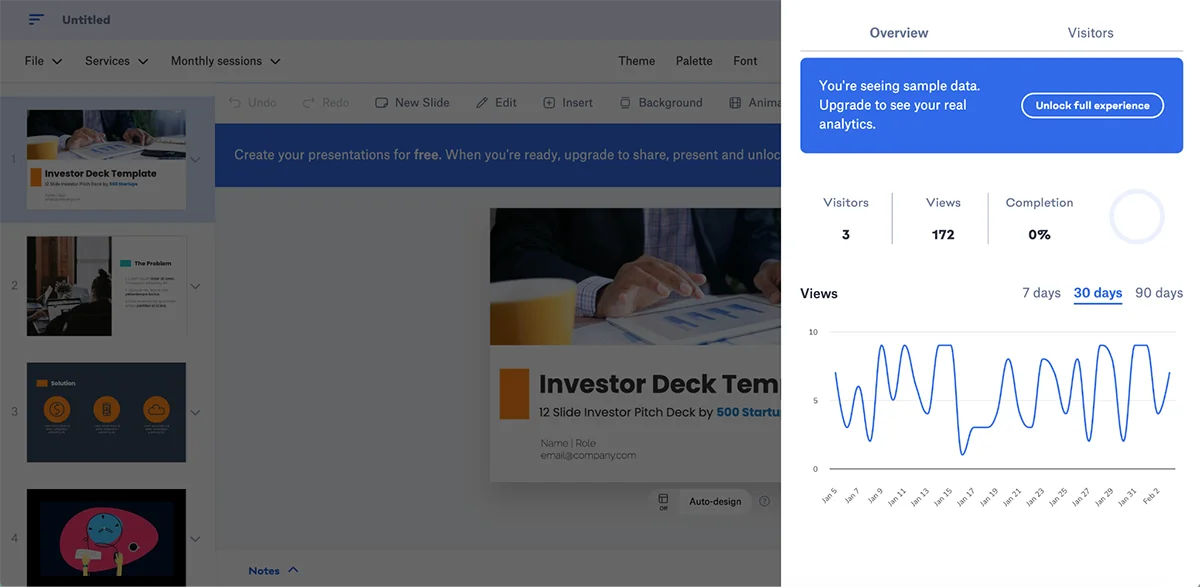
Slidebean: For startup founders building investor decks, with AI layouts and pitch analytics.
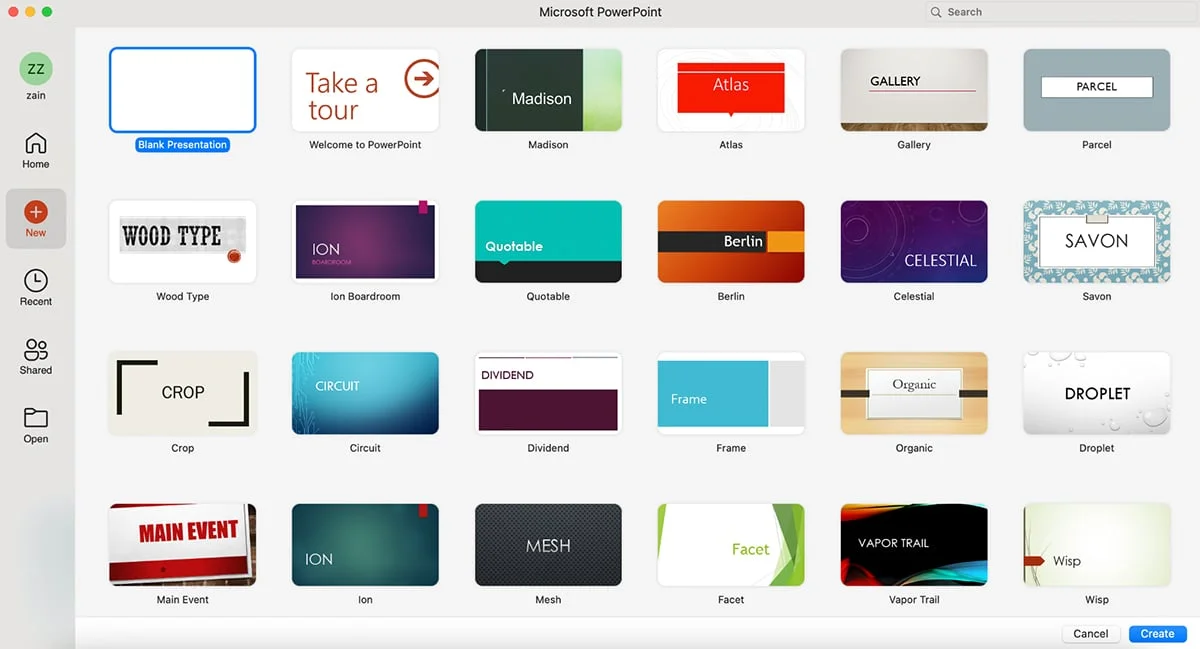
Microsoft PowerPoint: For traditional presentations, advanced features and deep Microsoft Office integration.
Zoho Show: For teams in the Zoho ecosystem that want a cloud presentation tool connected to Zoho CRM.
Beautiful.ai: For business decks that need consistent formatting and layouts that adjust automatically.
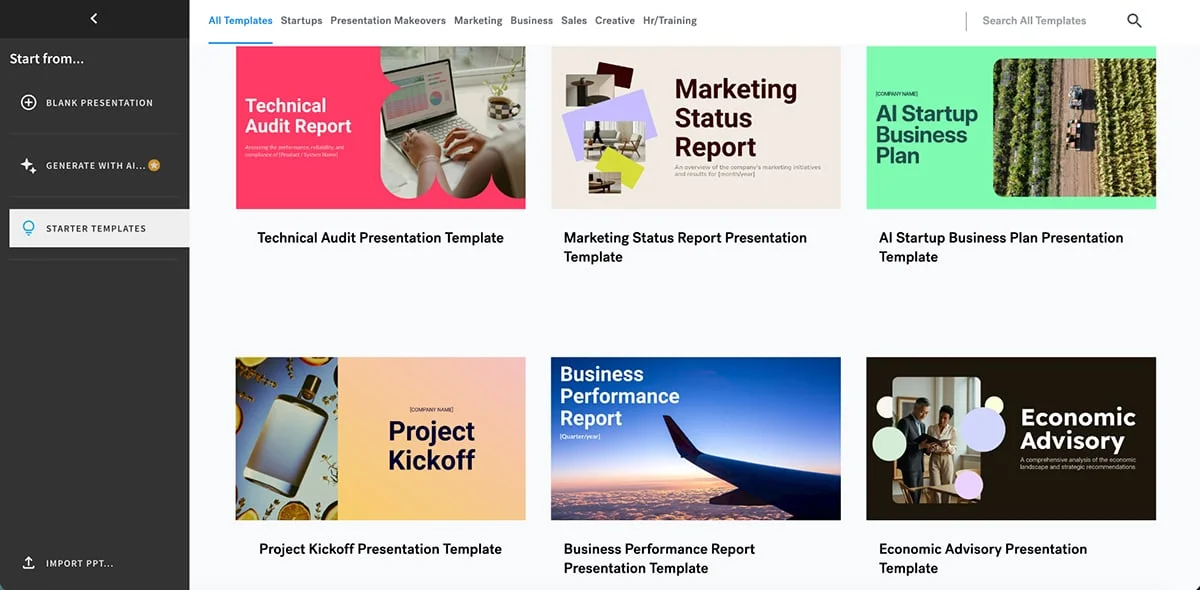
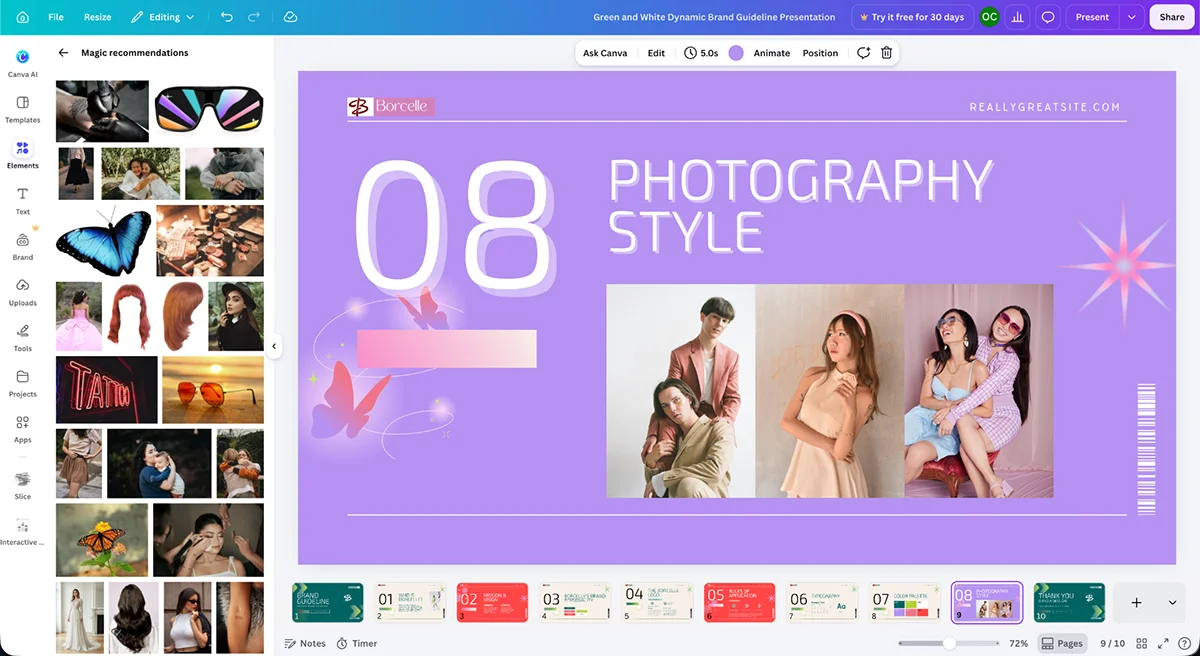
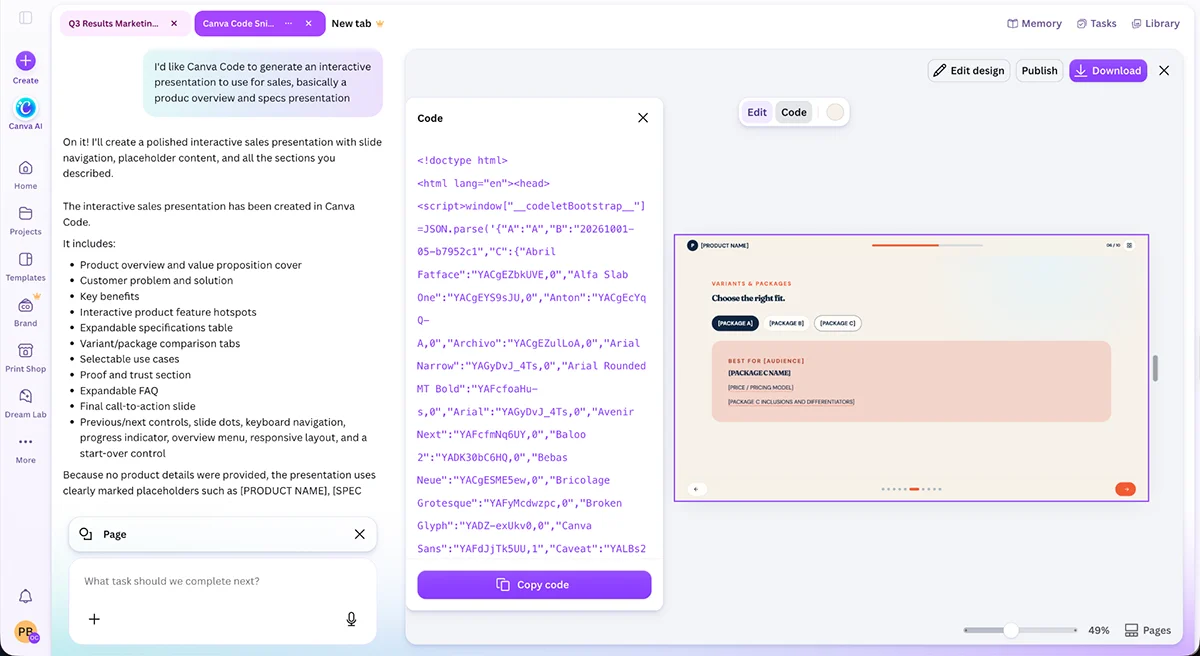
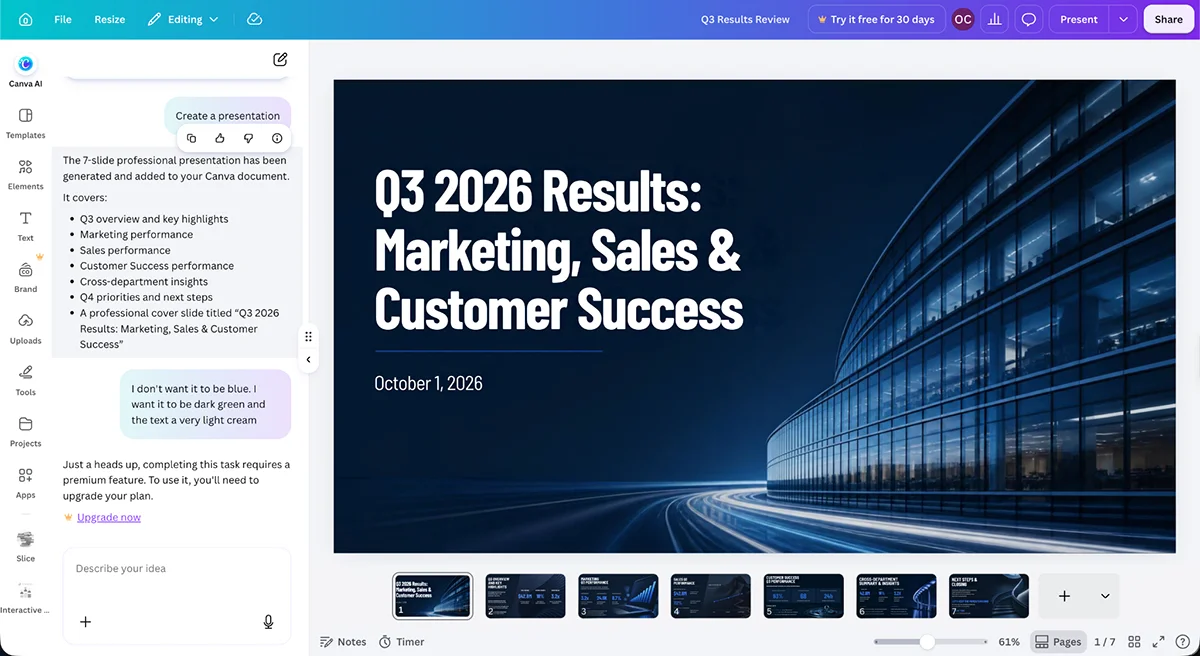
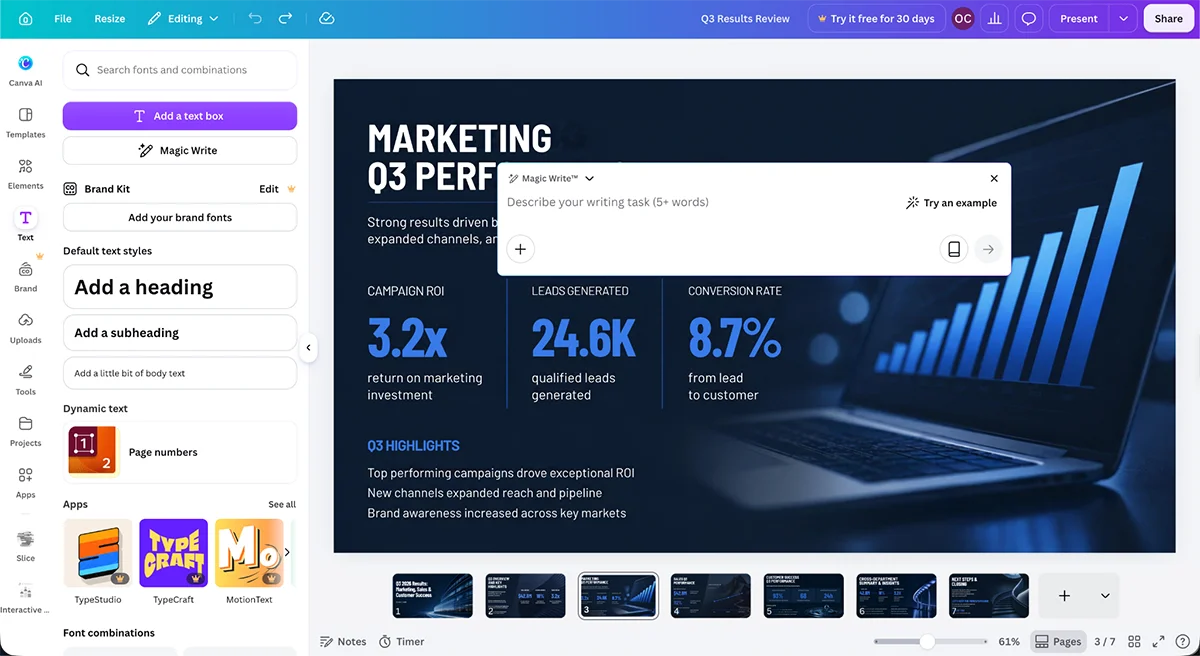
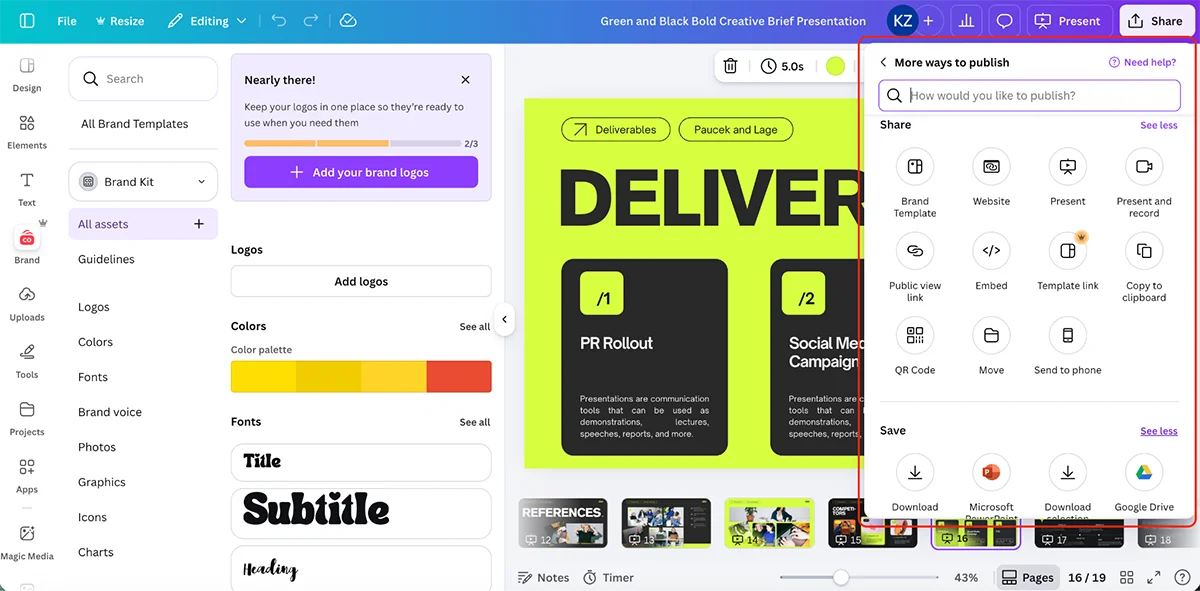
Canva: For quickly making visually rich decks and graphics from a large template library.
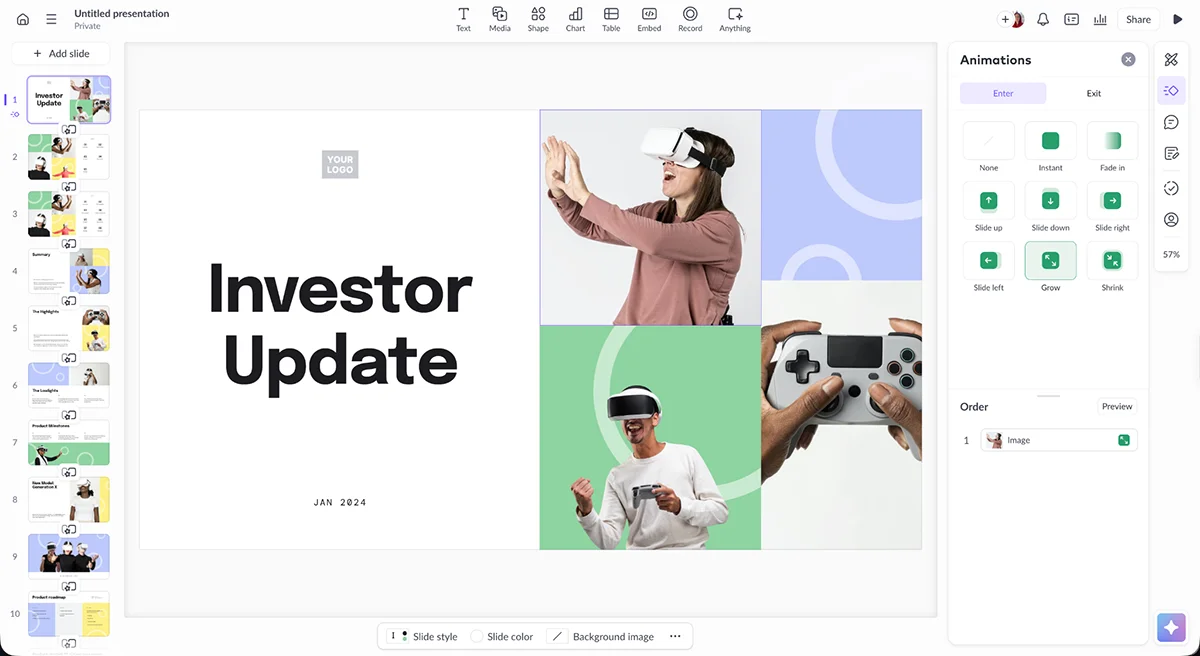
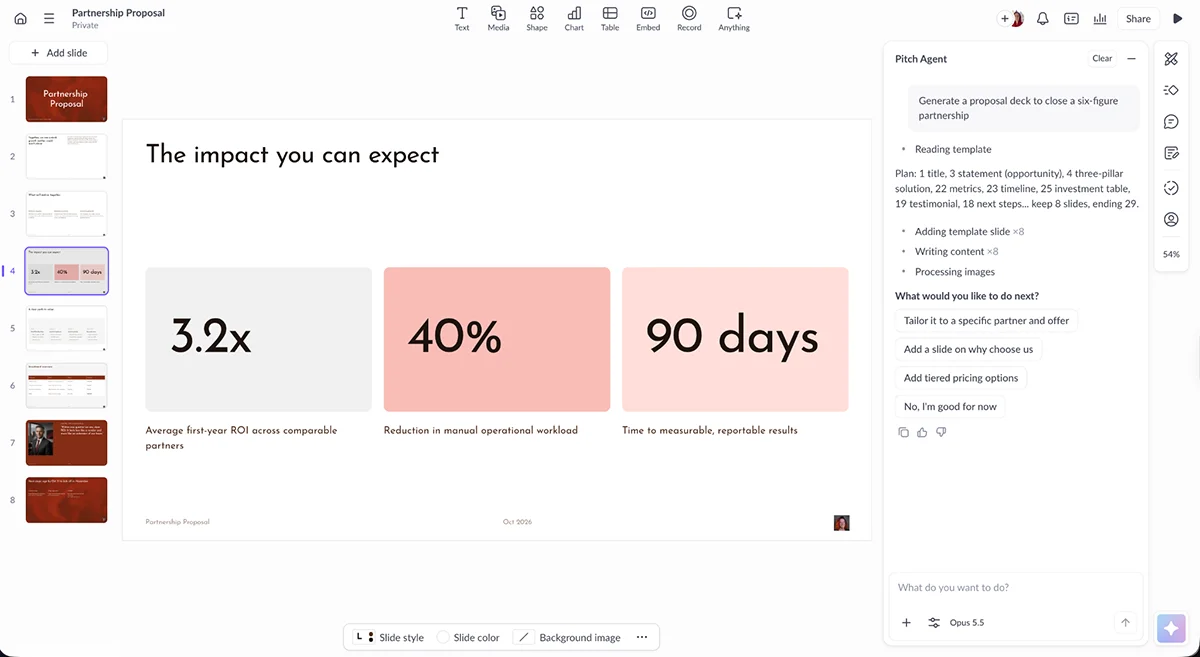
Pitch: For startups, sales teams and agencies collaborating on decks and tracking prospect engagement.
SlidesAI: For generating slides from text within Google Slides or PowerPoint.
How the tools compare
Software
What sets it apart
Best suited to
Pricing
G2/Capterra rating
Visme
AI tools, animation and interactivity, a branded content hub and a large collection of design assets
Solopreneurs, marketing teams, agencies, small businesses and enterprises
About these comparisons: Ratings and product details are based on features available as of October 2, 2026. The assessment draws on hands-on use, research and reputable sources. Since products and pricing change, verify the current details against your own needs.
How I tested the presentation tools
I started by signing up for each product with a free account or trial when one was available without a credit card. Then I explored its templates, built at least one project and tried the creative assets, brand controls, AI features and collaboration tools. I also checked export formats and sharing options, including links and embeds. When a feature sat behind a paywall, I looked into user reports instead of treating it as tested firsthand.
I assessed each tool across six practical questions:
Criterion
What I looked at
Ease of use
How quickly I could produce a finished deck without relying on a tutorial
AI usefulness
How much revision the generated material needed before it was usable
Design and customization
Template quality, available assets, brand controls and animation choices
Collaboration
Co-editing, comments, user permissions and approval steps
Sharing and export
File formats, live links, embeds, privacy settings and analytics
Value for money
What the free plan offers and what each paid tier adds
A human wrote and edited this article for human readers. Now, here’s a closer look at the tools, starting with Visme.
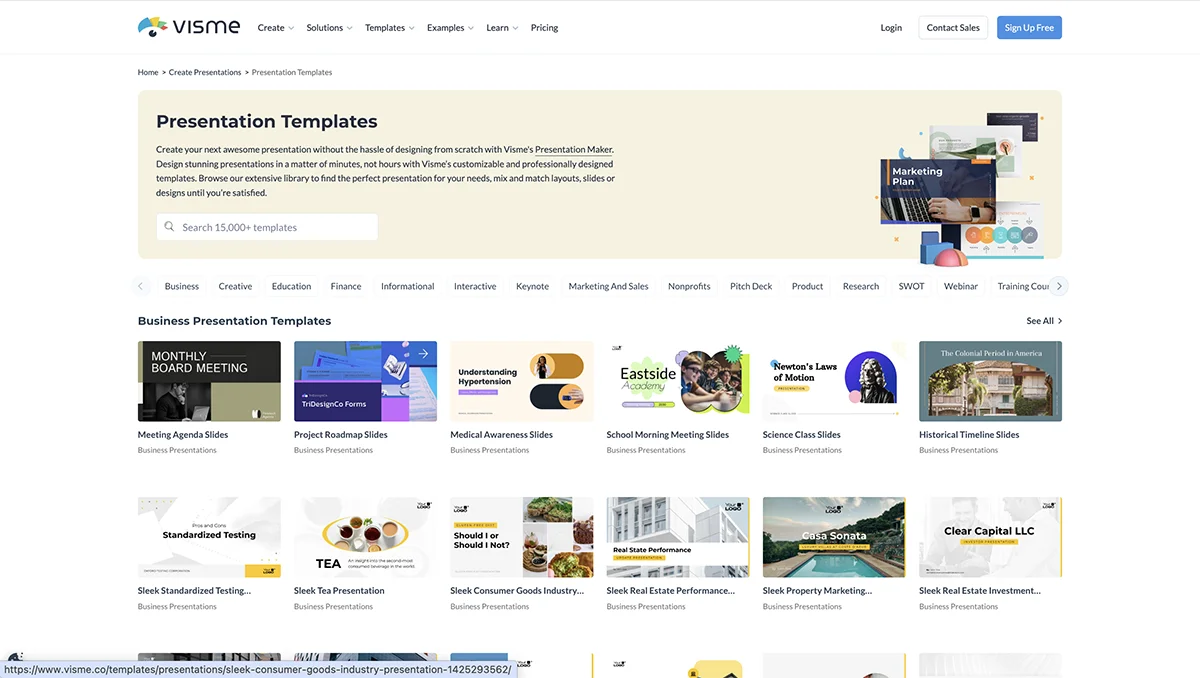
Visme combines presentation creation with broader content tools. Its offer includes 10,000+ professionally made templates, a deep visual asset library and a suite of AI features. That range gives it room to serve more than slide decks, though the real question is whether all those options help your team work faster.
The range stretches from executive presentations and pitch decks to teaching materials. The useful part isn’t only the number of templates: their layouts give you a workable structure to adapt. Add your brand identity, change the copy and imagery, and you can get to a customized starting point quickly.
Asset library
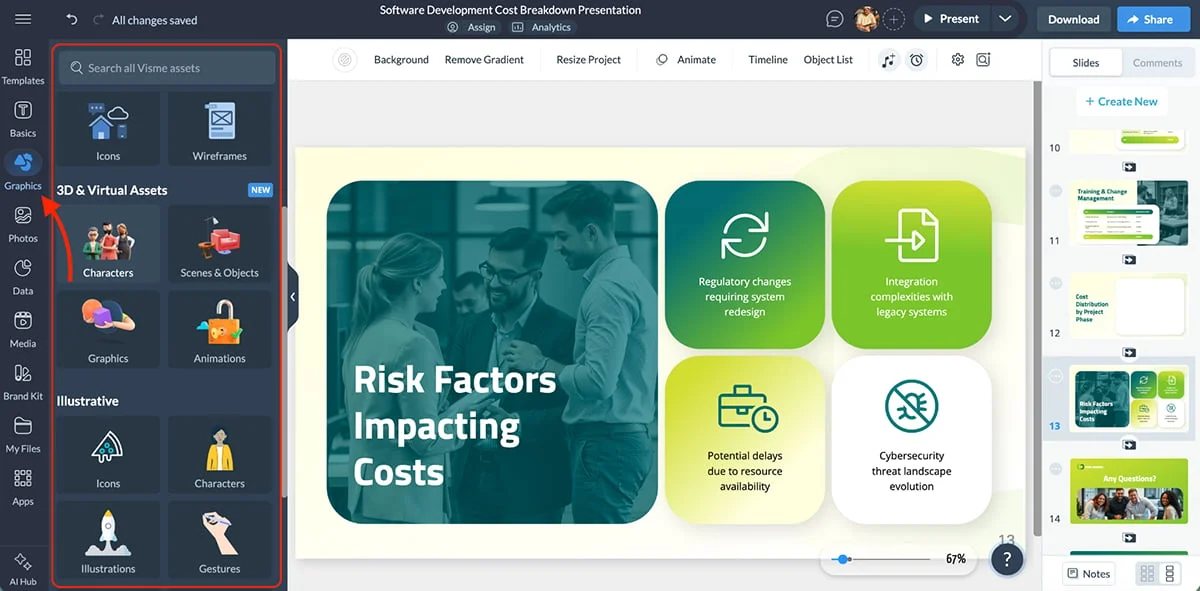
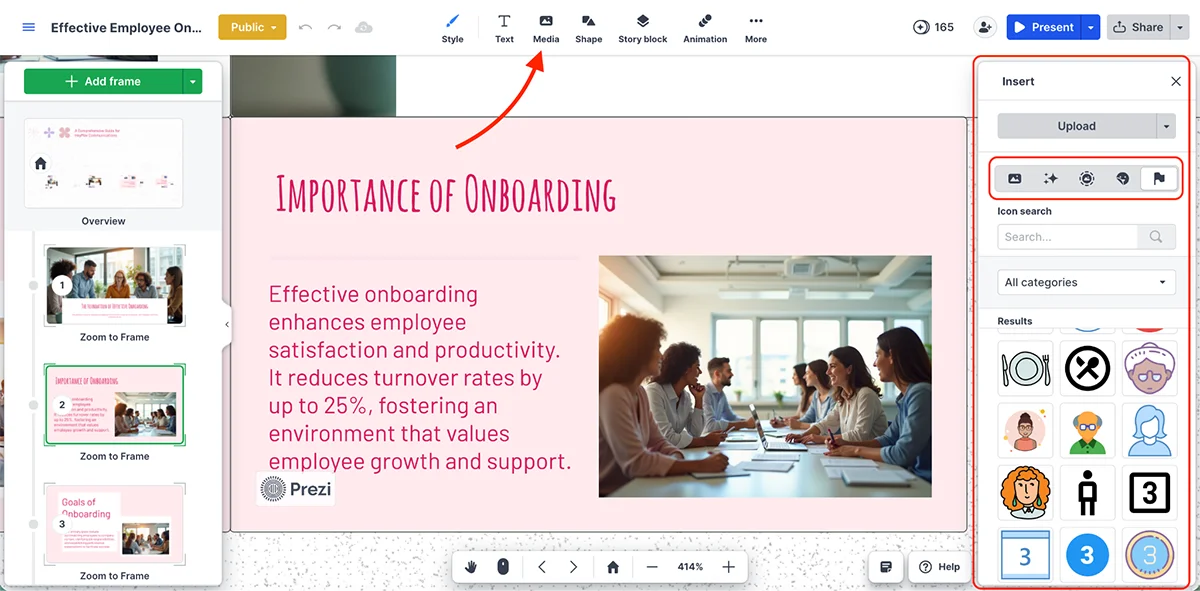
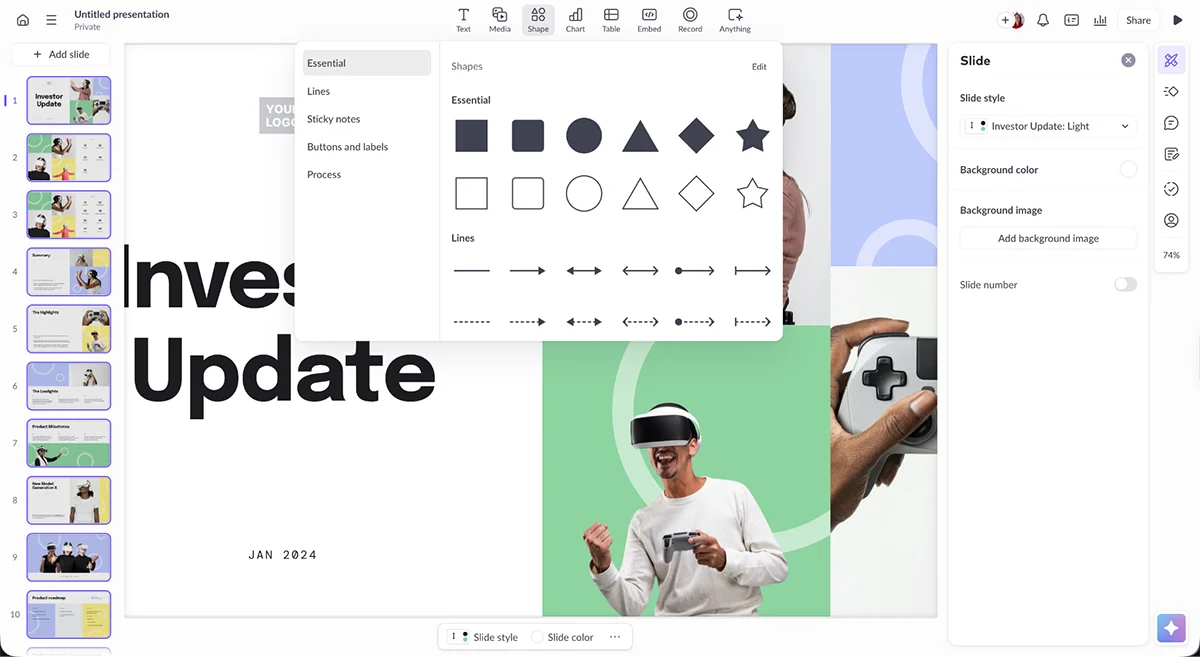
Visme’s asset library is one of its strongest selling points. Its icon library offers millions of static and animated icons, with controls for size, color and other adjustments.
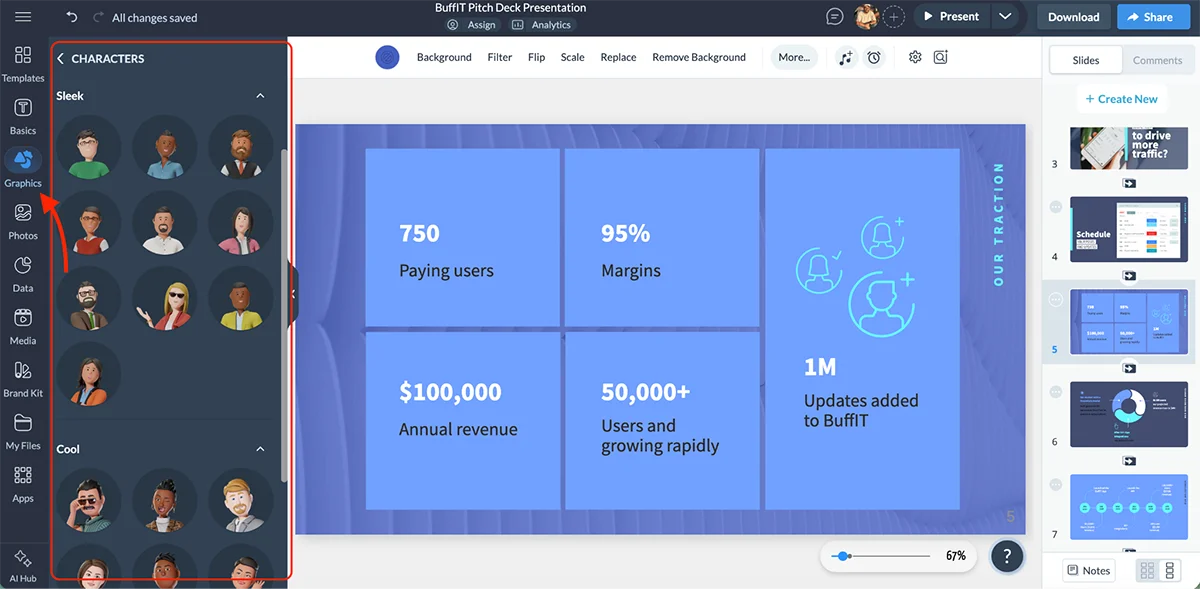
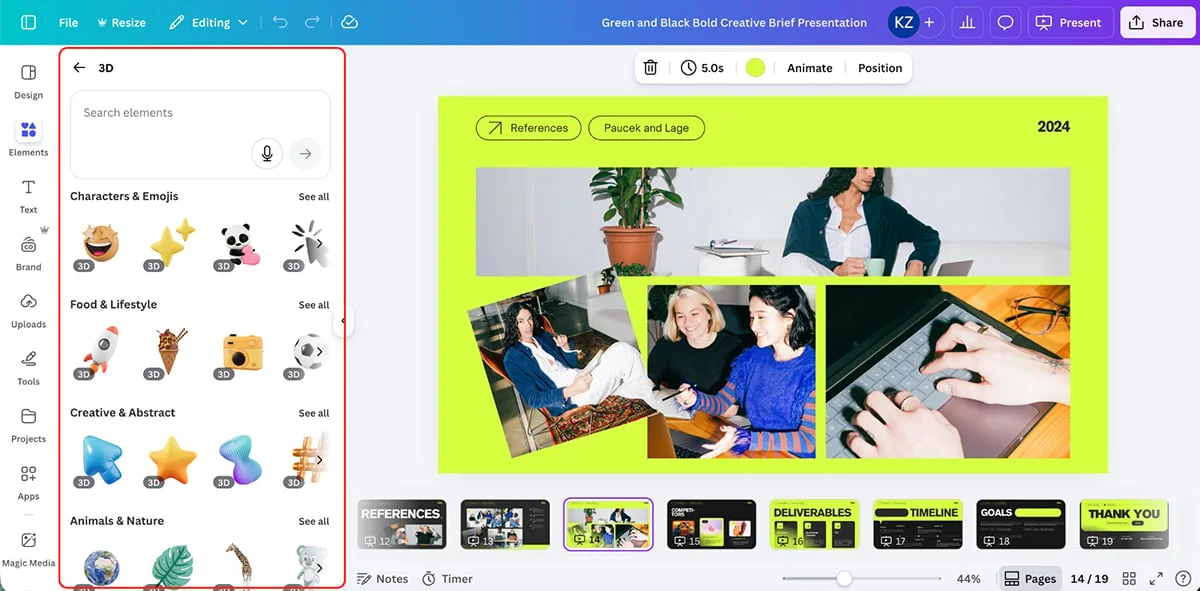
For dimensional artwork, there are 3D assets and a 3D Character Creator for building characters from scratch. Those may be useful in storytelling and training materials, where a custom visual can give a presentation a more distinctive voice.
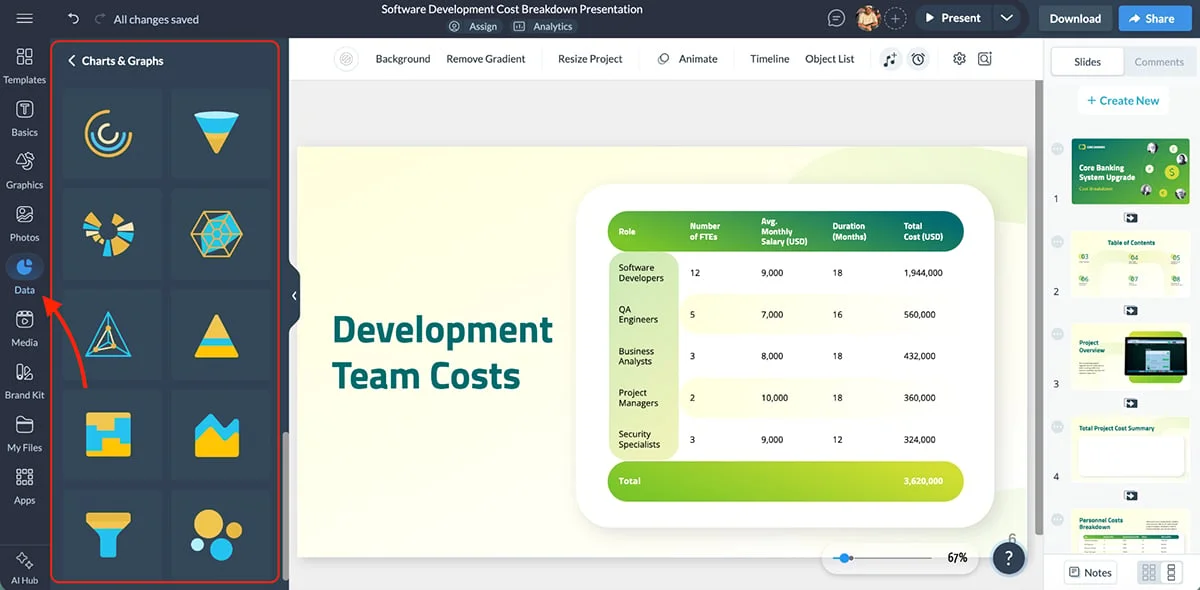
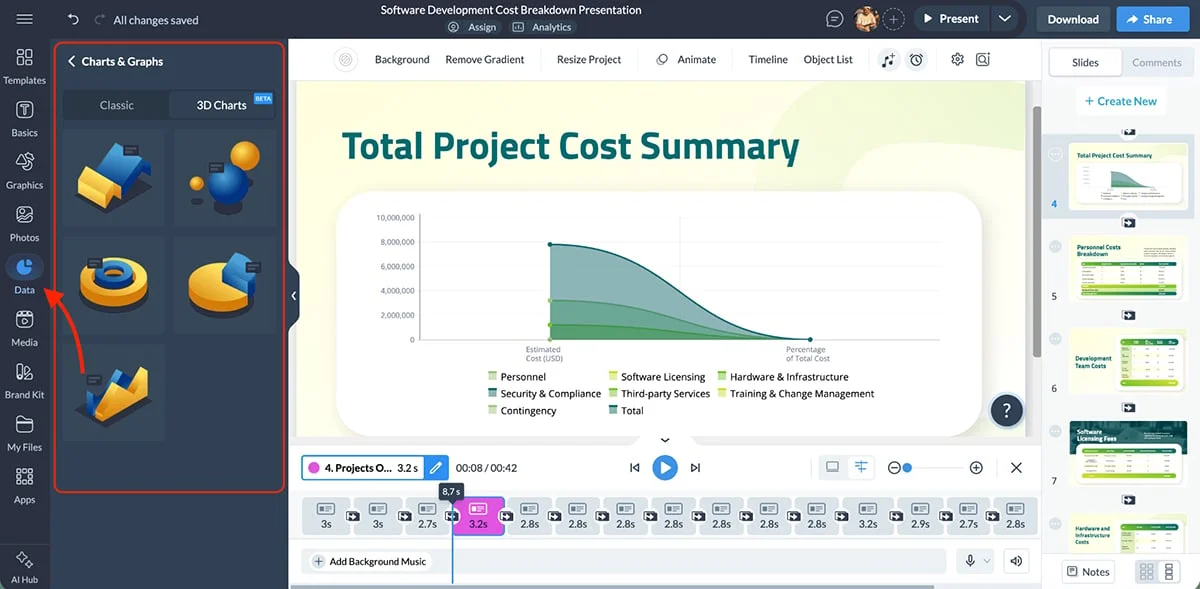
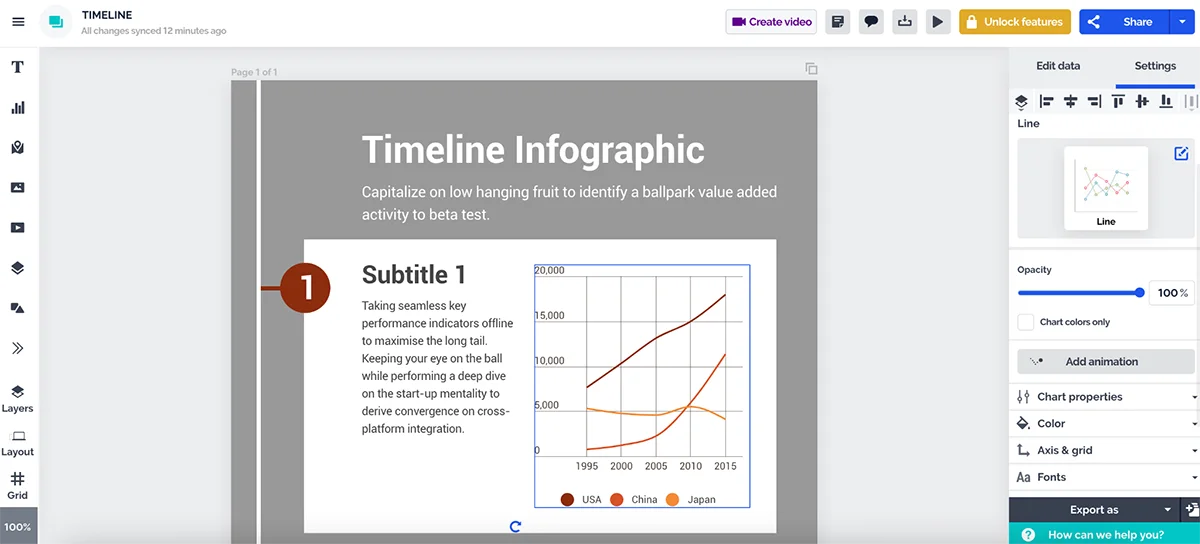
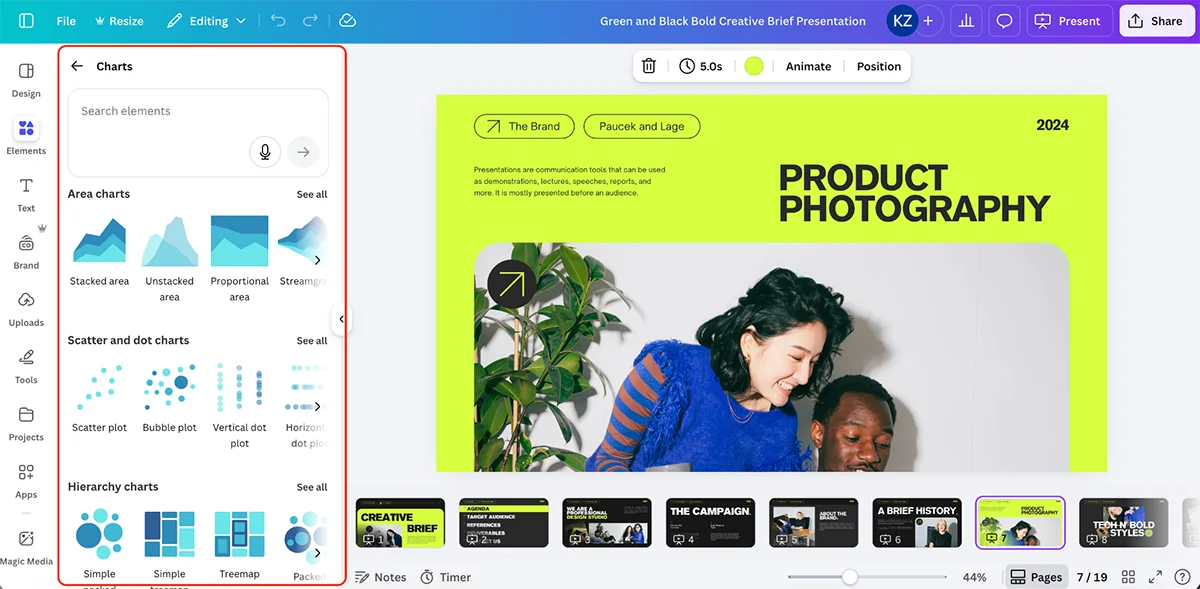
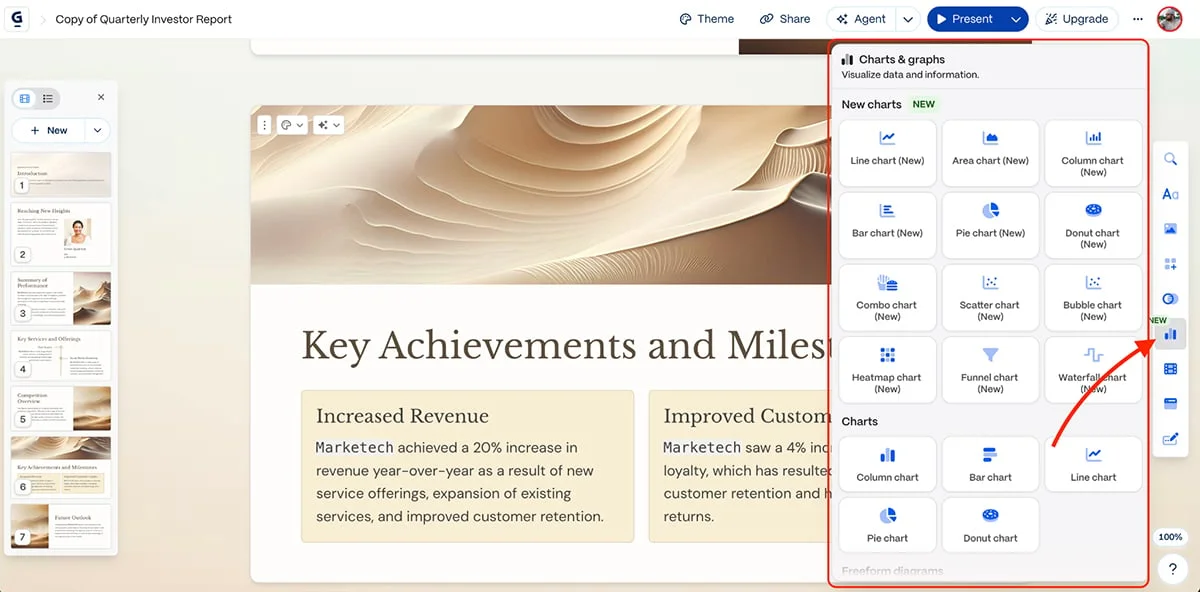
Data displays get a similar breadth of options. Visme lists more than 40 chart and graph types in its data visualization tools, plus a 3D chart maker for presenting complex figures with added depth.
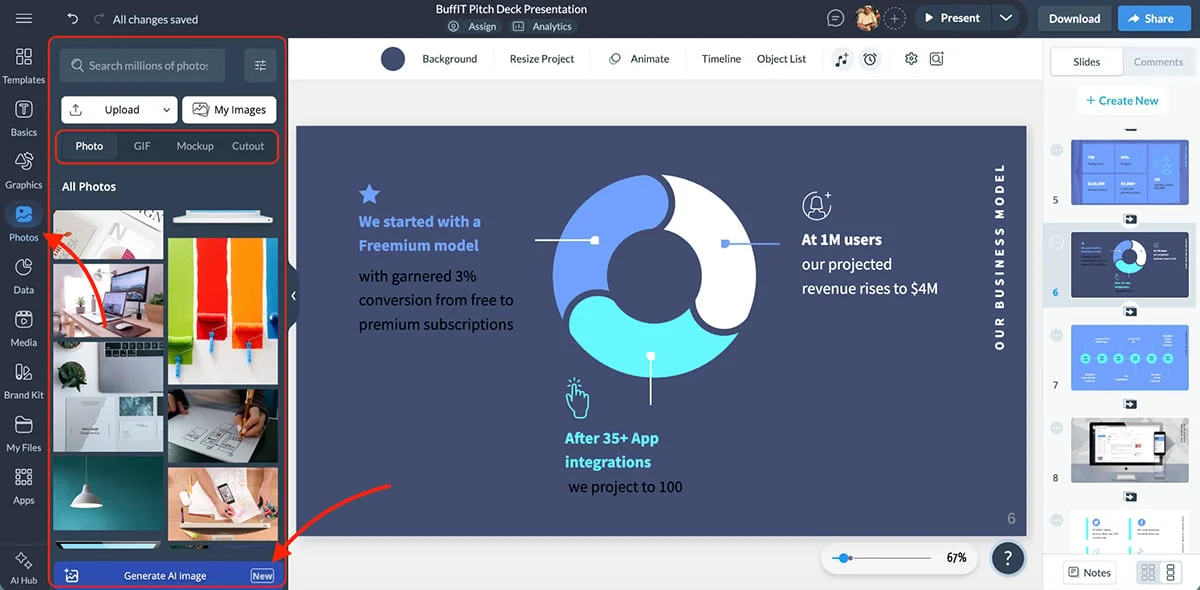
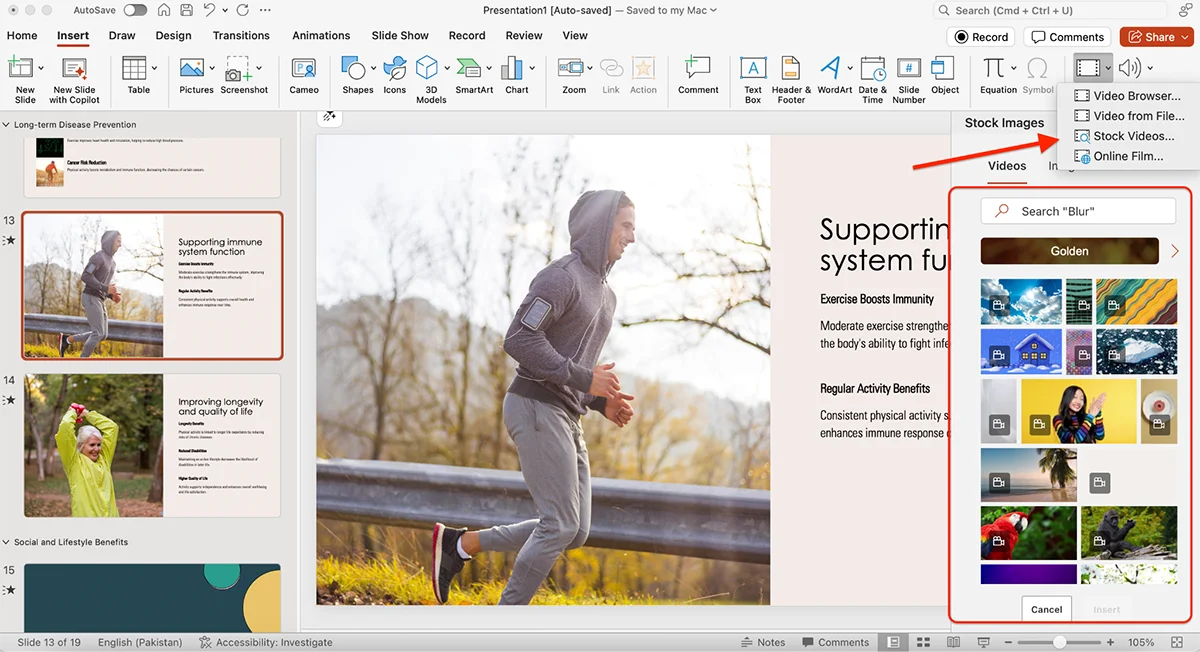
The library also includes millions of stock photos and videos through its media collection.
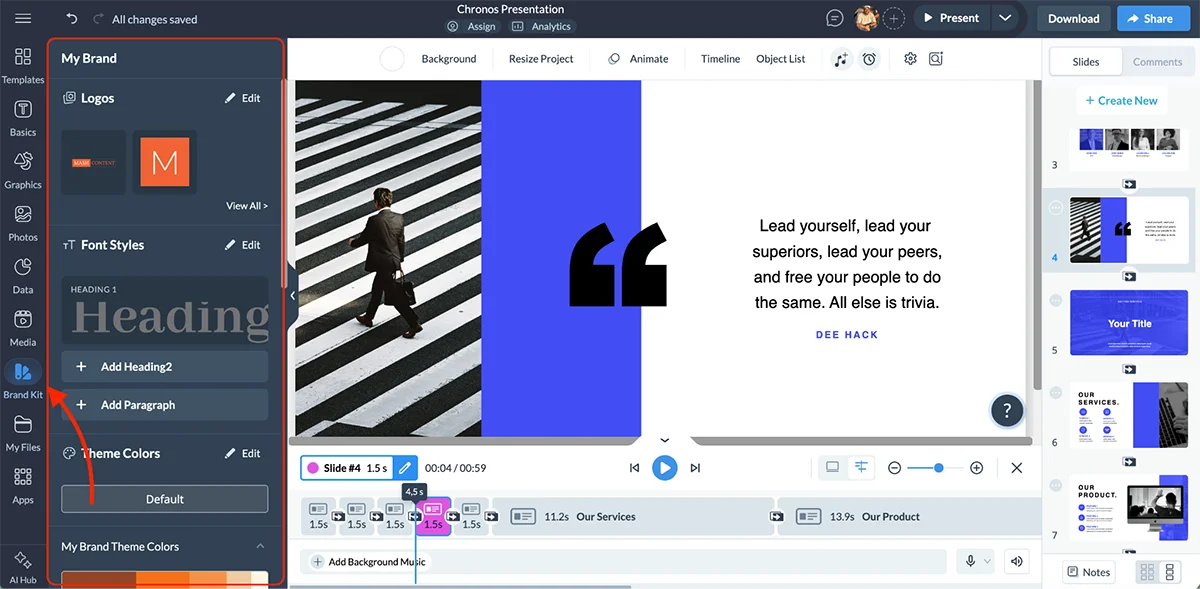
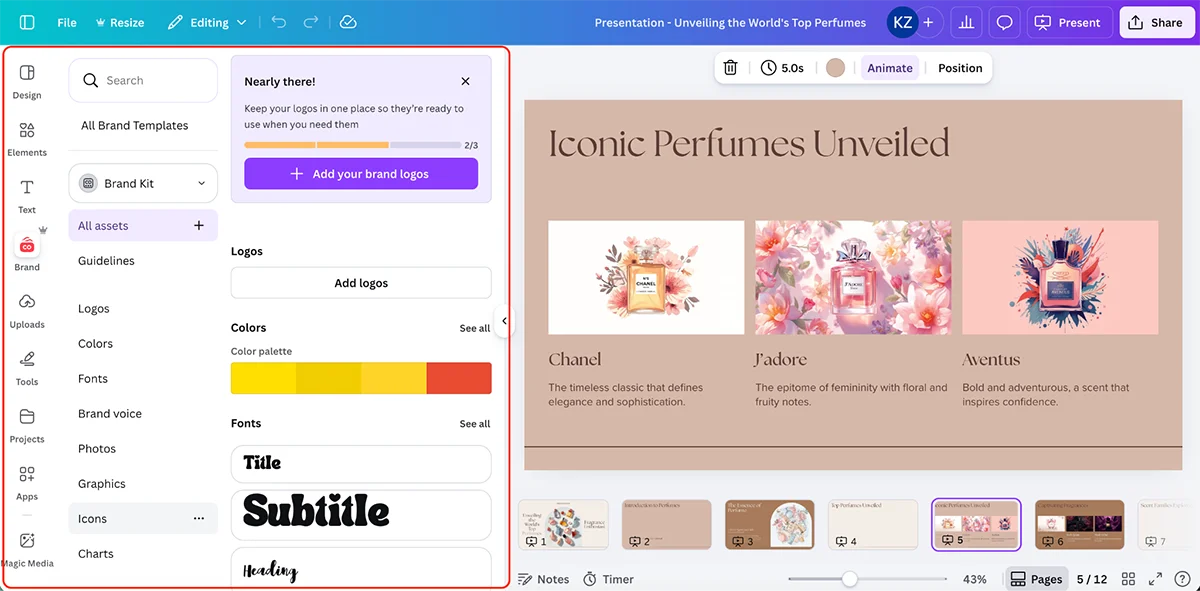
The Brand Kit keeps logos, colors, fonts, icons and images together so they can be applied across projects.
For a team, shared brand assets can reduce drift between presentations and cut down on the back-and-forth involved in getting everyone to follow the same visual rules.
Animation and interactivity
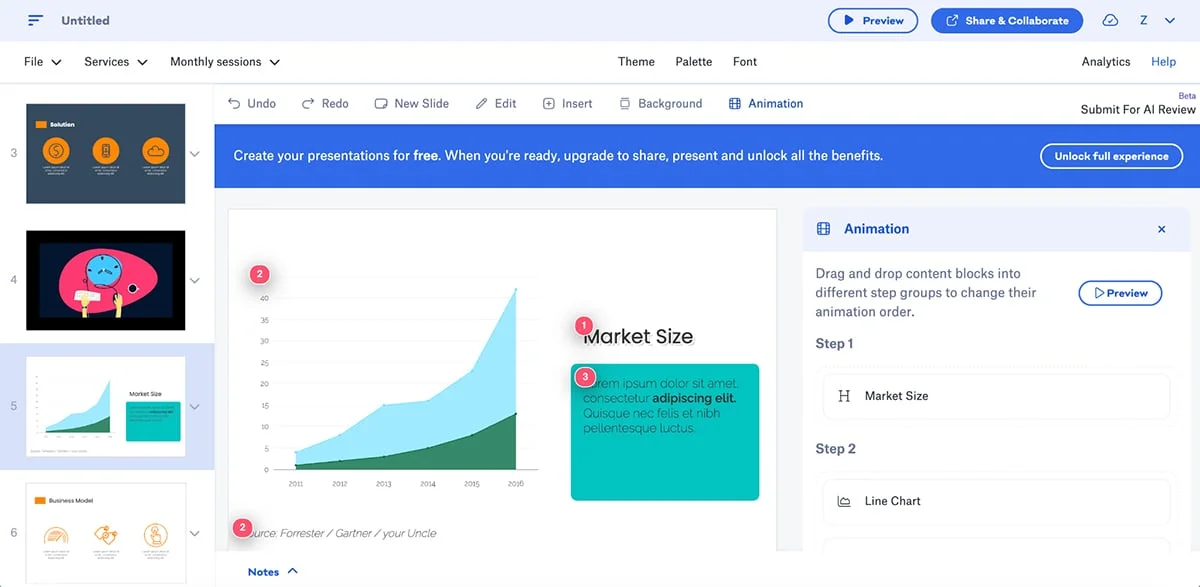
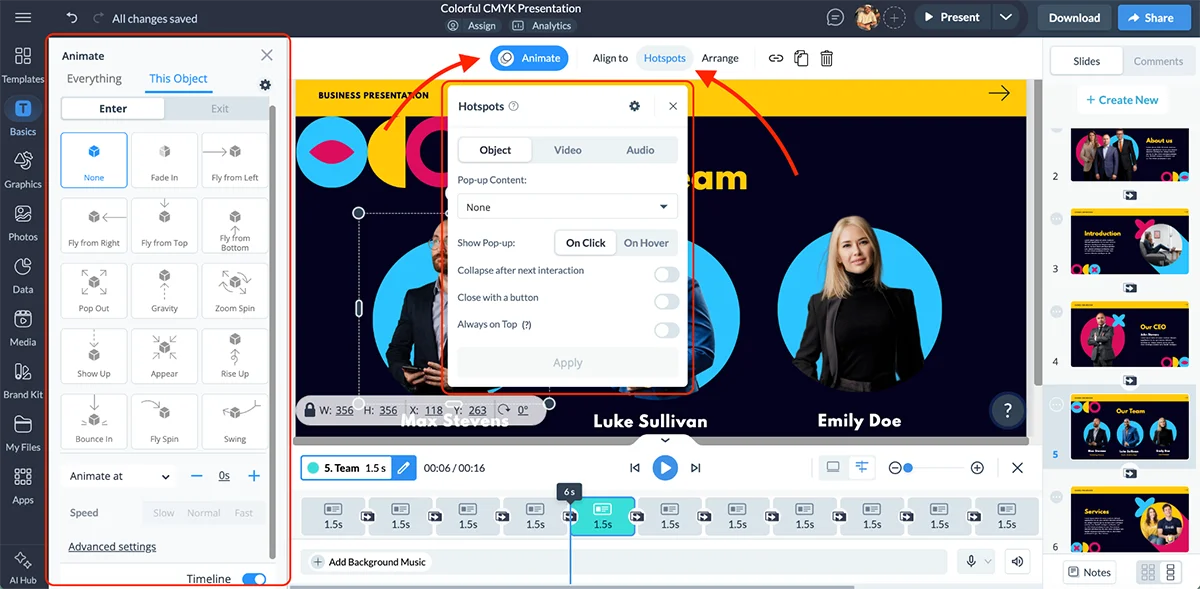
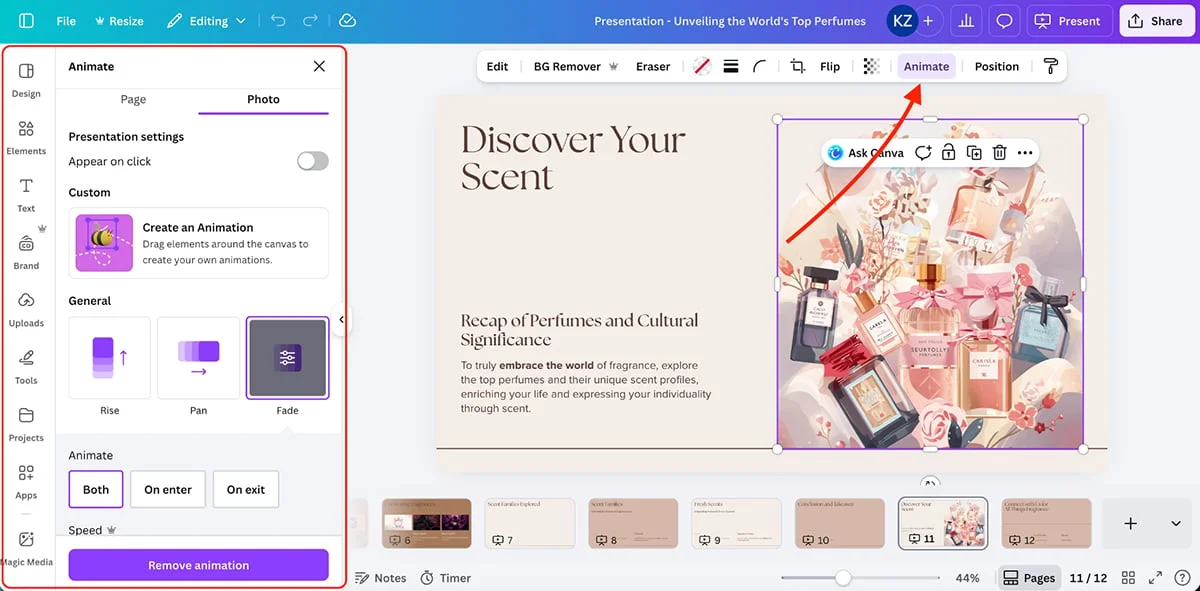
Visme’s interactive features are a meaningful distinction in a Visme versus Canva comparison. Slide transitions are part of the offer, but the controls extend to clickable pop-ups, links between objects and slides, embedded third-party content, custom motion and timed animation for individual objects.
Add hover states and clickable pop-ups.
Connect objects to slides or other content blocks.
That opens the door to interactive experiences built with Visme’s animation and interactivity tools. It’s a broader format than a conventional slide show, though the extra motion and interaction will only pay off when they serve the story.
AI tools
Visme puts its AI tools close to the start of the workflow: its updated dashboard lets you begin an AI-assisted project as soon as you sign in. The product’s 2026 updates also include SmartBlocks for grid-based layouts, a no-code microsite builder and a Brand Kit with expanded color-picking controls.
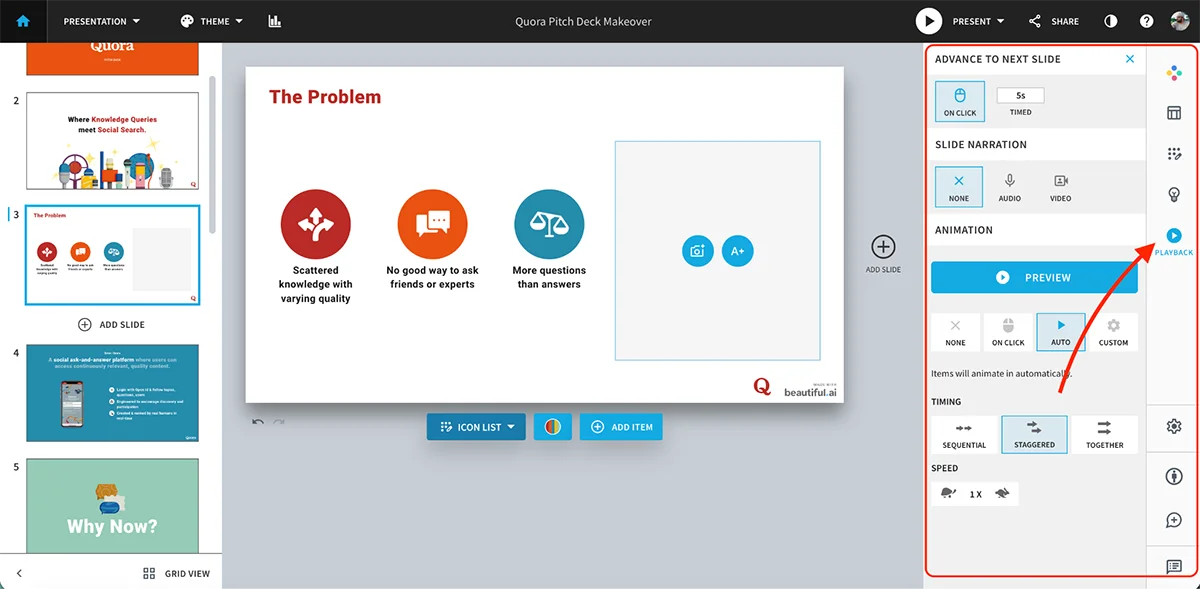
AI Presentation Maker
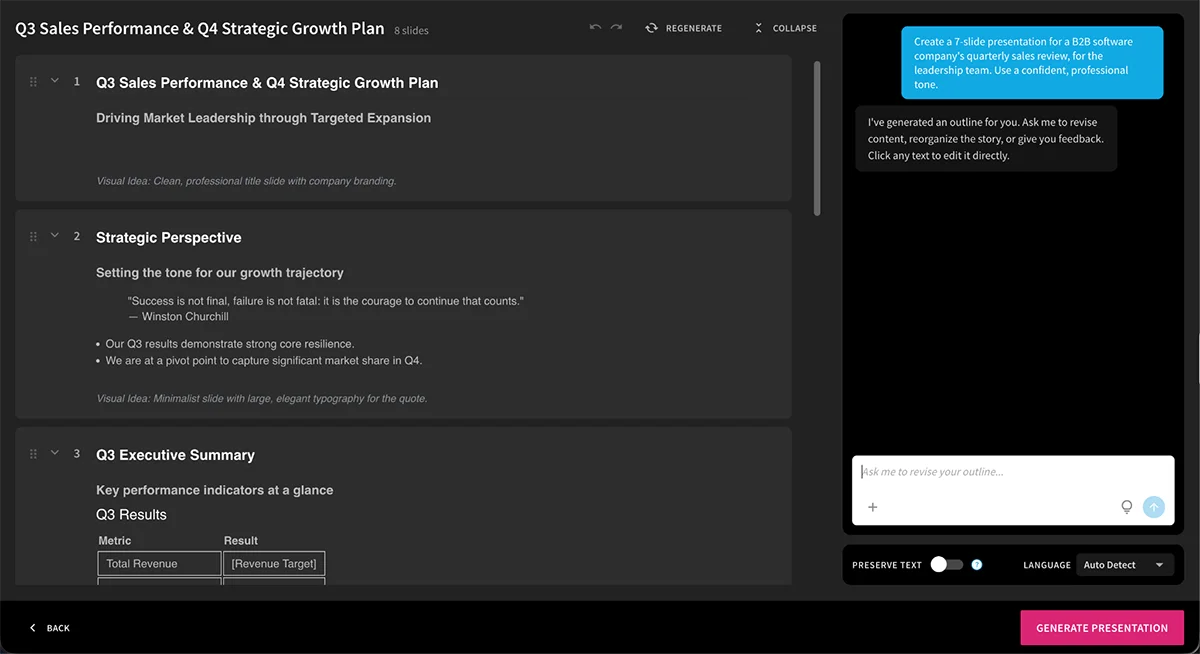
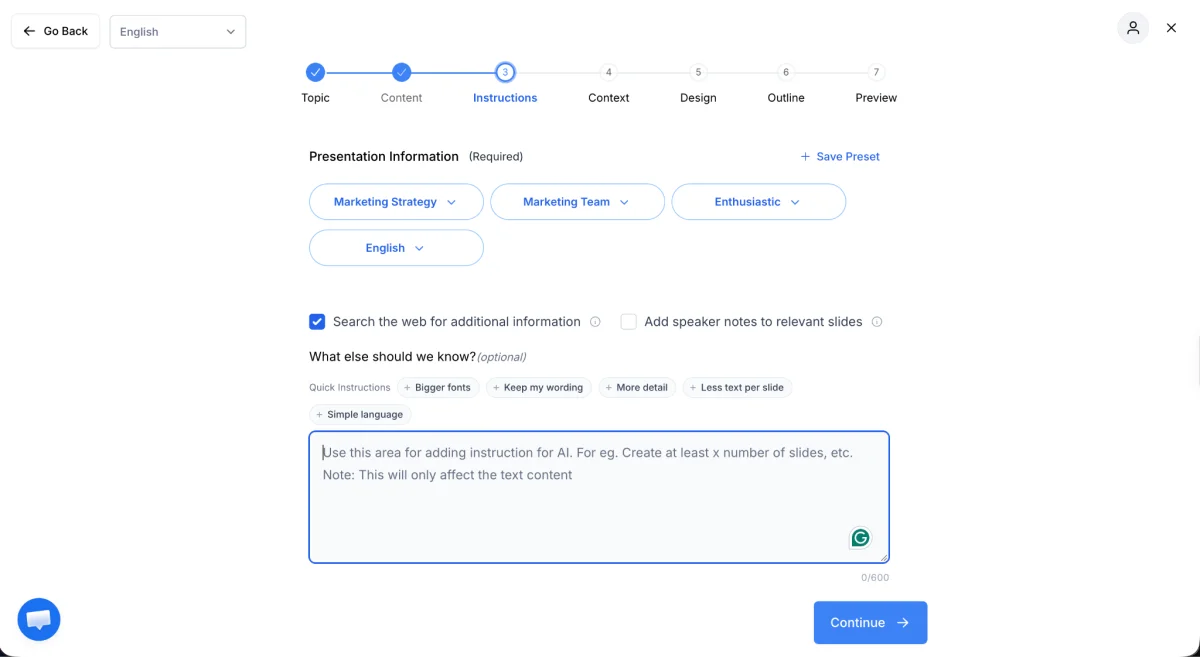
The AI Presentation Maker creates a draft deck from a written prompt in under two minutes. You describe the project, answer follow-up questions, choose a suggested visual style and get a first version to edit.
Each generation costs two AI credits and produces up to 10 slides. For a longer presentation, you can duplicate a slide and replace its content while keeping the layout consistent. Prompts with more detail tend to produce better results, and you can also provide source material by uploading documents or entering URLs.
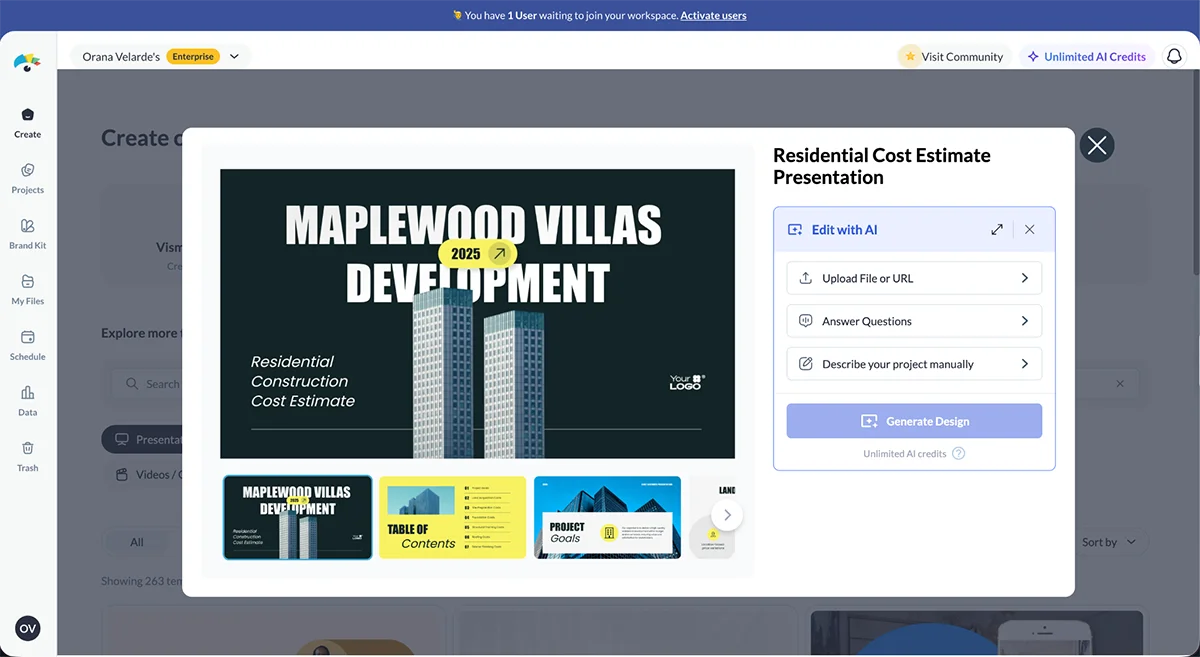
Edit with AI lets you adapt an existing Visme template through a chat about the project’s content and goals. You can provide a file, a URL, or a written description, then answer a few questions to guide the edits.
AI Image Generator
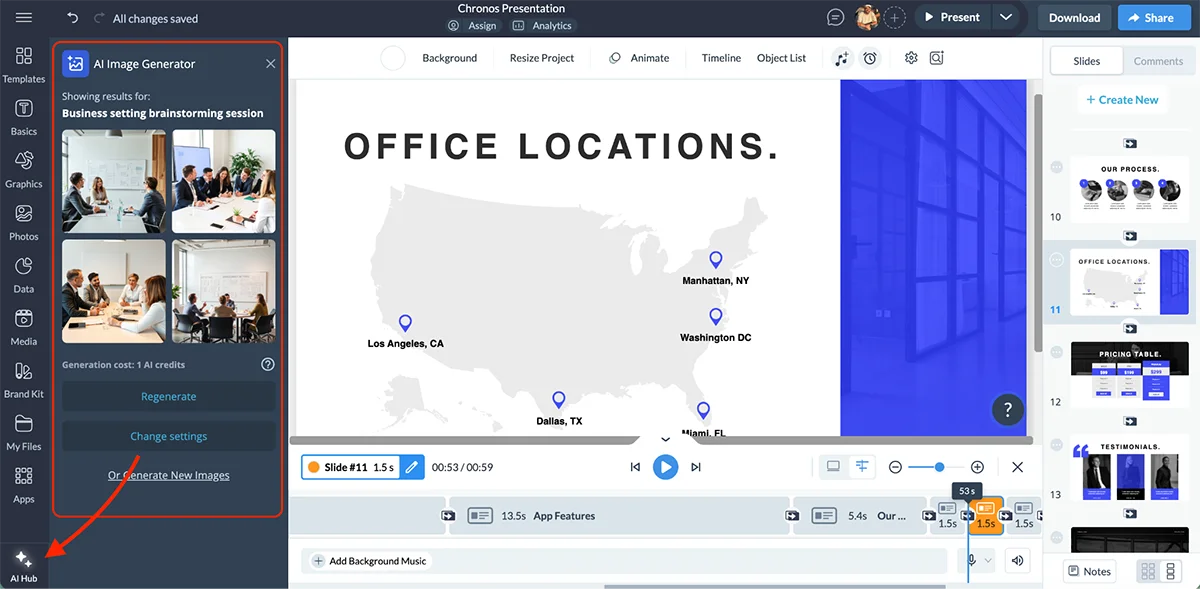
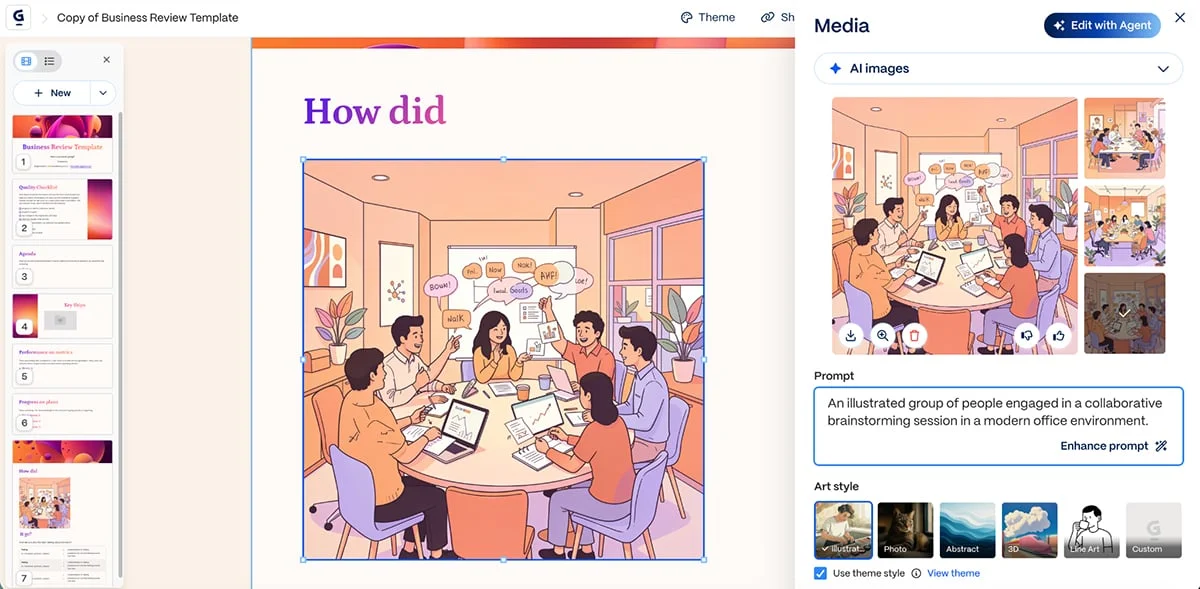
With the AI Image Generator, you can make visuals from a text prompt without leaving the editor. Choose an output style—such as photography, line illustration or 3D—and Visme generates an image for the deck. The results are saved in “My Files” for reuse in other projects.
AI Writer and speech tools
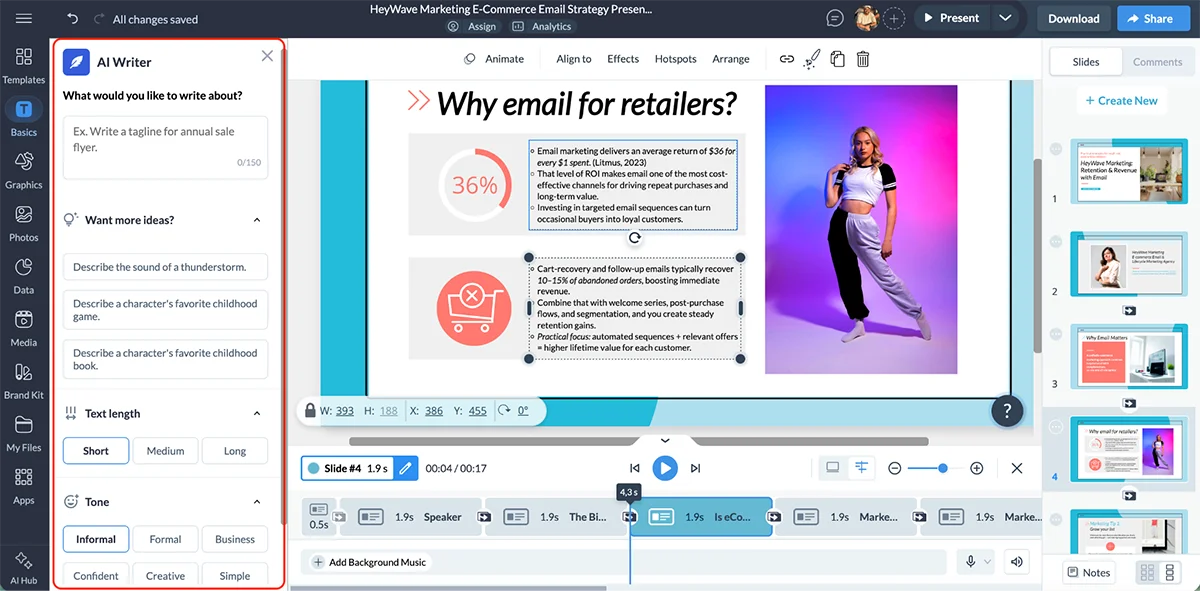
The AI Writer can draft copy, proofread, summarize long text, change its tone and suggest edits. It’s a convenient way to get past a blank page, though generated copy still needs a human pass.
Visme’s text-to-speech tool turns text into audio, with six voice options and automatic language detection. That can help with narrated presentations and accessibility-oriented content.
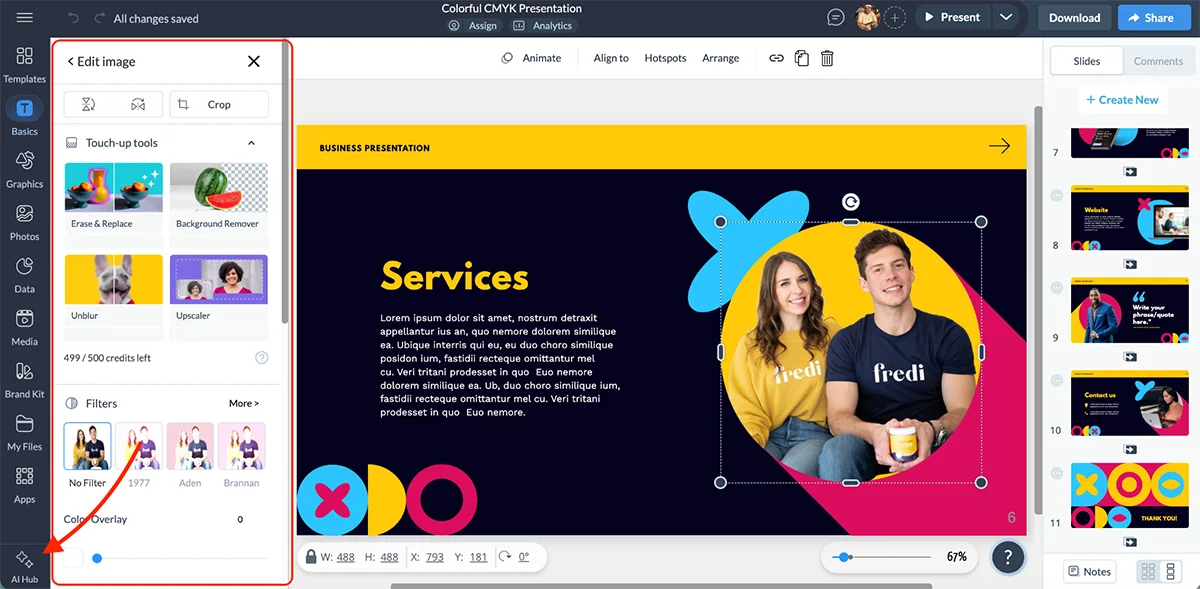
Visme’s AI is useful because it reaches across the presentation workflow: it can help shape a layout, draft copy, build a branding kit, and adapt a finished canvas for another format. Its image tools can remove backgrounds or unwanted objects, improve image quality, and sharpen blurry photos. AI TouchUp Tools handle those edits.
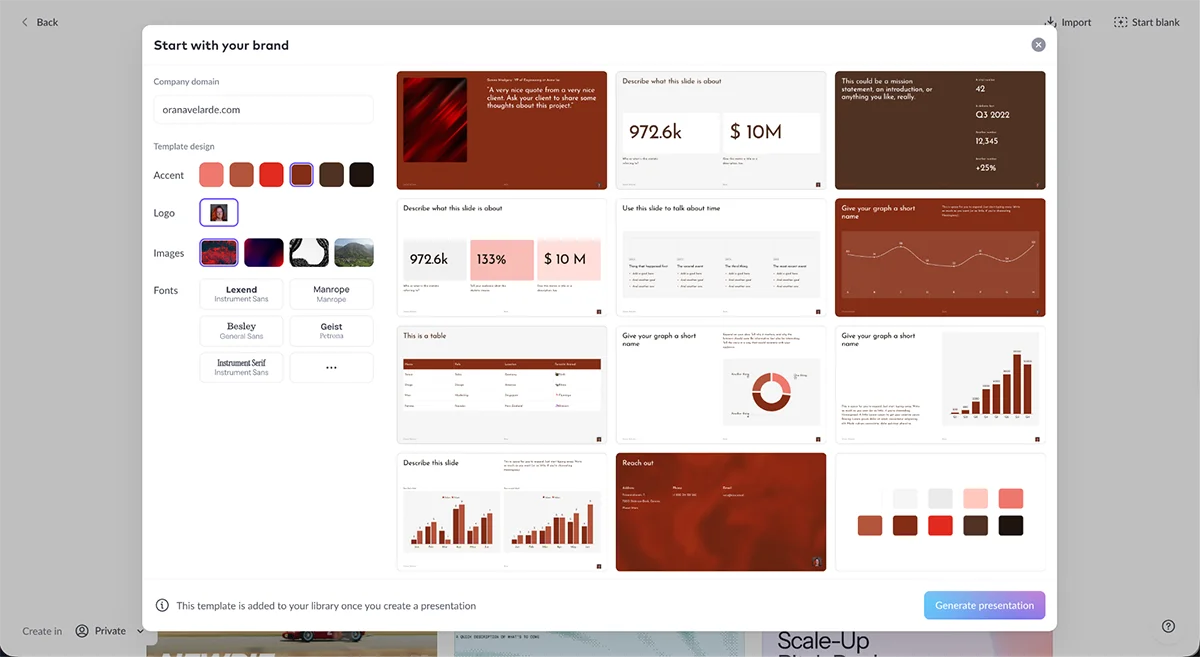
Brand Wizard reads fonts, colors, and styles from a website and applies them across templates. AI Resize adjusts the project canvas and its contents to new dimensions. That breadth matters: if you're building a presentation for several audiences or channels, fewer steps have to happen in separate tools. Visme also offers an original branding kit.
Sharing and Collaboration
Publishing and Exporting
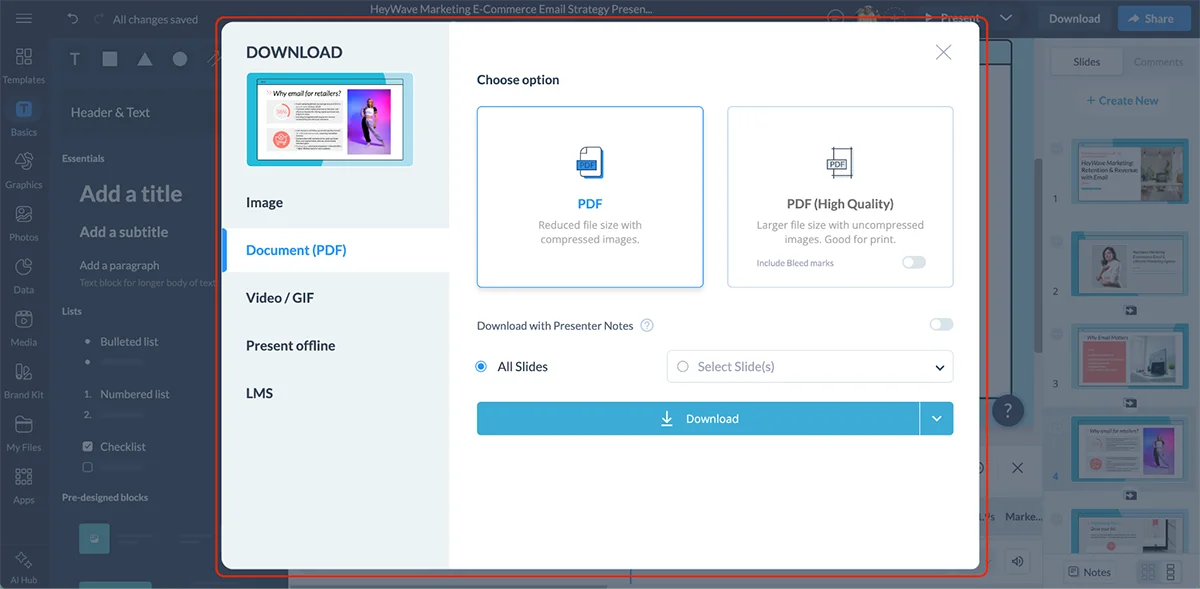
Visme lets you publish and share a presentation through a live link, embed it on a website, or post it to social media. Downloads include HTML5, PDF, PowerPoint (PPTX), JPG or PNG, MP4 video, and GIF.
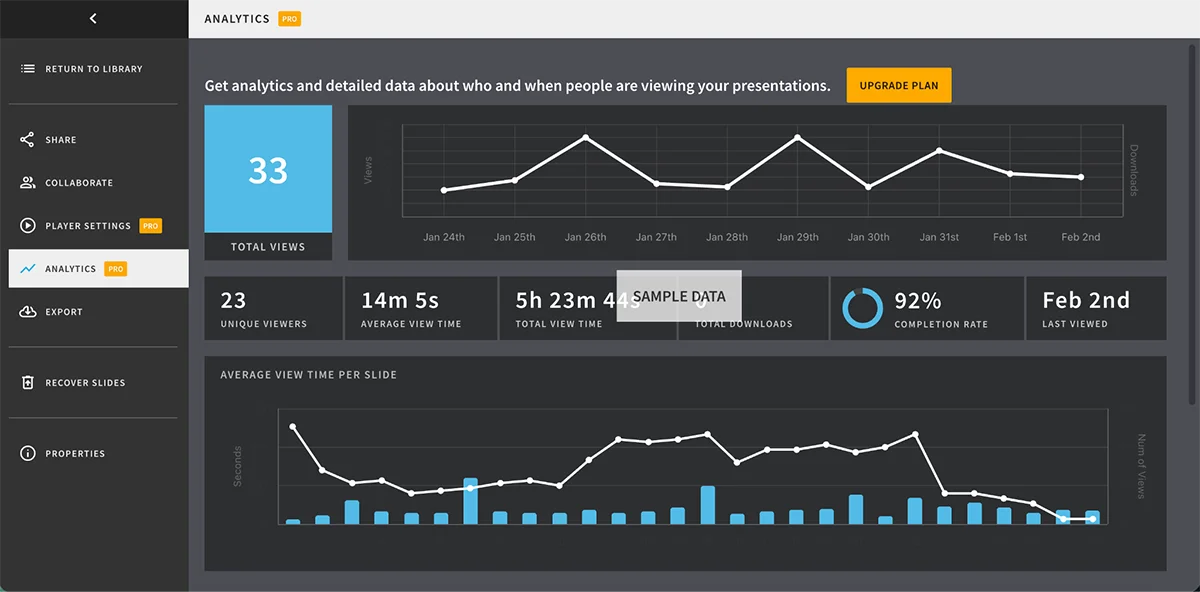
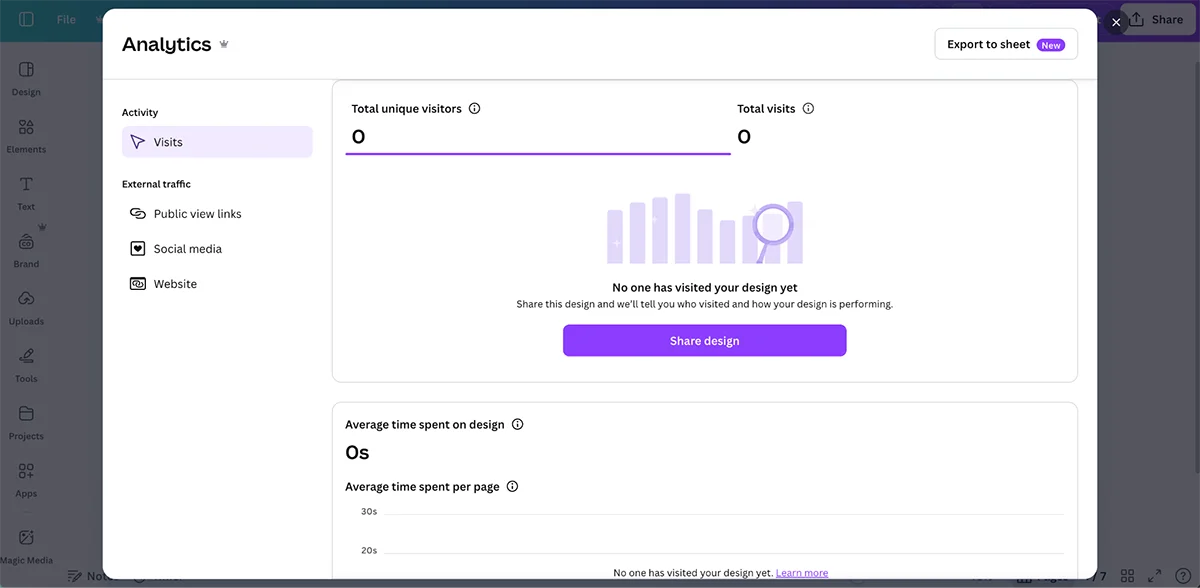
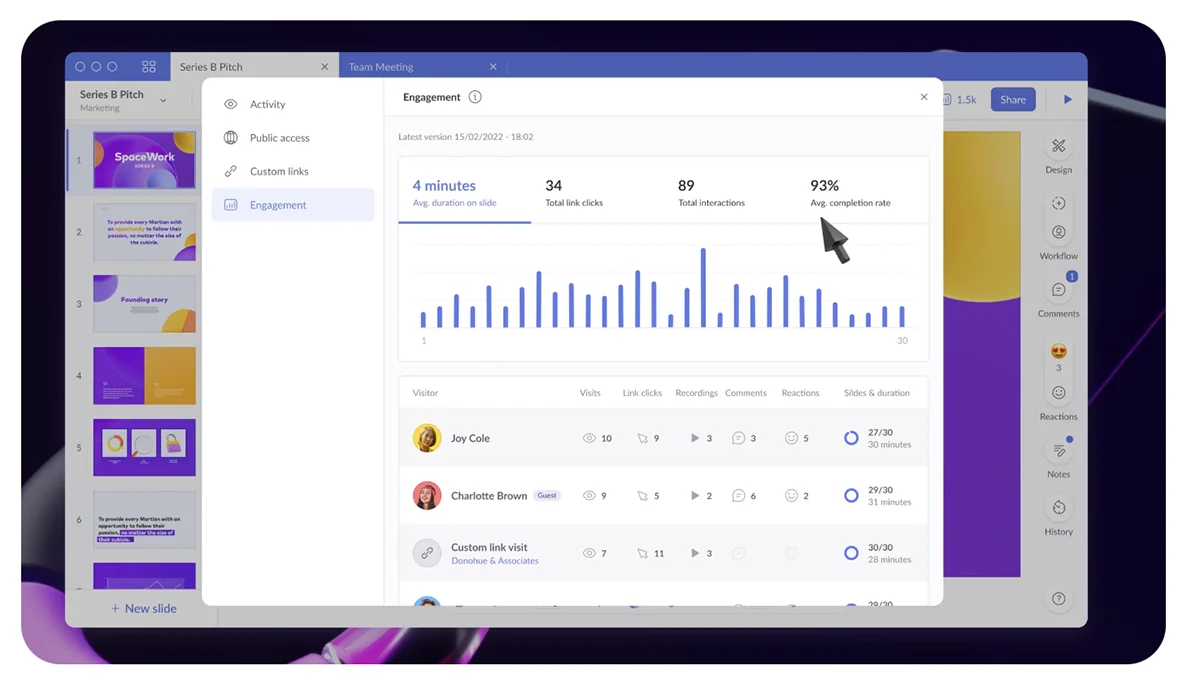
A live link also gives Visme a way to report how people engage with a presentation. Its analytics include total views, unique visitors, time spent on each slide, viewer location and IP address, and completion rate. Enterprise plans add registration forms, which can identify viewers and connect that information to engagement data.
Privacy and Teamwork
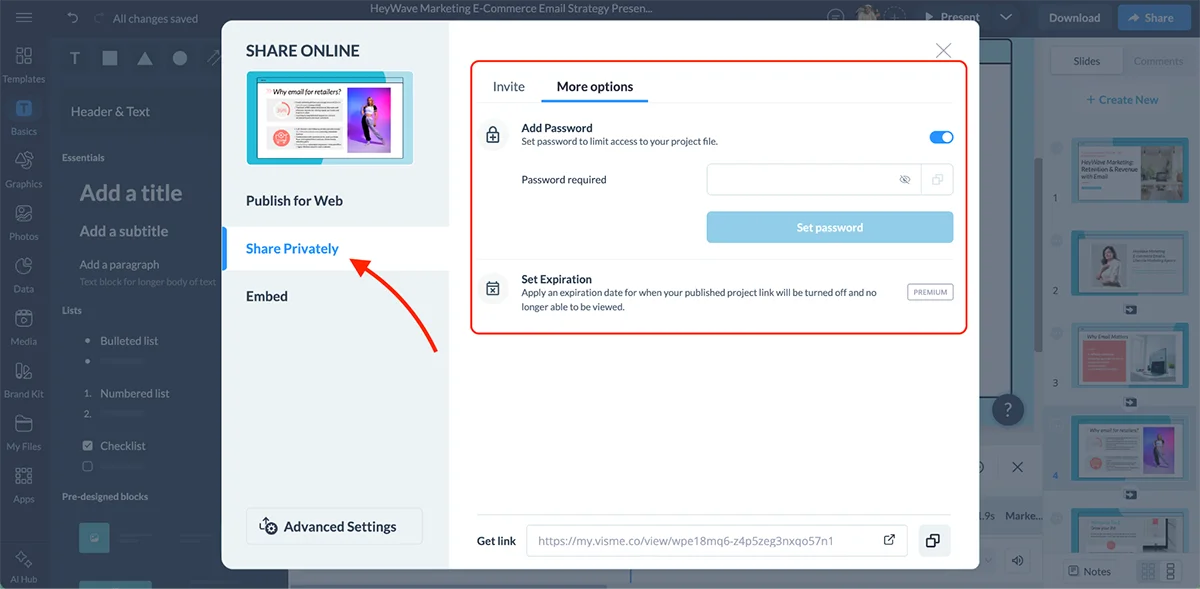
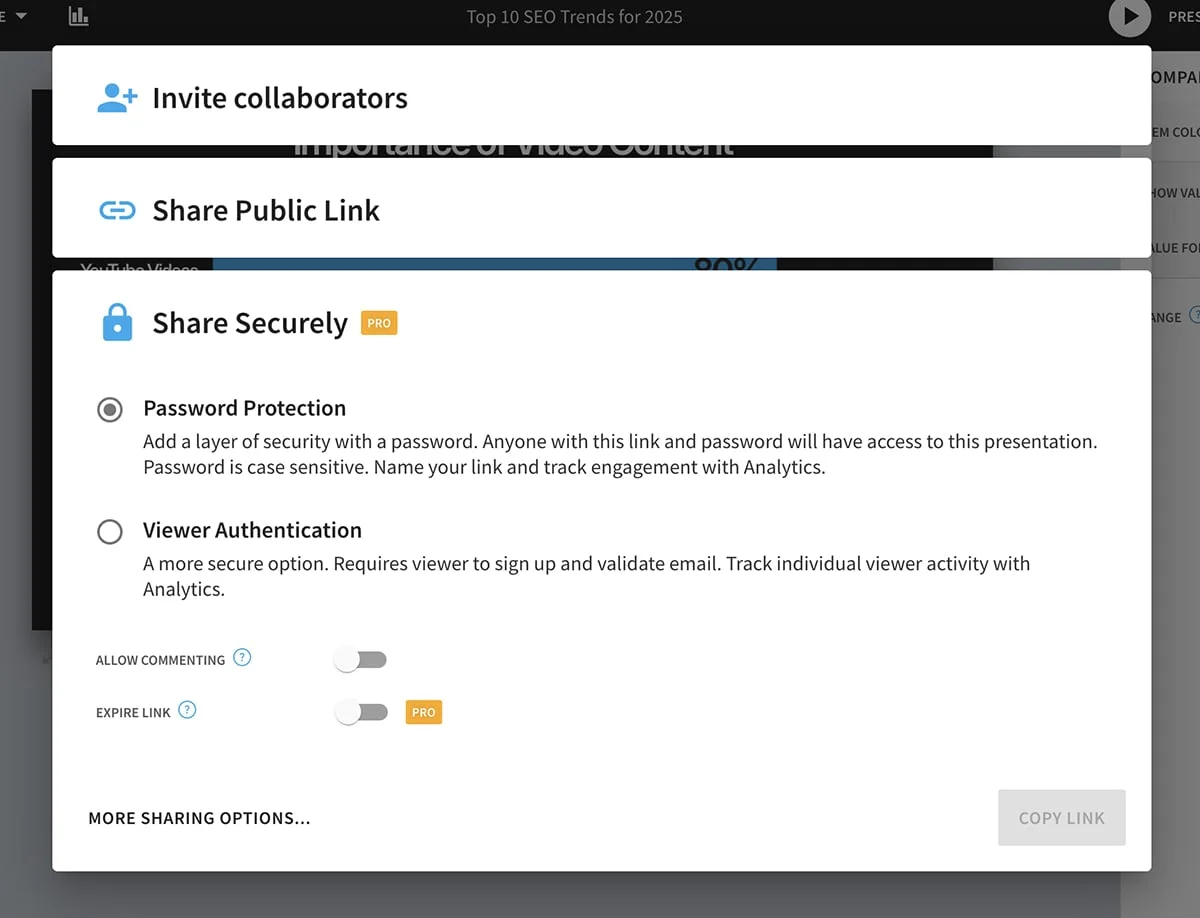
Access controls cover private, password-protected publishing; email invitations for specific people; read-only access; and an expiration date that turns off a published link. Visme projects are private by default, with access controlled project by project.
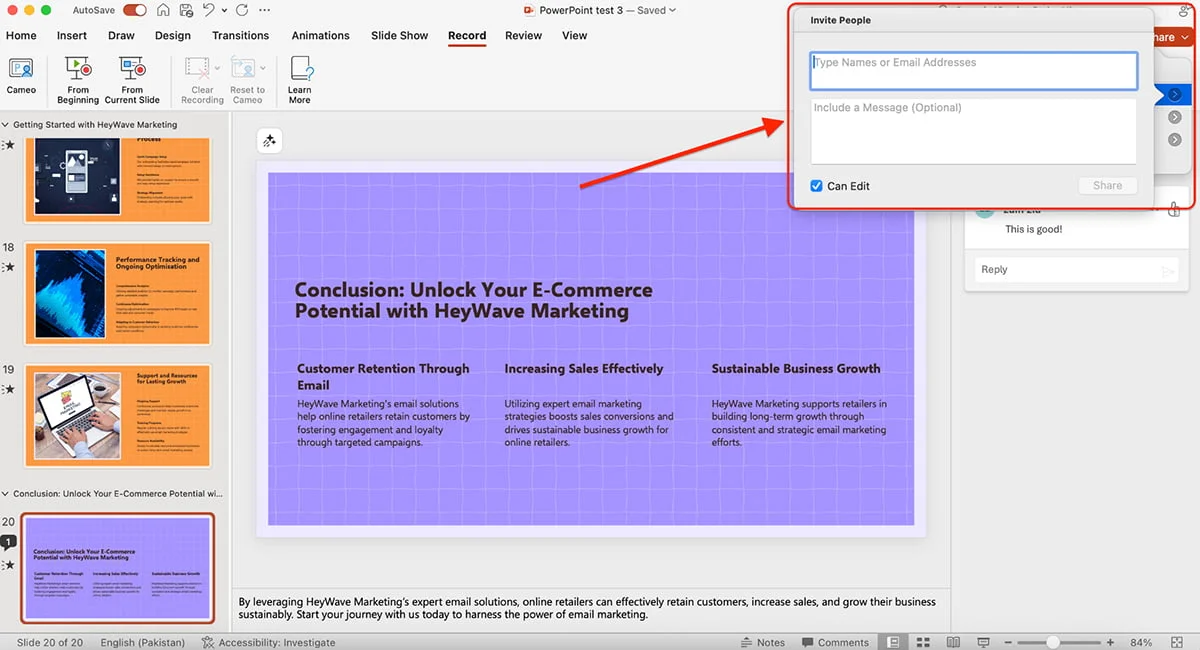
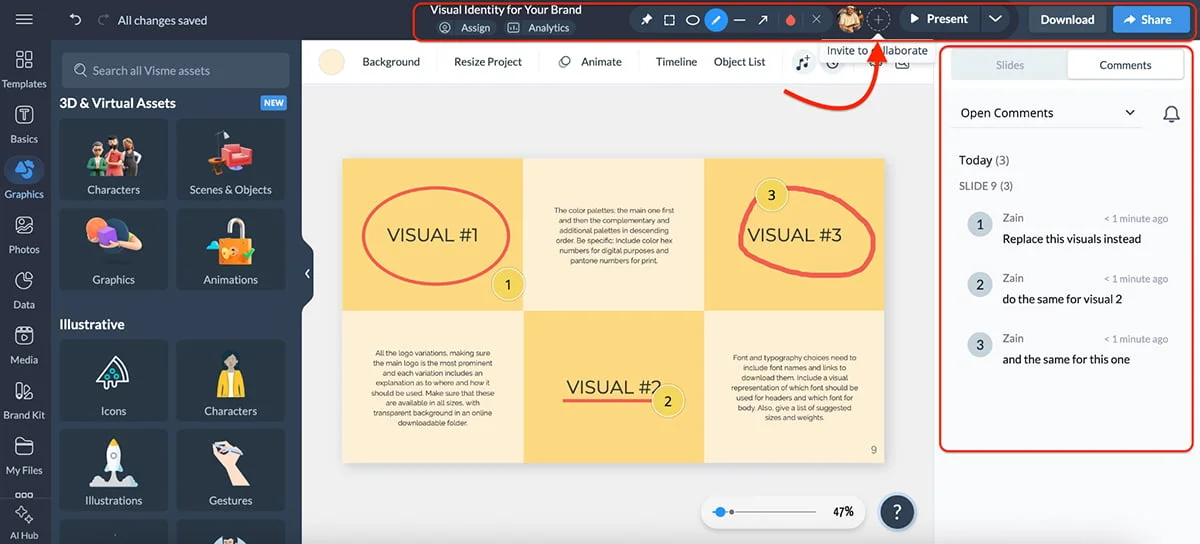
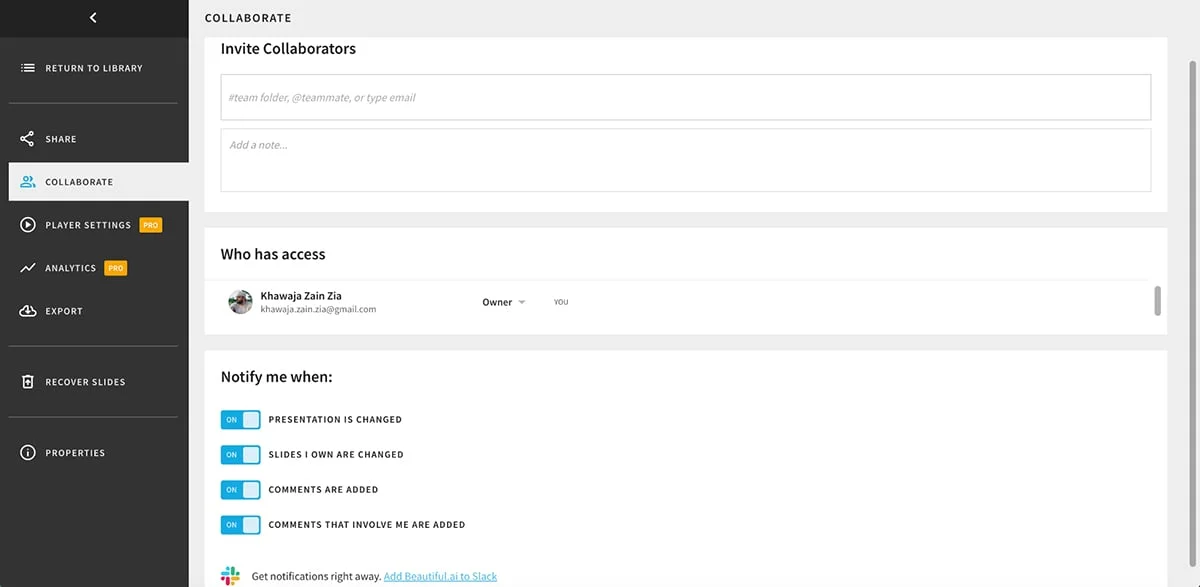
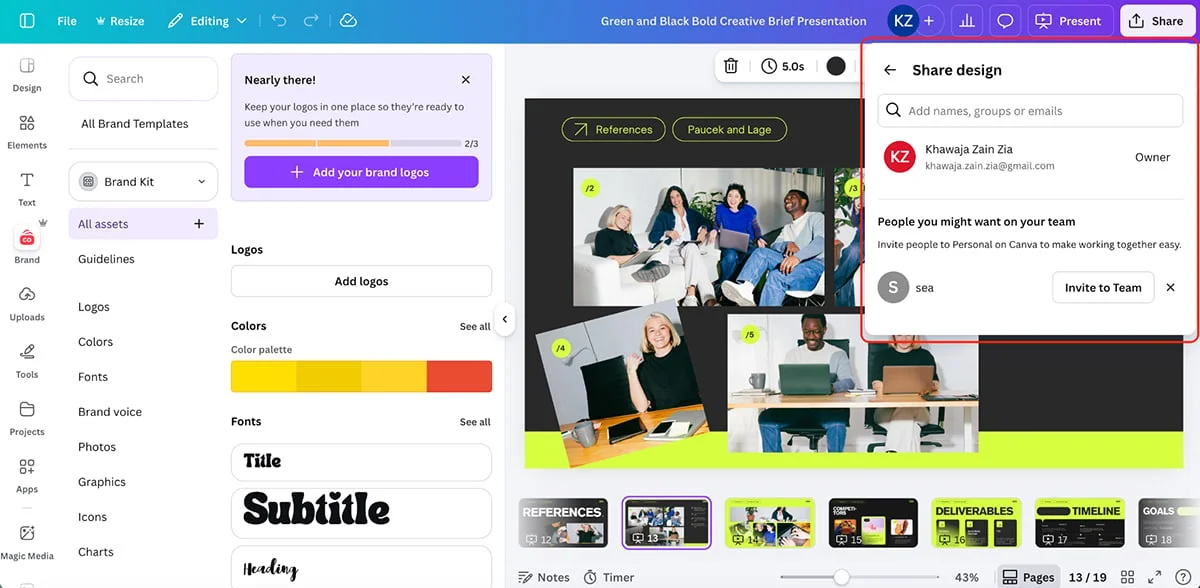
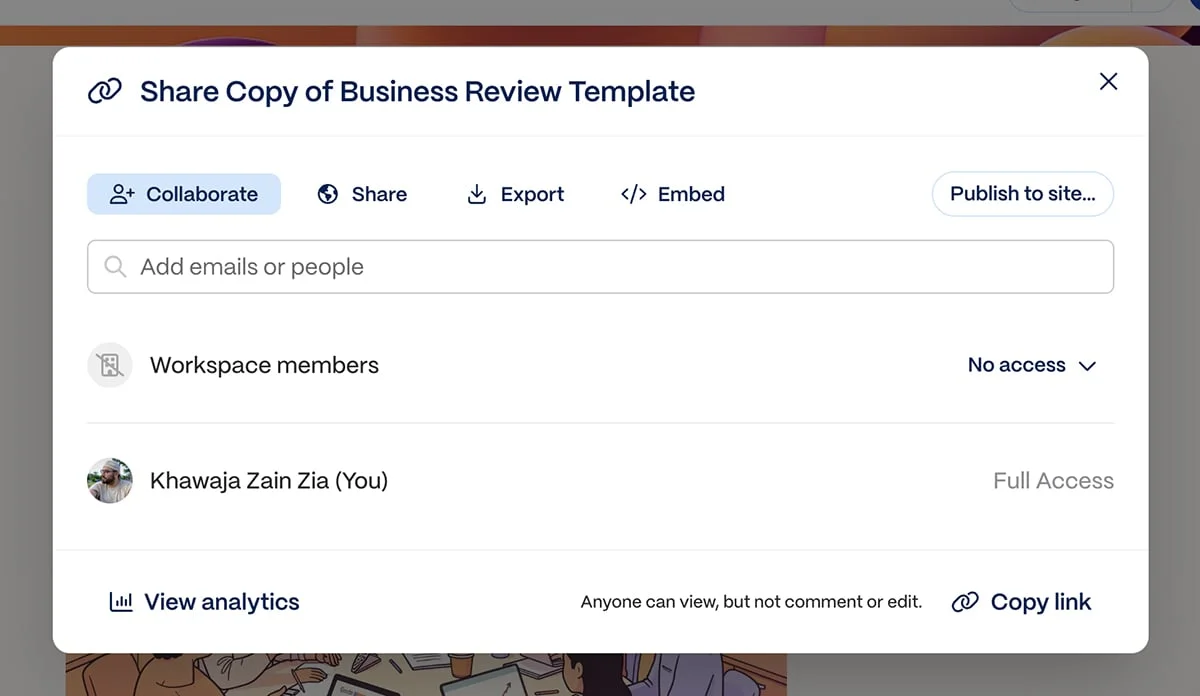
Teams can collaborate with viewer, editor, or admin permissions. Comments can be attached to a slide or a specific element, and collaborators can be tagged, notified, answered in threaded discussions, and marked resolved when the work is done.
For projects with several contributors, workflow management adds task assignments, due dates, draft-to-review-to-approval stages, and visual progress tracking.
Who Is Visme For
Visme is aimed at a wide mix of users, from solopreneurs and small businesses to marketing teams, agencies, enterprises, and training departments. In my testing, it covered more of the presentation workflow in one place than the other tools I tried: templates provide a starting point, the Brand Kit keeps decks consistent, and interactive features, slide analytics, and SCORM/xAPI export are part of the platform.
That combination has a clear use for learning teams. They can build course material, send it to an LMS, and track completion without changing tools. WOW!’s Learning & Development team uses Visme for course content. Team lead Tammy Stewart described using Visme forms as course knowledge checkpoints in the WOW! case study:
"I have found a way to use Visme forms for knowledge checkpoints within a course, which is super cool!" Since switching, the team builds complex content 85% faster than with its previous tools.
Pricing and Plans
Visme has a free tier. Its paid plans are Basic at no cost, Starter at $12.25 per month, Pro at $24.75 per month, and Enterprise at custom pricing. Plan details are available online, including Enterprise information. Nonprofits may qualify for a discount, and students and teachers can choose separate Education plans.
Pros and Cons
Visme’s strengths include an approachable interface, more than 10,000 templates, millions of customizable assets, and an AI suite spanning design generation, image creation, writing, and editing. Its animation, hover effects, and embedded third-party content also give presentations room to behave more like interactive experiences. The fragment doesn’t specify any cons.
Prezi changes the basic grammar of a presentation. Instead of advancing through a stack of slides, you move across a zoomable canvas, panning between connected ideas. That can make a story feel more spatial and dynamic, though the effect depends on how carefully you control the motion.
Creative and Brand Assets
Templates and Assets
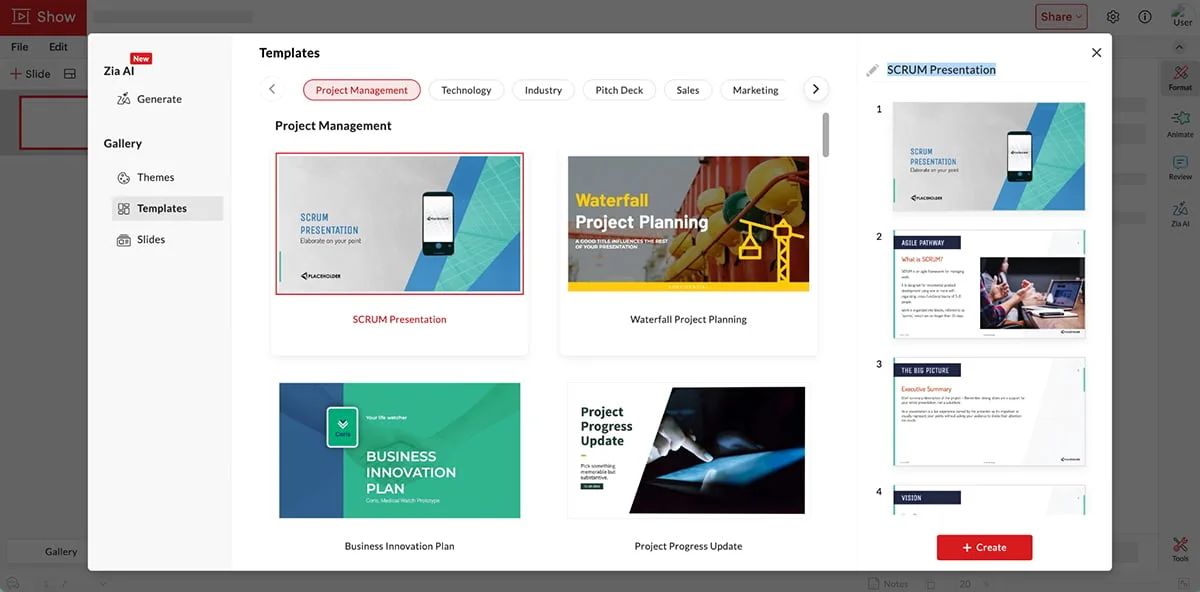
Prezi’s templates are designed for its zooming canvas and cover several categories. You can start from one, build from scratch, or use AI to customize a template.
The asset library includes hundreds of icons, stickers, and GIFs, plus thousands of images; you can upload your own media too.
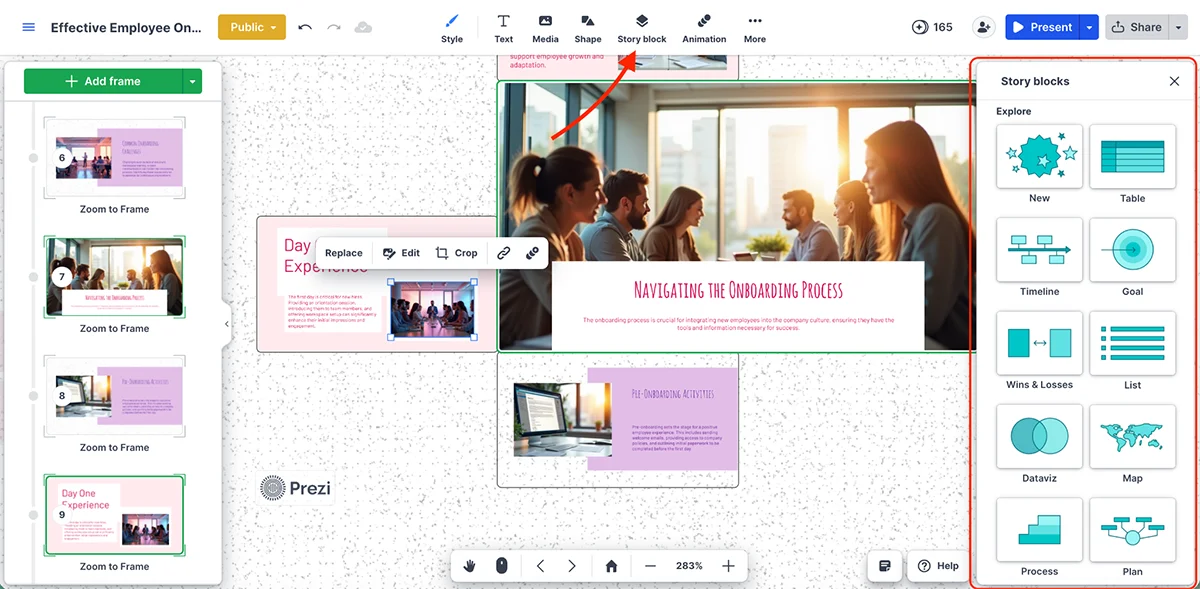
Story Blocks are a particularly practical part of the library. They provide ready-made structures for timelines, maps, tables, lists, and whiteboards. Add text, images, shapes, or icons to the placeholders, then resize or rotate them to fit the story.
For data, Prezi includes area, scatter, Gantt, and Sankey charts, as well as widgets such as word clouds and gauges.
You can also add MP3 or M4A audio as background music or attach clips to individual presentation steps.
Brand Kit
Brand Kits come with Plus, Premium, and Team plans. Add a logo, set team fonts, and define a color palette; those assets can then be reused across Prezi projects, videos, and designs. You can update the kit when the brand changes.
Prezi provides a video showing how to set up a Brand Kit:
Animation and Interactivity
Prezi’s defining move is the transition between frames: zoom in, pull back, or pan across the canvas. I’ve used it for years, and I still think the format can make a presentation memorable when the movement supports the argument.
Individual objects have basic effects such as fade in, fade out, zoom to, and zoom out. The controls don’t offer timeline-based animation, click-to-reveal sequences, hover effects, or precise timing for each object. That limits fine-grained control.
Prezi is stronger when the audience gets involved. Present in a themed room and the Apps panel can add live polls, quizzes, word clouds, and Q&A. You won’t need a separate service such as Mentimeter or Slido for those activities. For more options, see this roundup of interactive presentation tools.
AI Tools
AI is one of the clearest differences in the Visme versus Prezi comparison, though Prezi has useful features for getting a first draft on screen.
AI Presentation Generator
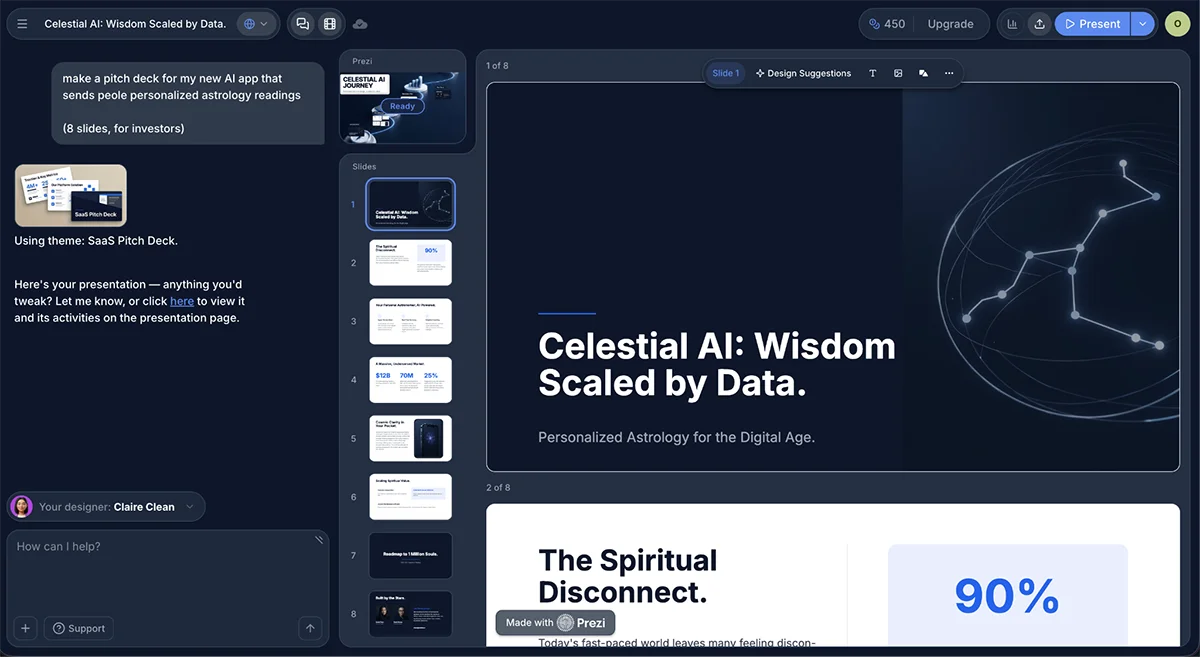
In the “Create a presentation about...” box, enter a prompt or upload a PowerPoint, PDF, or Word file, then choose Prezi AI 3.0. You can select a design style or a Brand Kit, and specify a target audience. The AI proposes elements for the presentation and generates a draft, which you can revise through chat by asking it to add images, reorder slides, rewrite copy, or change the style.
Prezi can also extract content from uploaded PPT, PDF, or DOCX files. One limitation: an AI-generated deck can’t be opened in the classic Prezi editor.
AI Images
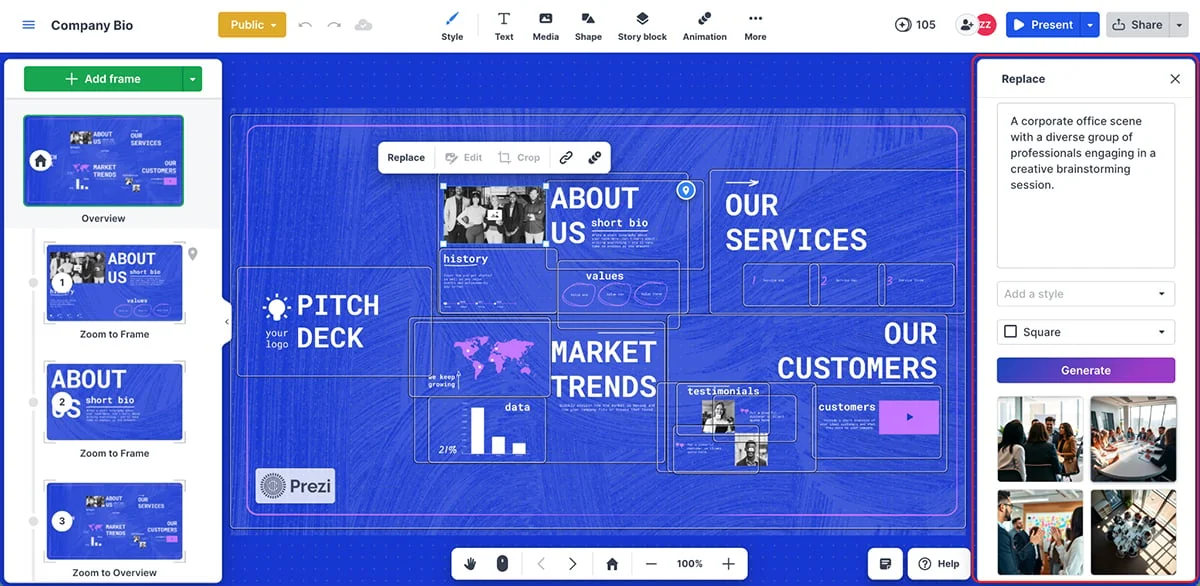
Prezi’s image generator is an option when a stock image doesn’t fit or you need a visual for a particular section. Here’s an image made while testing the feature:
The platform also offers AI-powered design suggestions during creation. In testing, the AI tools worked well.
Sharing and Collaboration
Publishing and Exporting
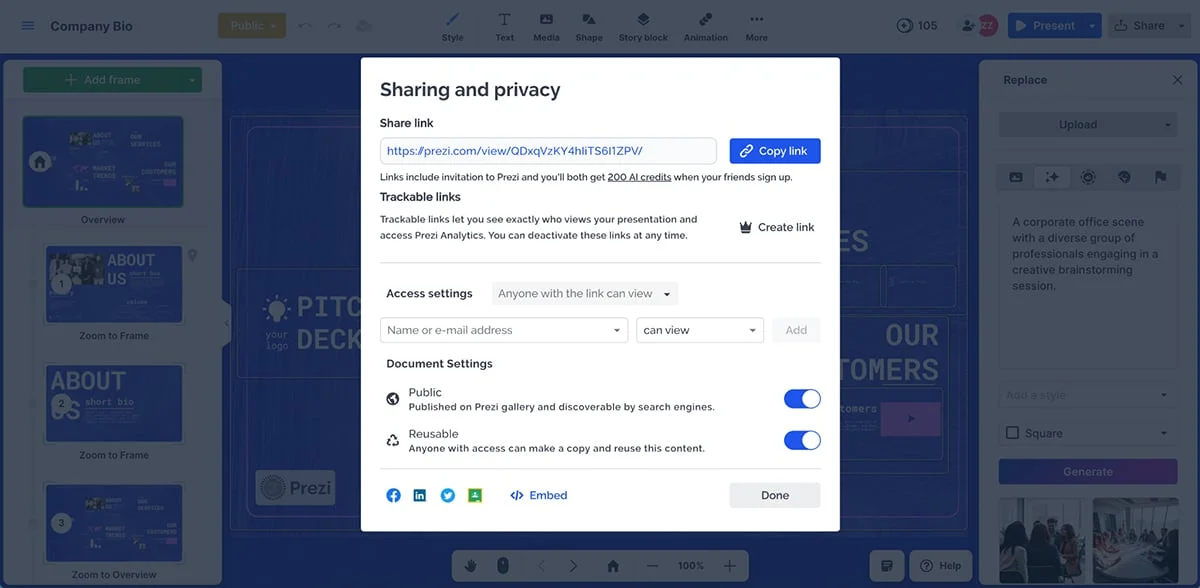
Prezi presentations can be shared by link, broadcast live, or exported as PDFs, where each frame becomes an individual slide.
You can embed selected frames on a website, or export the presentation as an MP4 or GIF for social media and asynchronous viewing.
Analytics
On Premium plans and above, the analytics dashboard reports views, total viewing time, average time per view, and viewer location. It can also indicate whether someone is actively watching and track interactions such as hovers and clicks. For general engagement data, that’s a useful set of signals.
Privacy and Collaboration
Free accounts make presentations public by default. Paid plans add private sharing and password protection.
Teams can invite people to edit or comment. Several users can work on one presentation, with comments attached to specific frames.
Who Is Prezi For
Prezi suits educators, trainers, storytellers, and business professionals who want a narrative-led presentation with a different feel from a conventional slide deck. The same motion that makes it distinctive can distract when it’s used without restraint.
Pricing and Plans
Prezi offers a free Basic plan, followed by Standard at $7 per month, Plus at $19, Premium at $29, and Teams at $39 per user per month. Discounted student and educator plans start at $4 per month.
Pros and Cons
The zoomable canvas supports visual storytelling, and built-in polls, quizzes, word clouds, and Q&A make audience participation straightforward. The trade-offs are practical: the free plan has no PDF export and makes presentations public; too much zoom can distract or look unprofessional; and large, complex projects can run slowly.
Google Slides is the straightforward option in this group. It works in a browser, comes with a Google account, and saves automatically to Google Drive. If you already use Docs and Sheets, the presentation tool fits into a familiar routine without a software install.
Creative and Brand Assets
Templates
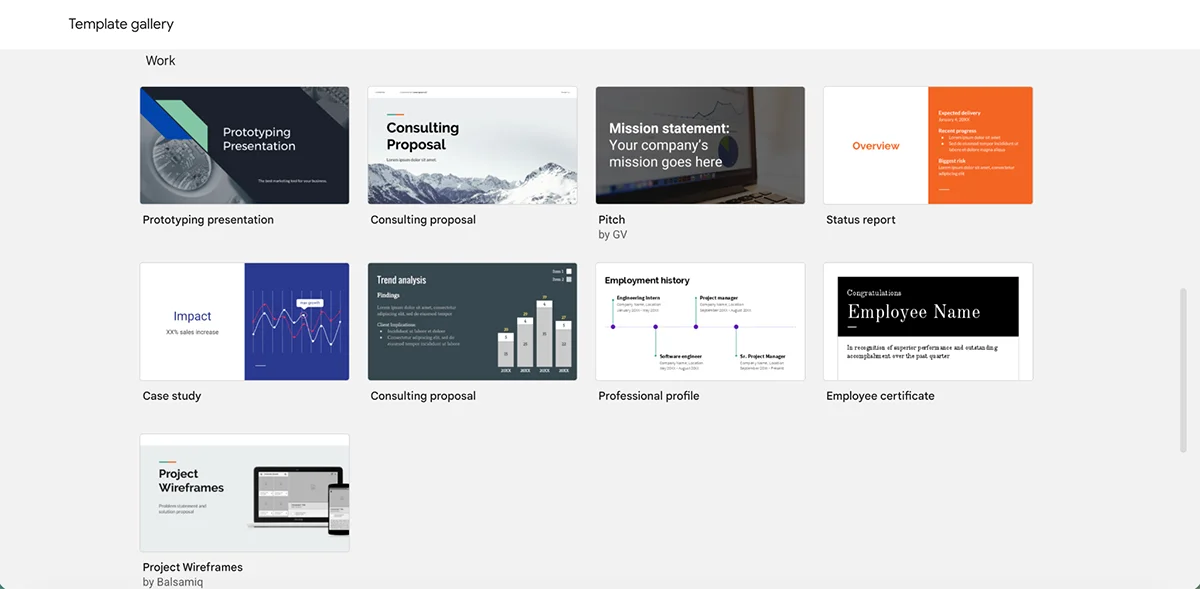
Google’s built-in templates cover common formats such as business proposals, pitch decks, education, and portfolios. They’re clean and professional, though the selection is smaller than what dedicated presentation platforms offer.
Third-party templates broaden the options considerably. You can import free or paid designs from elsewhere.
Asset Library
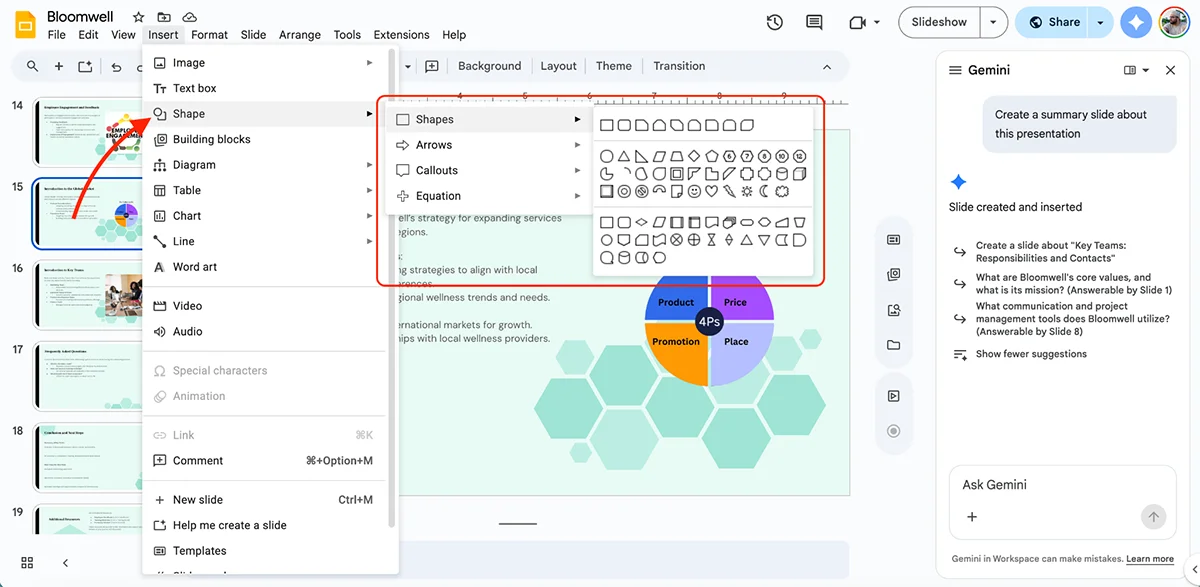
The native library is basic: shapes, lines, arrows, and text boxes.
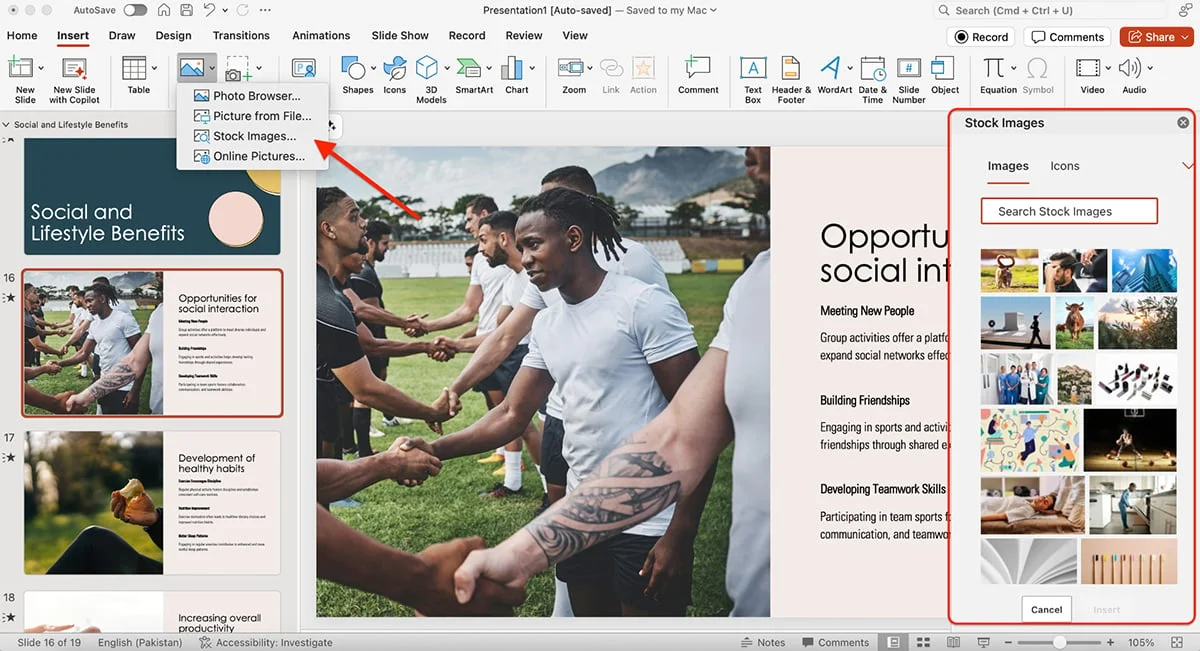
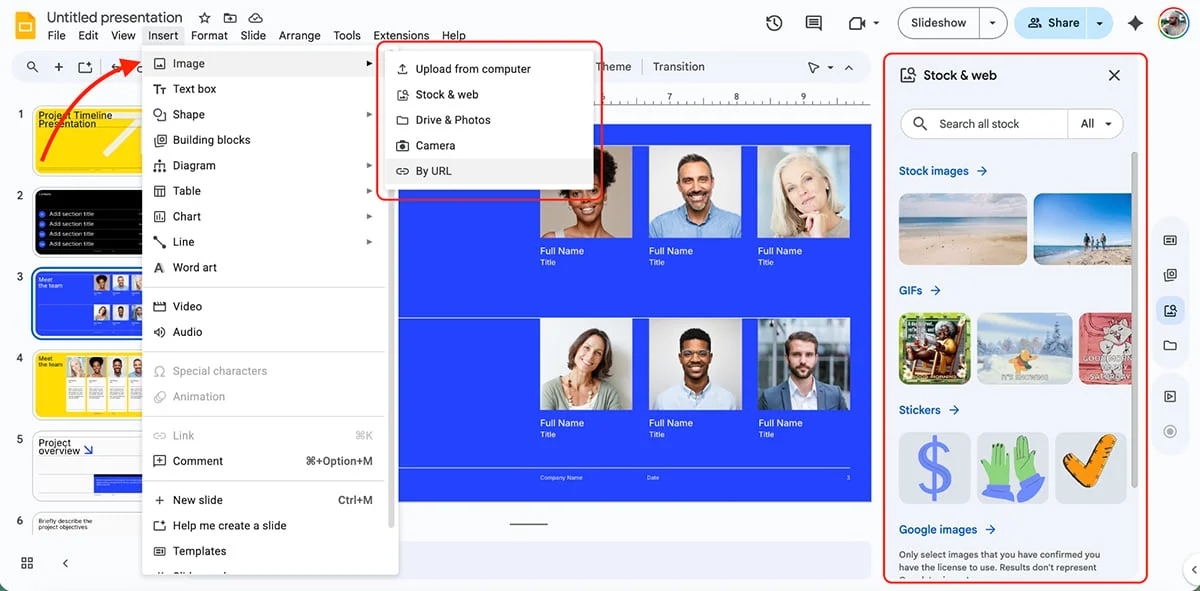
Images can come from Drive, a URL, your camera, or Google’s image search inside Slides.
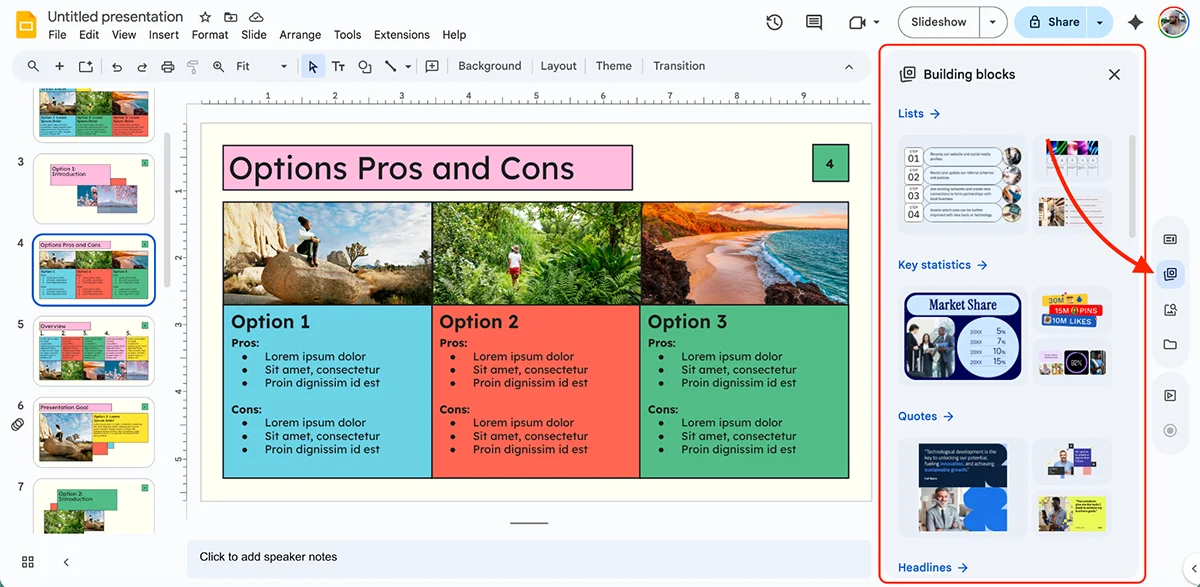
Slides also supports GIFs, stickers, YouTube embeds, and audio files stored in Drive. Building Blocks add editable, preformatted pieces for agendas, lists, key statistics, and similar content.
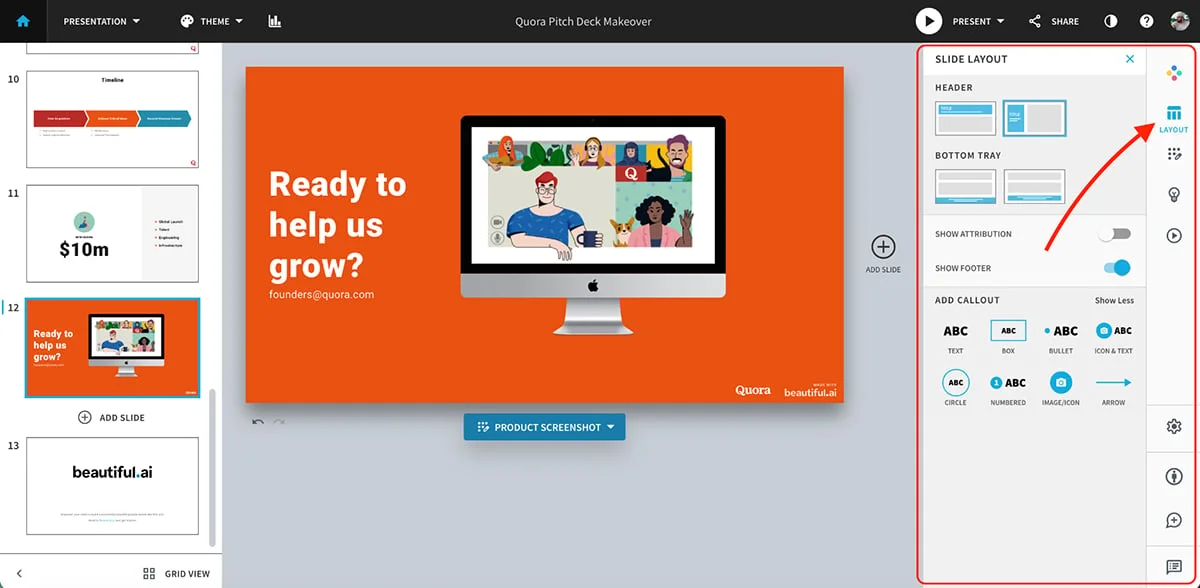
Insert a block from the sidebar, then adapt its text, colors, and fonts. It’s a small feature, but it cuts down on repetitive formatting.
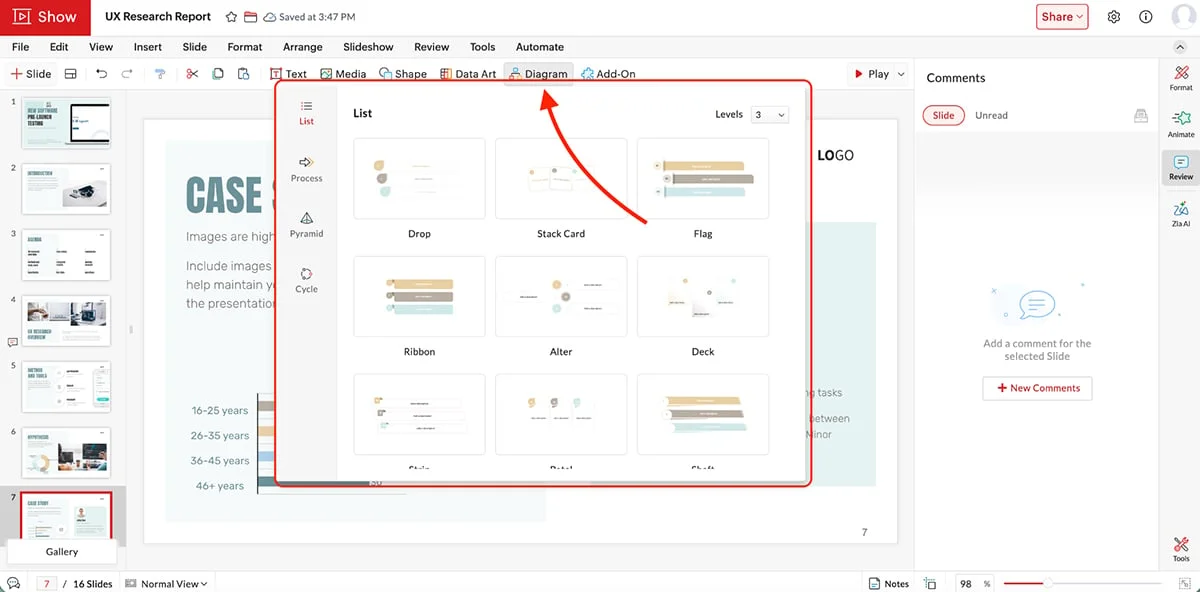
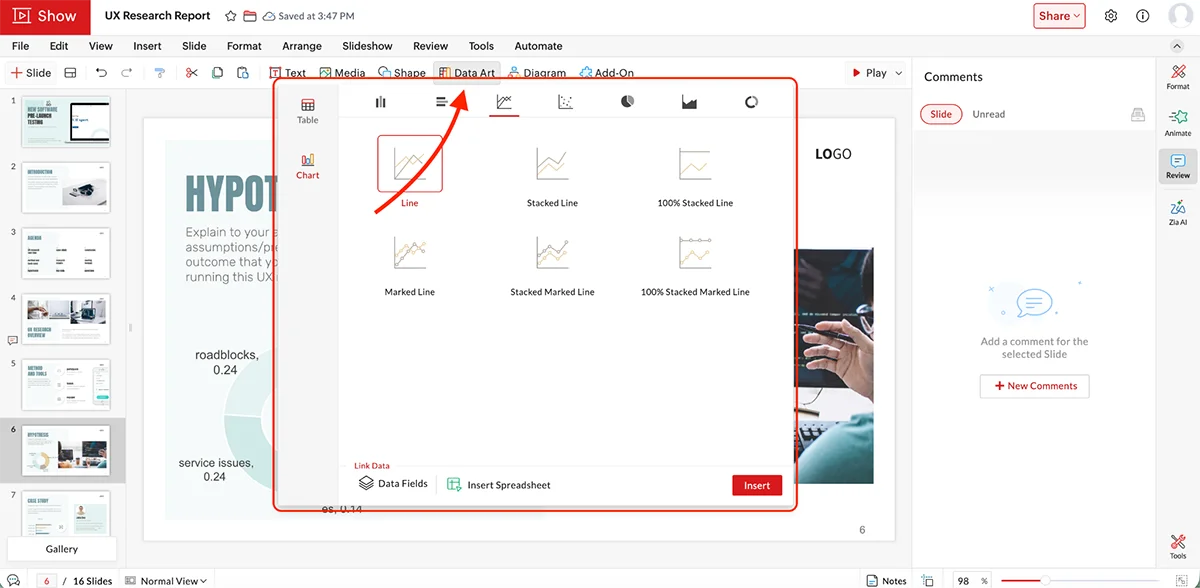
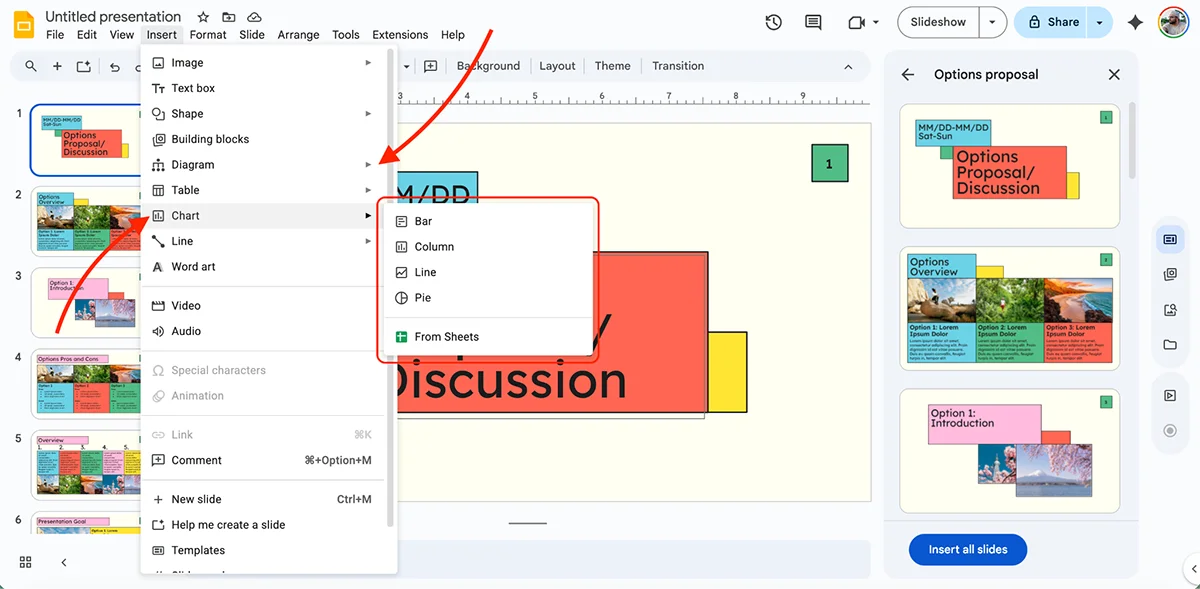
Google Slides includes charts and diagrams, but its charts are linked to Google Sheets: you create and edit a chart there, then place it in the deck.
Brand Kit
There’s no dedicated Brand Kit. Google Workspace Business and Enterprise customers can create domain templates with their organization’s logo, colors, and fonts, then share those templates across the team. Personal users have to set up and save brand elements manually in each presentation.
Animation and Interactivity
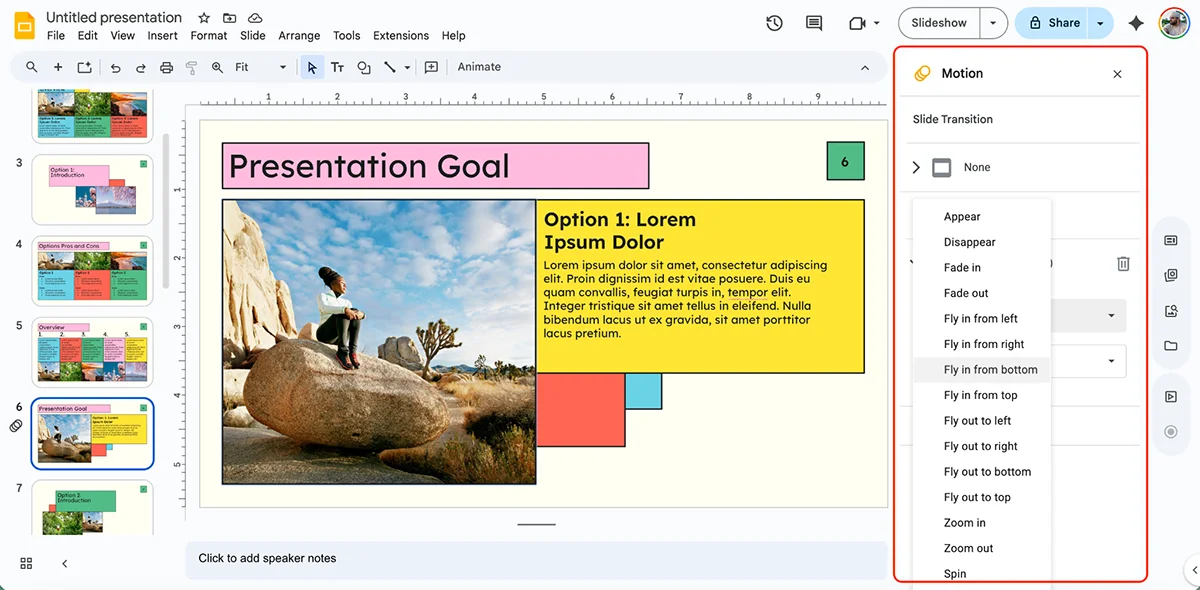
Animation controls cover simple object effects, including appearing, disappearing, and moving. Slide transitions include fade, slide, and flip.
AI Tools
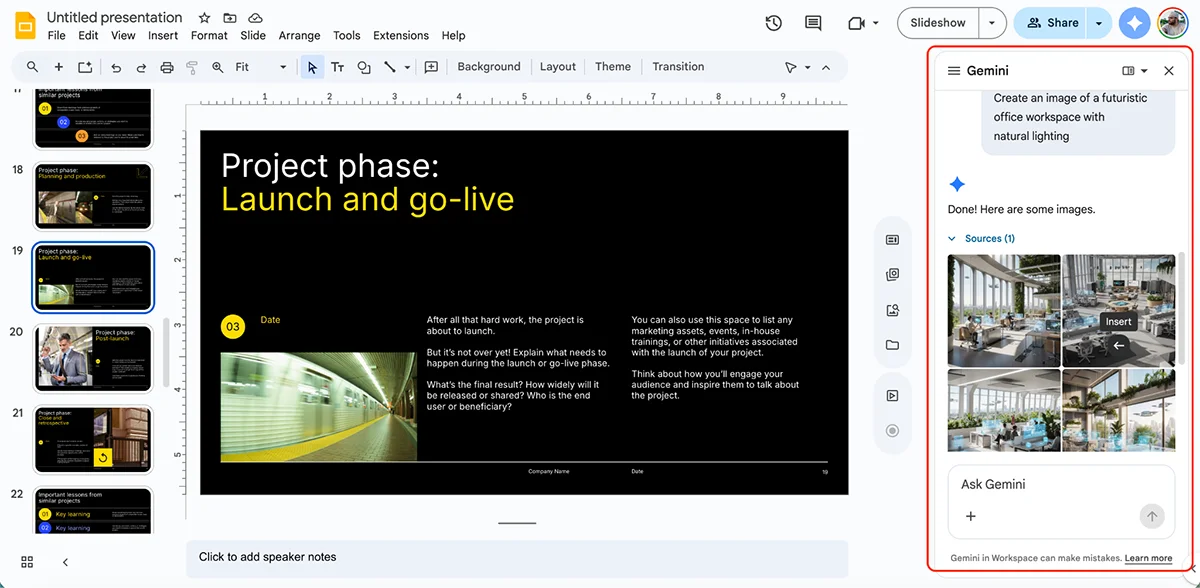
Google Slides includes Gemini, which can generate slides from prompts or files in Google Drive. Its usefulness depends partly on which Google plan you have.
Generate Slides
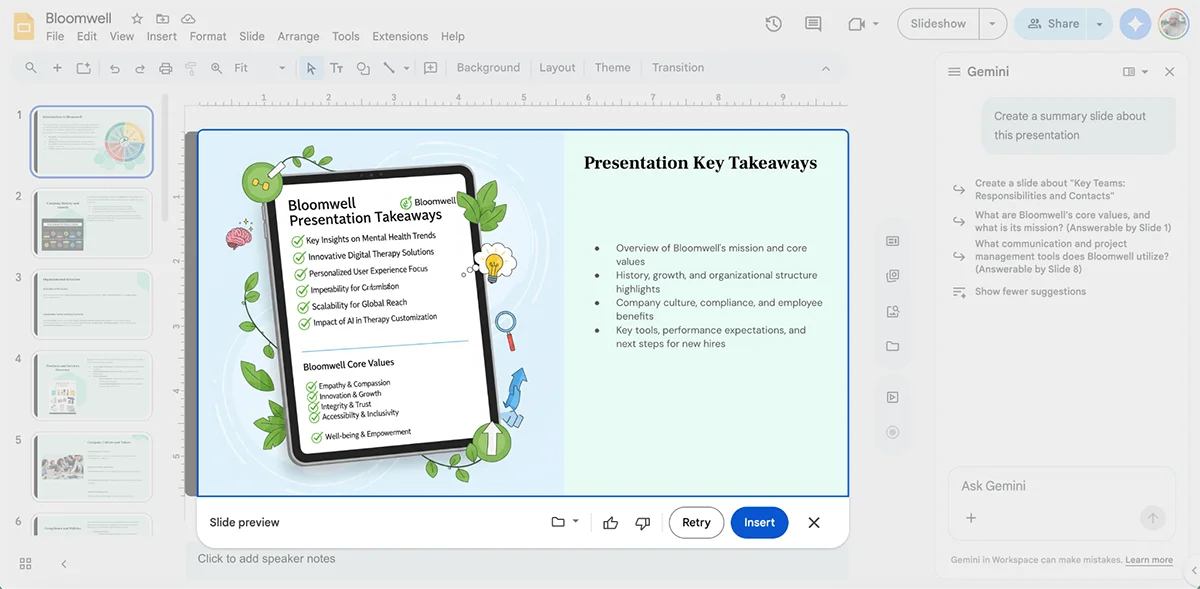
Give Gemini a prompt such as “Create a 6-slide overview on Q2 sales performance,” or ask it to draw on files in Drive. It can also use material from existing documents and emails to assemble slides. In testing, a summary slide generated from an earlier presentation had solid design and accurate content.
Full-deck generation is available on Workspace Business Standard and Plus, and on Google AI Pro and Ultra for personal accounts.
Create Images
Gemini can generate an image from a written prompt. Describe what you need, and it creates a visual for the slide.
Other Gemini features in Slides include:
Google Slides: strong collaboration, modest design control
Google Slides is a practical fit for students, educators, budget-conscious users and teams already working in Google Workspace. Gemini can summarize a full presentation, draft notes for individual slides, revise copy for clarity or tone, and pull information from Google Drive files to help build slides.
Sharing and collaboration
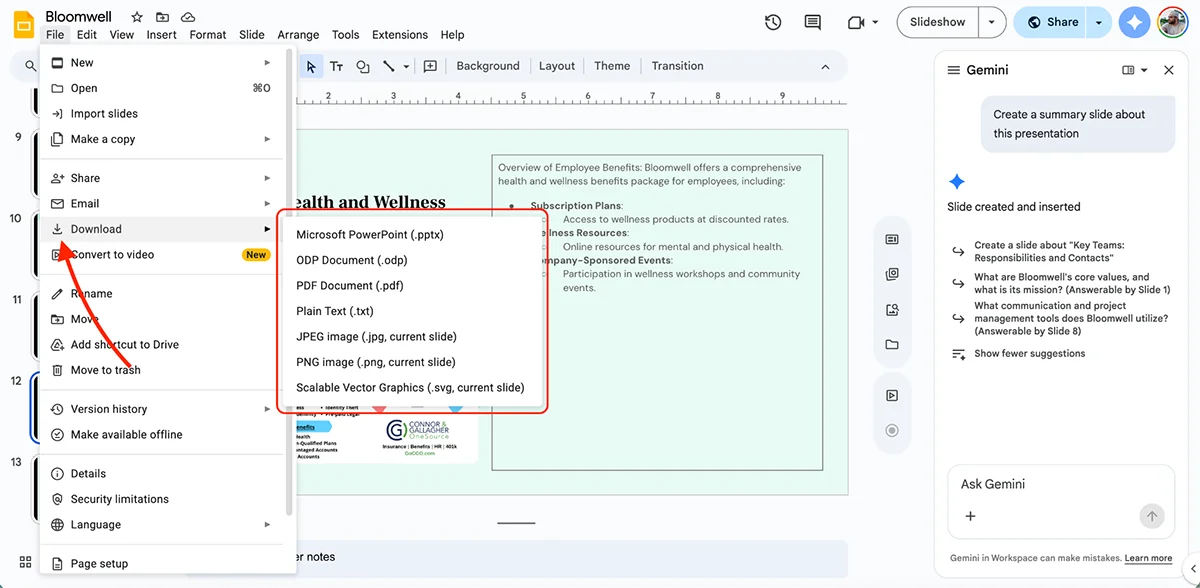
Slides can be shared by link, embedded on a website, or exported as PDF, PPTX, JPG, PNG or SVG. Publishing to the web gives you a unique URL that updates when the source presentation changes.
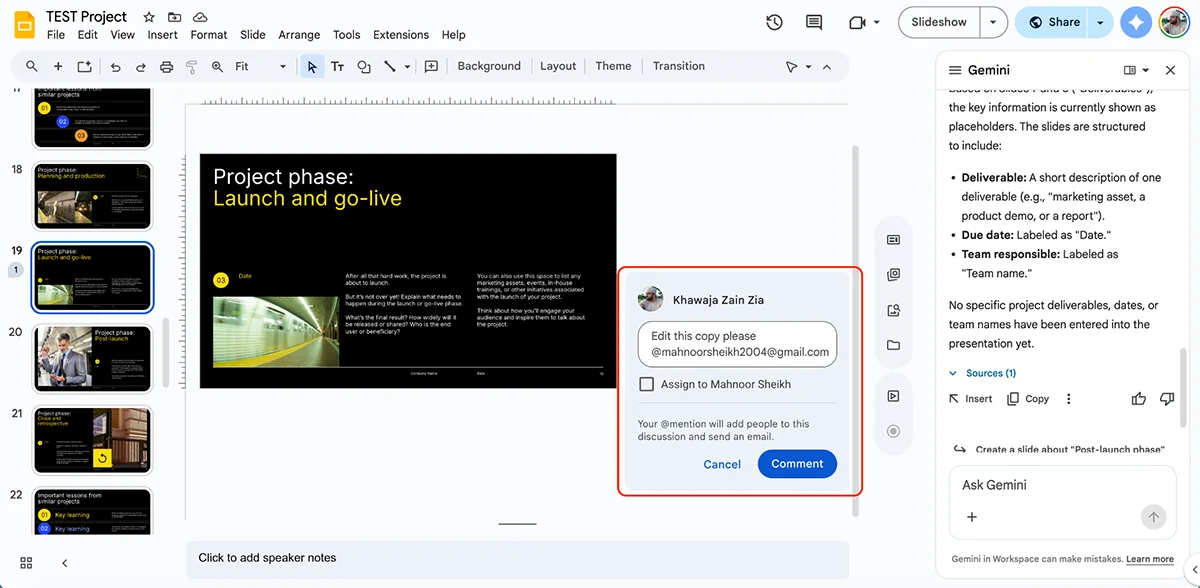
Several people can edit at once, with live indicators showing who’s viewing or working and what they’re changing. Comments and suggestions follow the familiar Google Docs model: tag collaborators, resolve threads, and accept or reject edits.
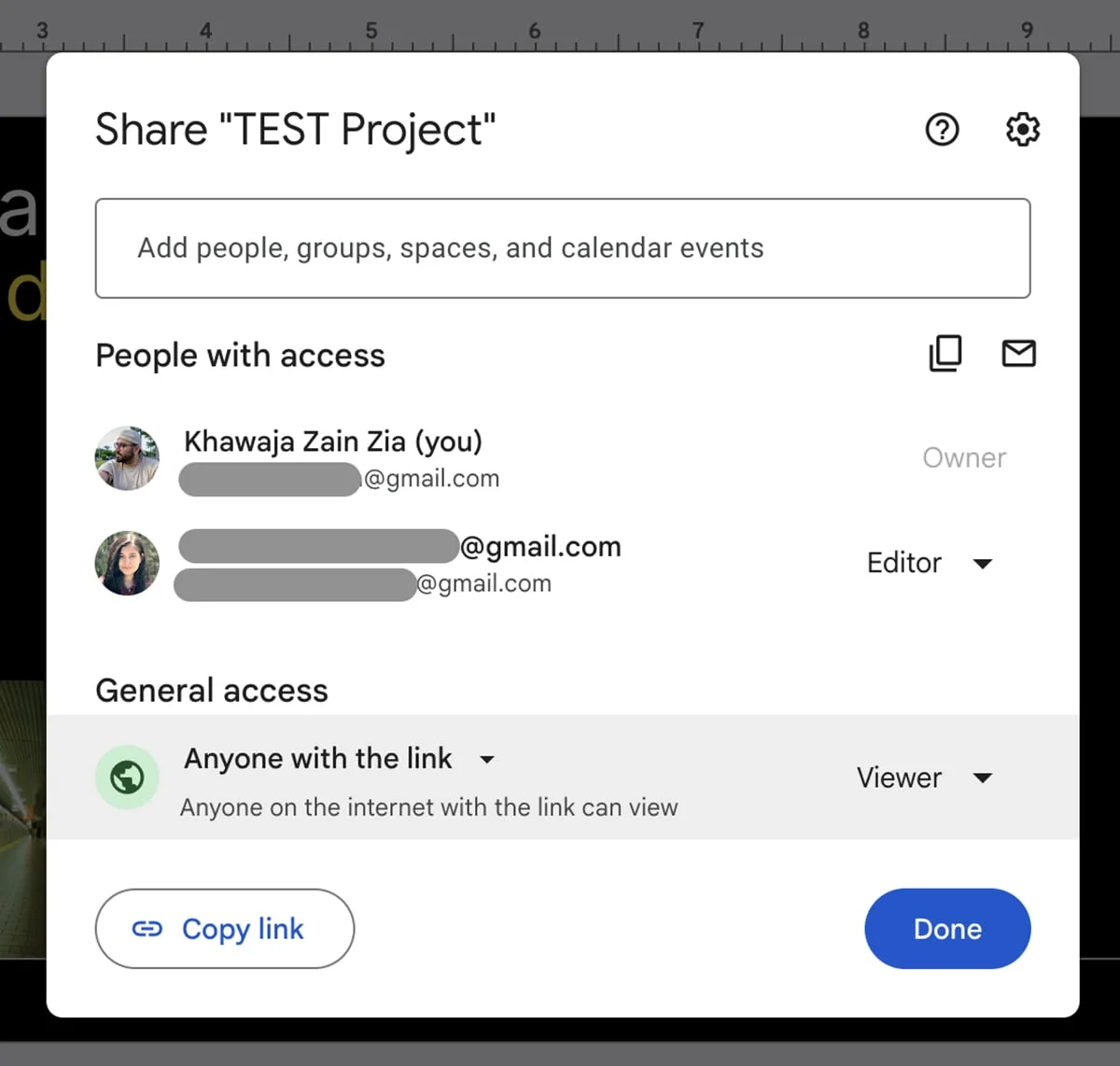
Access can be set to view, comment or edit. You can share with named people, issue a link, or make a deck public. There’s no password protection, though administrators can stop editors from changing access settings or downloading, printing and copying a file.
Slides also keeps a complete version history: you can inspect earlier drafts, identify who made a change and restore a previous version. That combination of live editing and recovery tools is a real strength for teams passing a deck between people.
Price and tradeoffs
Personal use is free with a Google account. Gemini features require a paid plan. Workspace Business plans, billed annually per user, are listed at $4.90 per month for Business Starter, $7 for Business Standard and $15.40 for Business Plus. Google AI Pro pricing depends on the plan.
The appeal is clear: co-editing works across devices and platforms, and Drive, Docs, Sheets and Meet are close at hand. The tradeoff is a relatively limited set of templates and design options, plus basic animation. AI deck generation requires Business Standard or Google AI Pro.
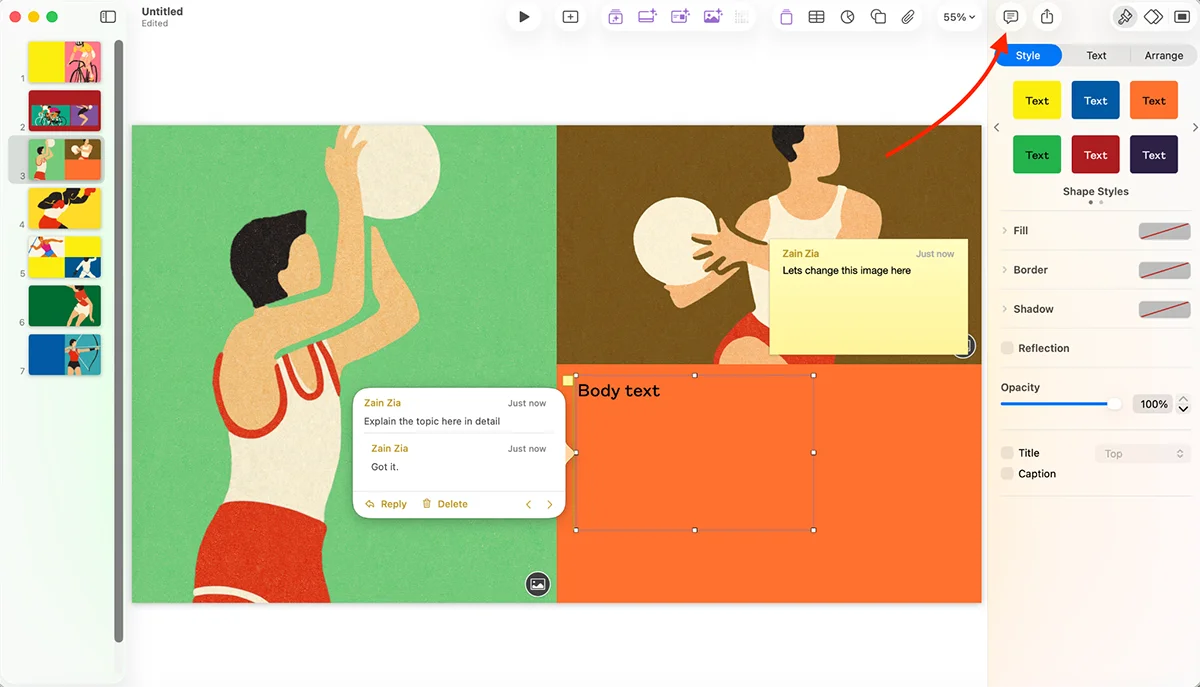
Keynote is Apple’s answer to Google Slides, and its free core app makes it an appealing choice for Apple users. The newer Creator Studio subscription adds premium Keynote features alongside Final Cut Pro, Logic Pro, Pixelmator Pro, Motion, Compressor and MainStage. The reviewer tried its free trial; viewed as a bundle, that’s a lot of creative software in one subscription.
Keynote has long been one of the PowerPoint alternatives worth considering. Its strongest case is visual craft: polished themes, fluid motion and useful tools for building custom graphics. Its limits show up in the AI presentation maker and in the needs of more demanding professional teams.
Design tools and motion
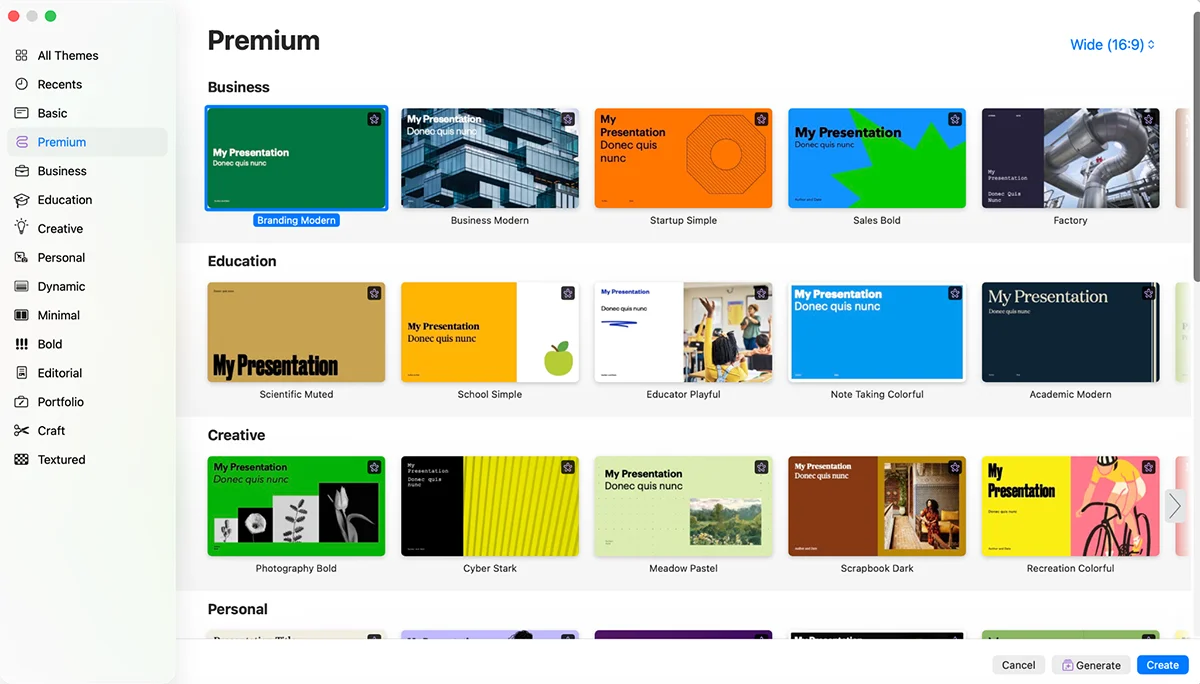
Dozens of built-in themes give you coordinated typography, colors, layouts and transitions. The selection is smaller than Visme’s or Canva’s, but third-party sellers offer additional themes.
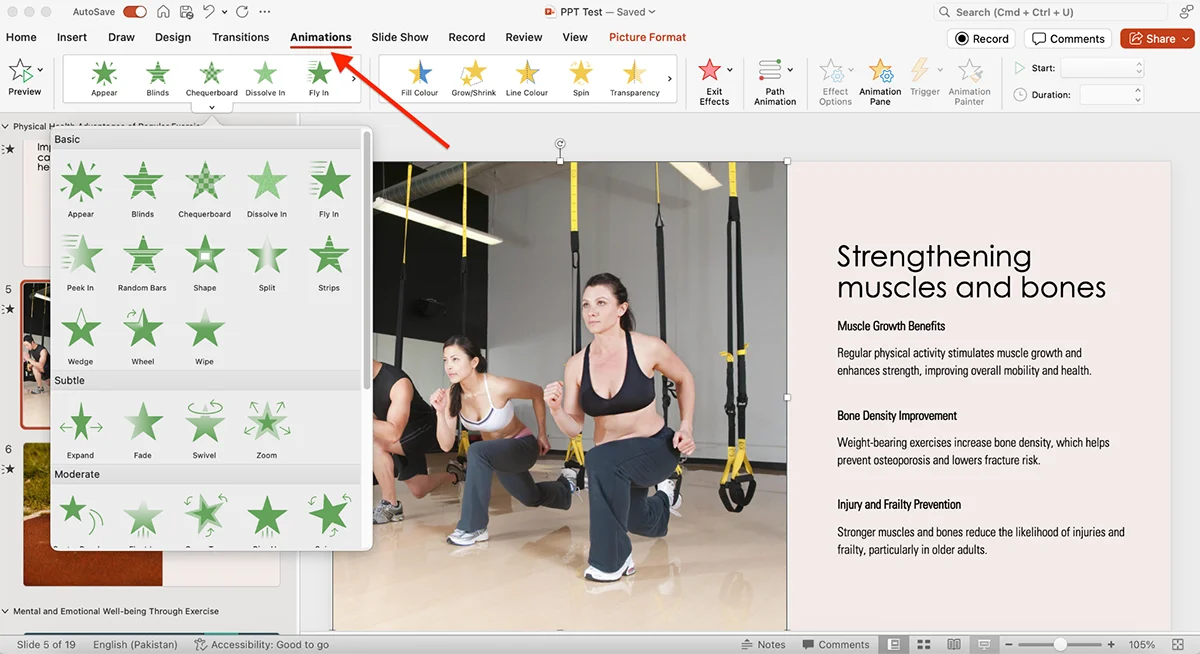
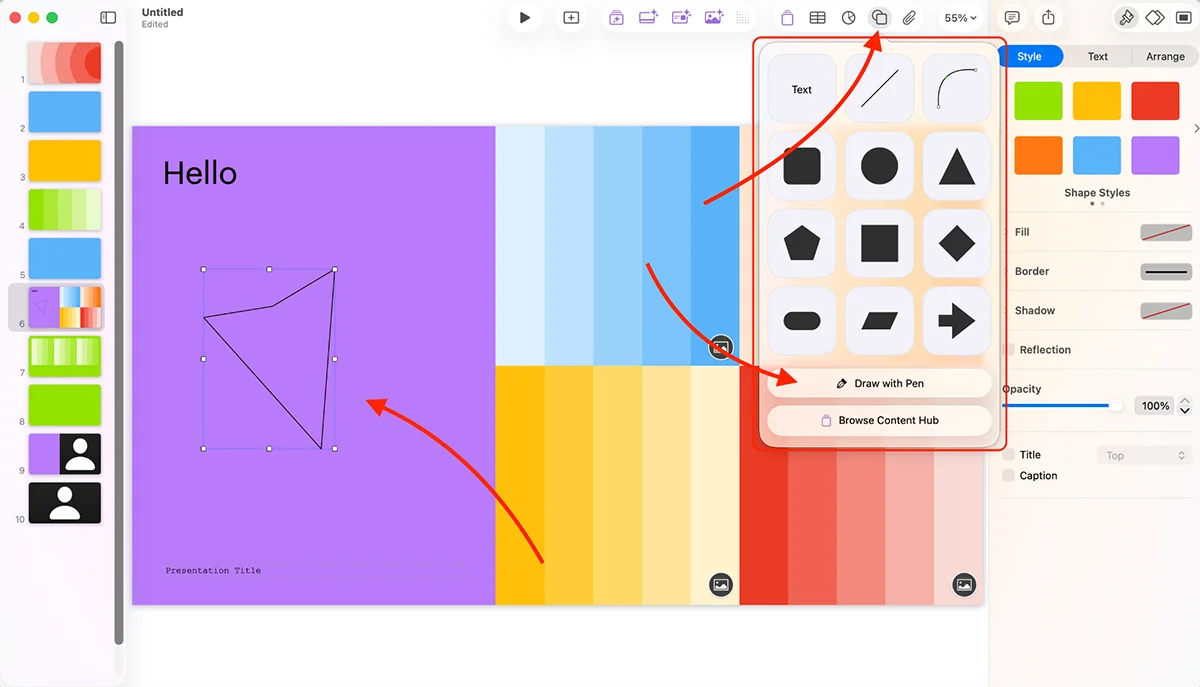
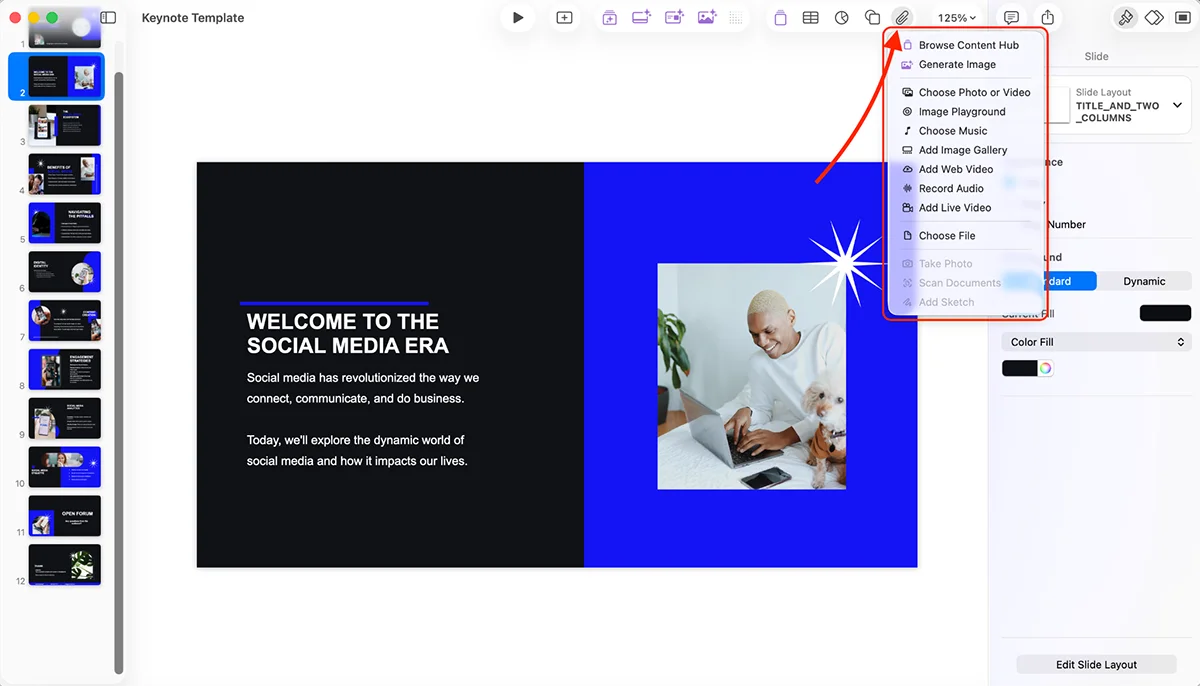
Keynote includes high-resolution stock photos, customizable vector shapes and tools for drawing your own shapes. On iPad, Apple Pencil support makes that last option especially useful for bespoke illustrations or diagrams.
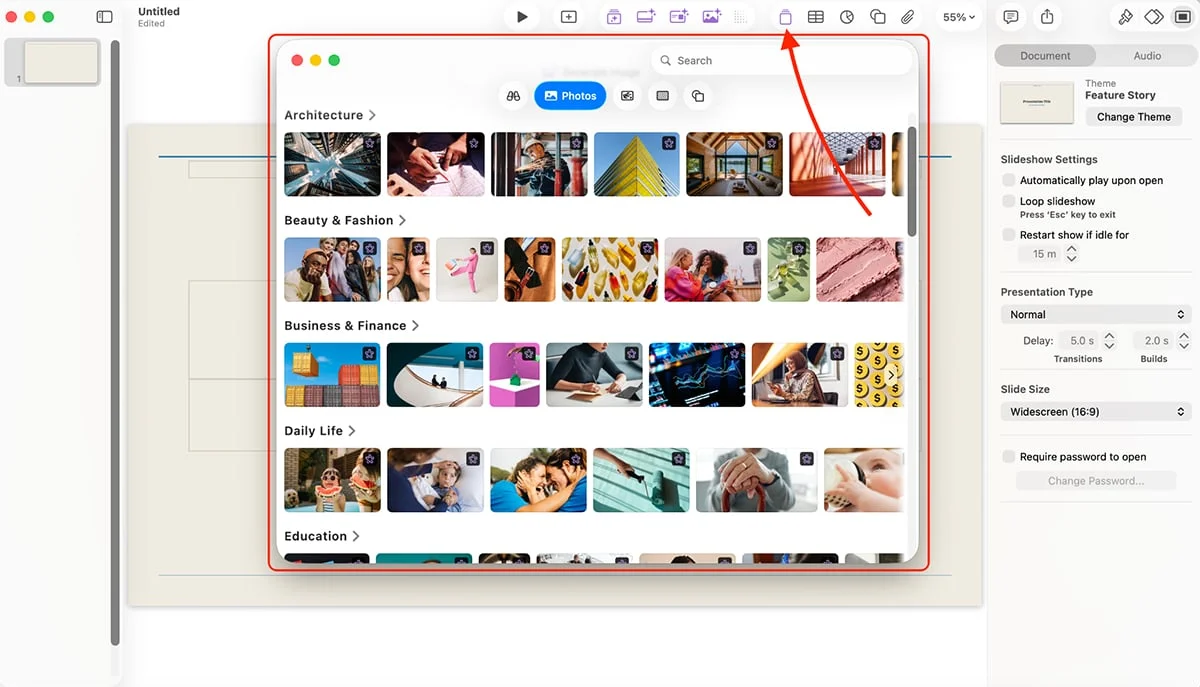
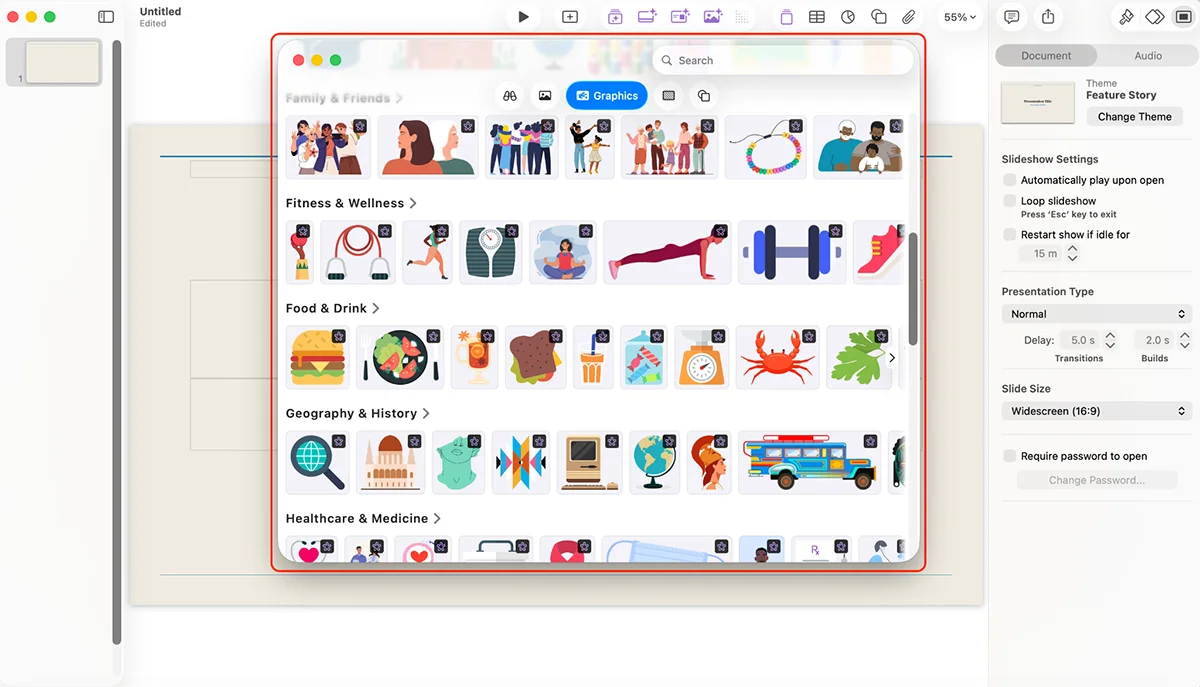
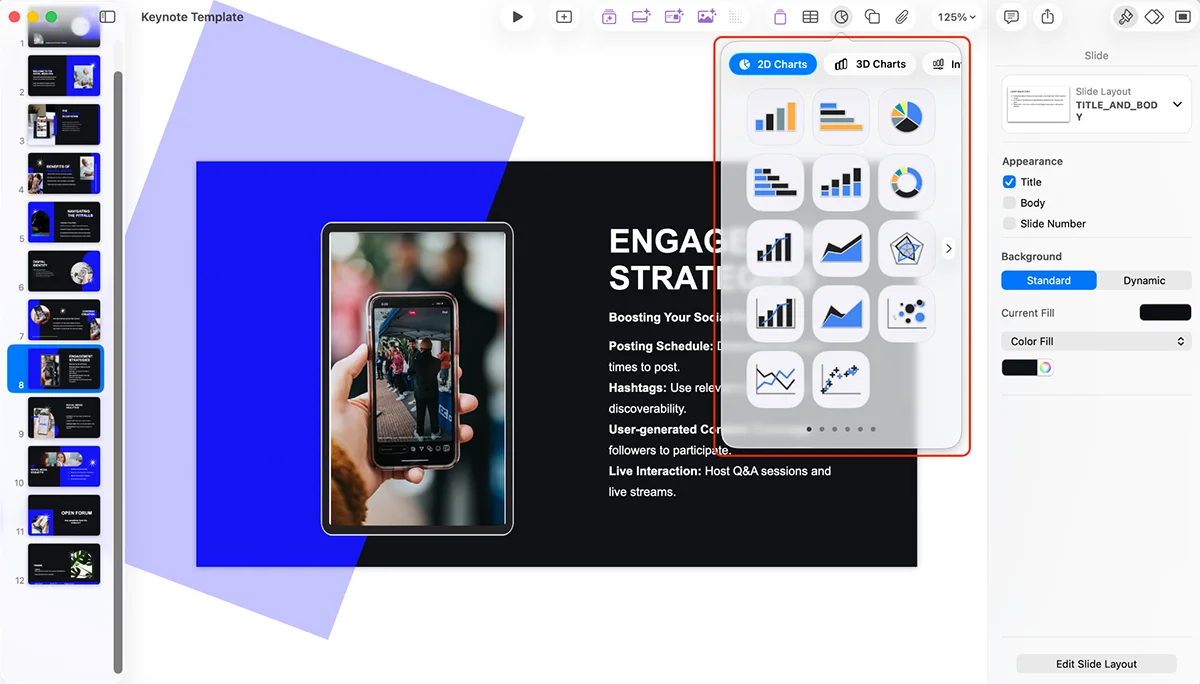
Charts come in 2D, 3D and interactive forms. Interactive charts are a welcome surprise; few tools in this comparison offer them. Keynote can also bring in content from Photos and other external sources. Creator Studio subscribers get a Content Hub of Apple-curated photos, graphics and illustrations.
There’s no dedicated brand kit, but you can save themes with your own fonts, colors and layouts. That’s workable for an individual or a small team, though less convenient than a shared brand system.
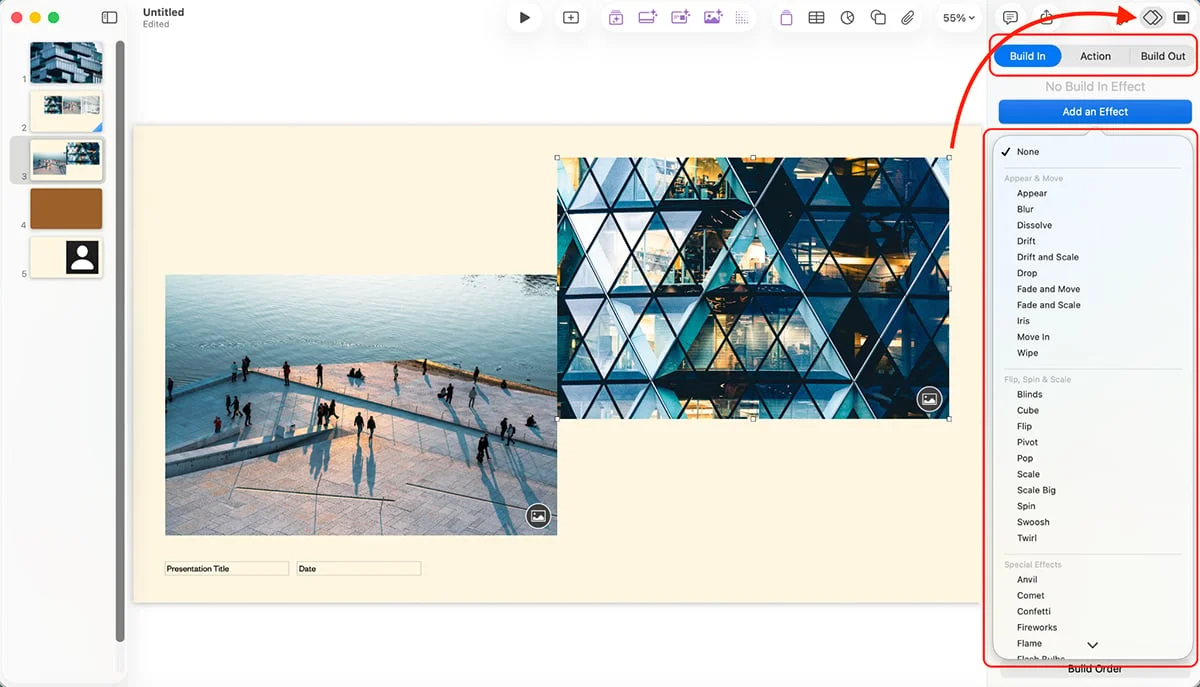
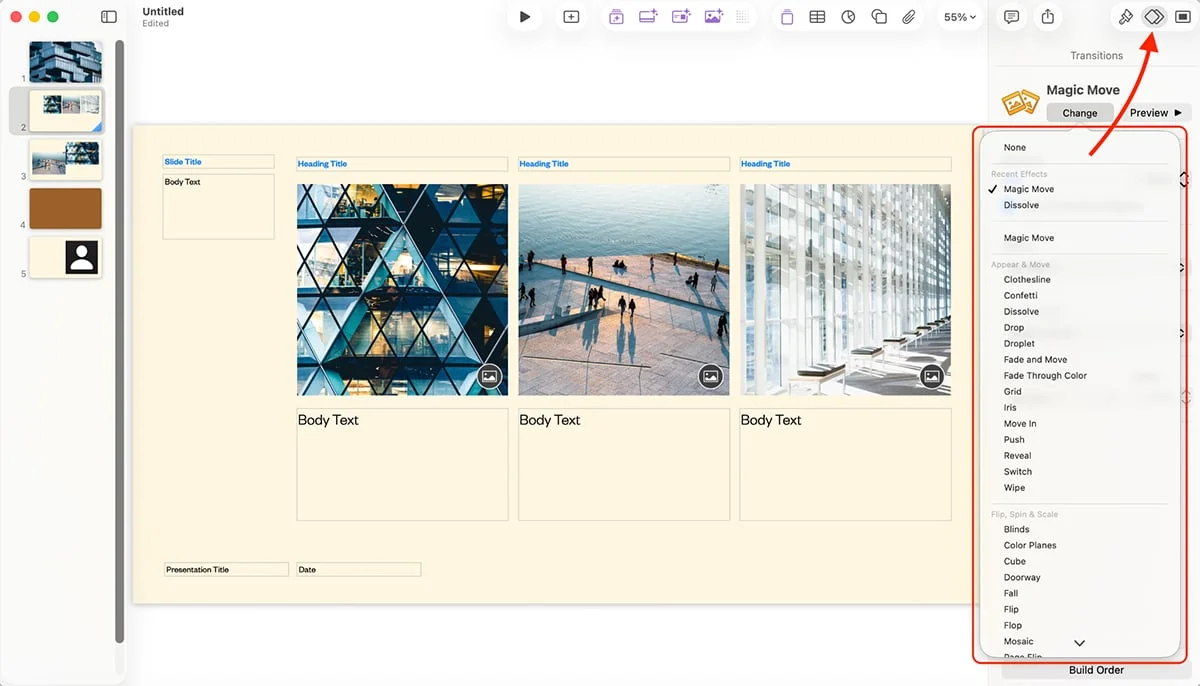
Keynote’s animation controls are a highlight. You can tune how objects enter, move or leave a slide, then arrange their sequence with Build Order. Magic Move carries objects between slides with automatically generated motion. Add cinematic transitions, embedded animated objects, live video or animations inside USDZ 3D files, and the deck can become much more than a stack of static pages.
Rehearse Mode puts slides and notes together for practice, and an iPhone or Apple Watch can serve as a remote. If you present from a mobile device, this roundup of presentation apps may also help.
AI, sharing and price
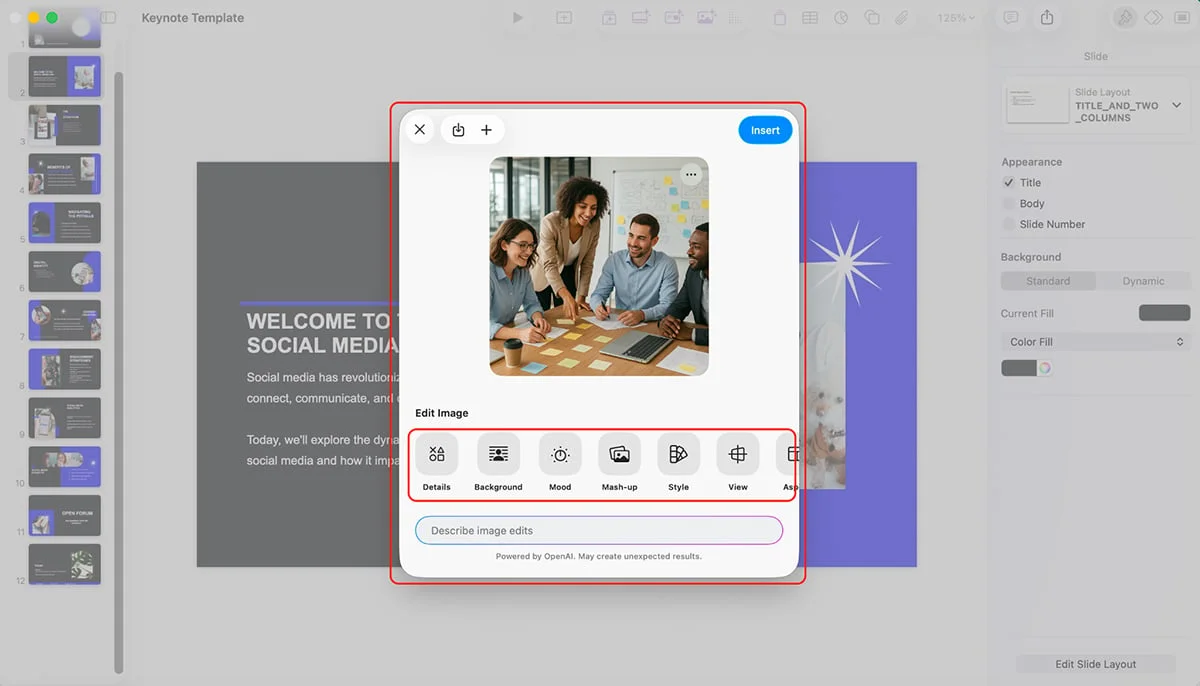
The standard app has no AI features. Creator Studio adds them, including presentation and image generation, slide cleanup, presenter notes, image upscaling and automatic crop suggestions. In the reviewer’s test, the generated deck was a poor result: it lacked visuals, explanation and layout variety despite the prompt providing enough information. Image generation performed better, and those images can be edited.
If generating a whole deck with AI is central to your process, compare these 15 AI presentation makers before choosing.
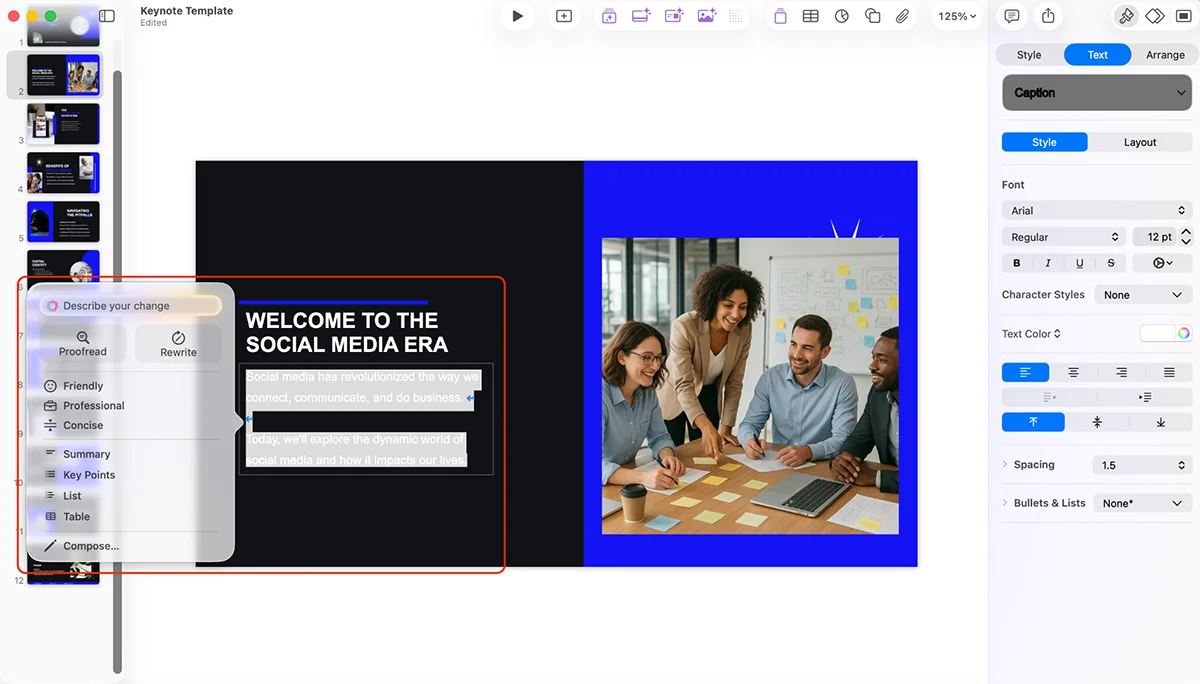
Slide Clean Up: Adjusts layout, spacing, alignment and typography.
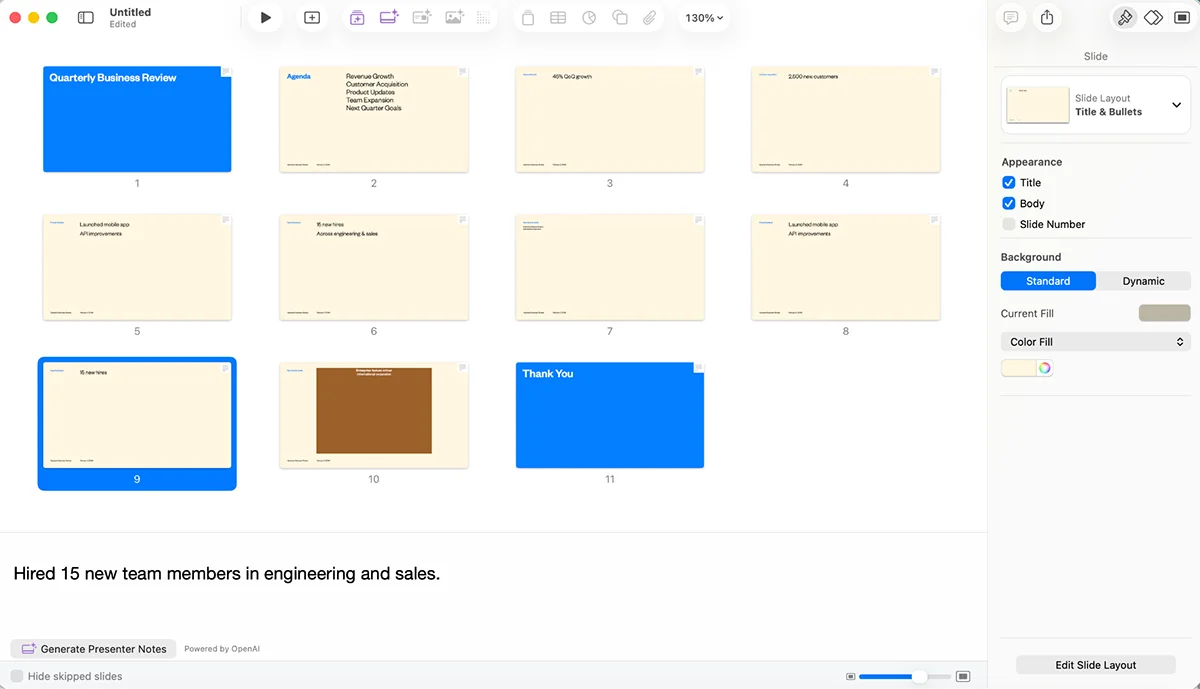
Presenter notes: Drafts notes from the presentation’s context; you can refine them with Writing Tools.
Super Resolution: Enlarges images while preserving detail.
Auto Crop: Suggests compositions for photos.
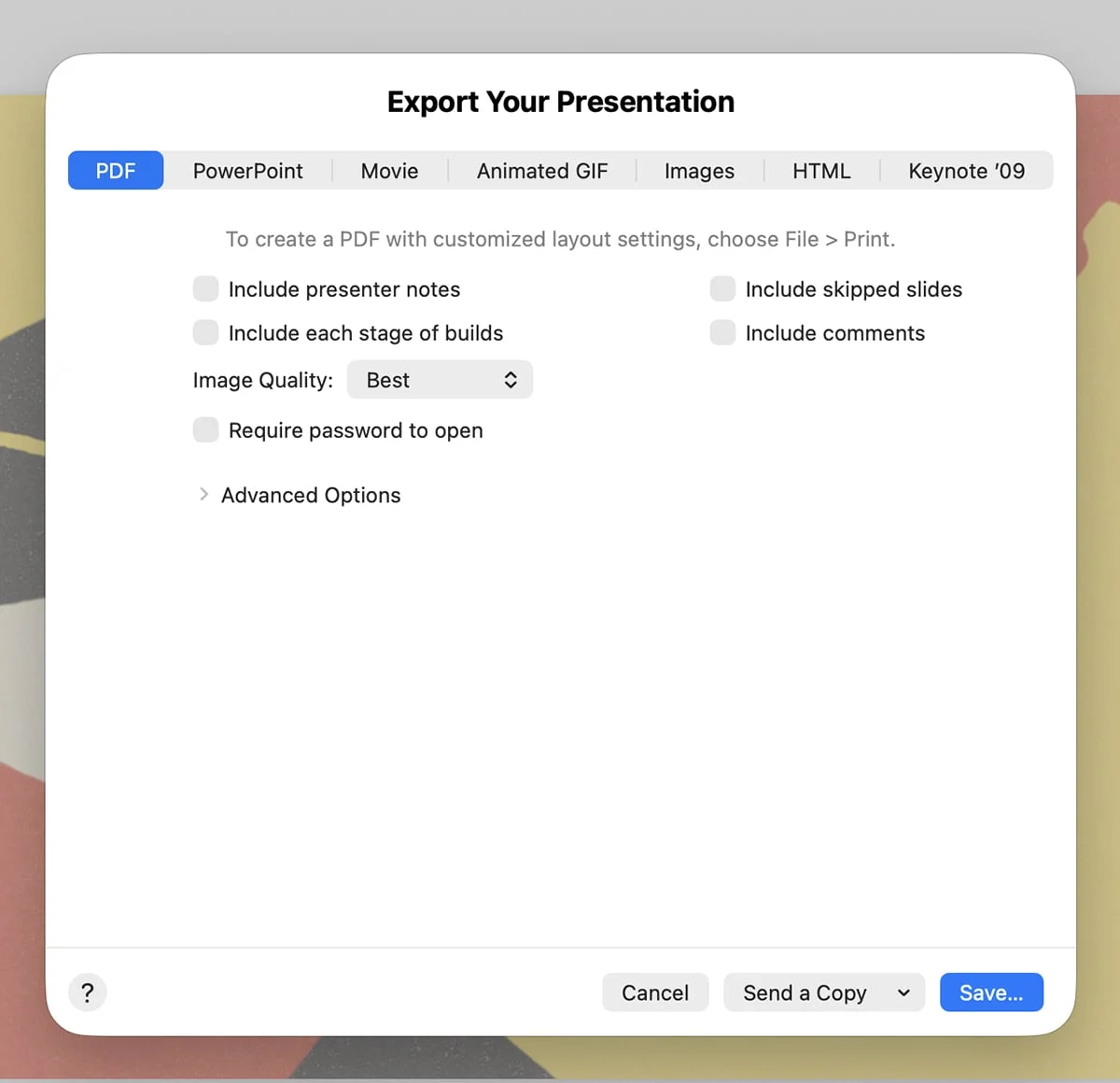
Keynote exports to PPTX, PDF, MOV, M4V, image formats and HTML. You can share through an iCloud link or present from your device. There are no built-in viewer engagement analytics.
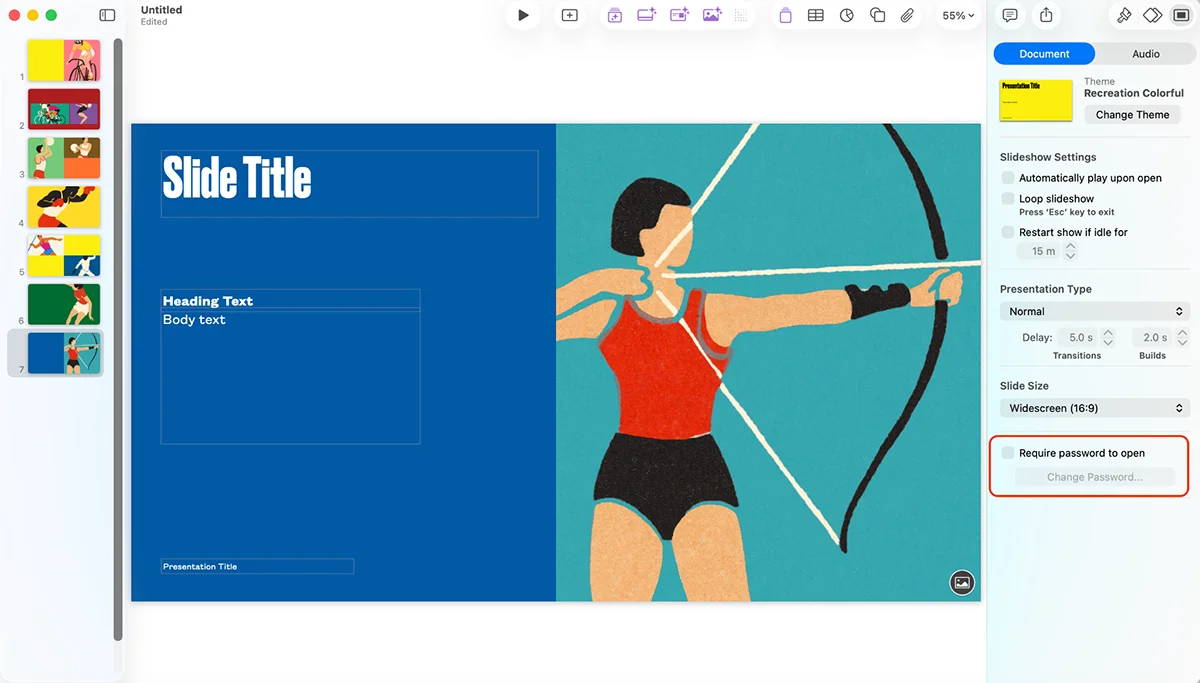
People can co-edit across Mac, iPad, iPhone and the web through iCloud.com; collaborators can also comment, and changes sync automatically. Password protection is available.
The basic app is free on Apple devices. Creator Studio costs $12.99 monthly or $129 annually; students and educators pay $2.99 monthly or $29.99 annually. New subscribers get a one-month trial. The subscription also includes Final Cut Pro, Logic Pro, Pixelmator Pro, Motion, Compressor, Pages, Numbers and MainStage.
Keynote suits Apple users who want elegant motion and a straightforward presentation tool. Its free version is compelling, but the platform’s Apple focus, smaller theme library and paid AI features matter. Professionals with advanced requirements may need a more capable system.
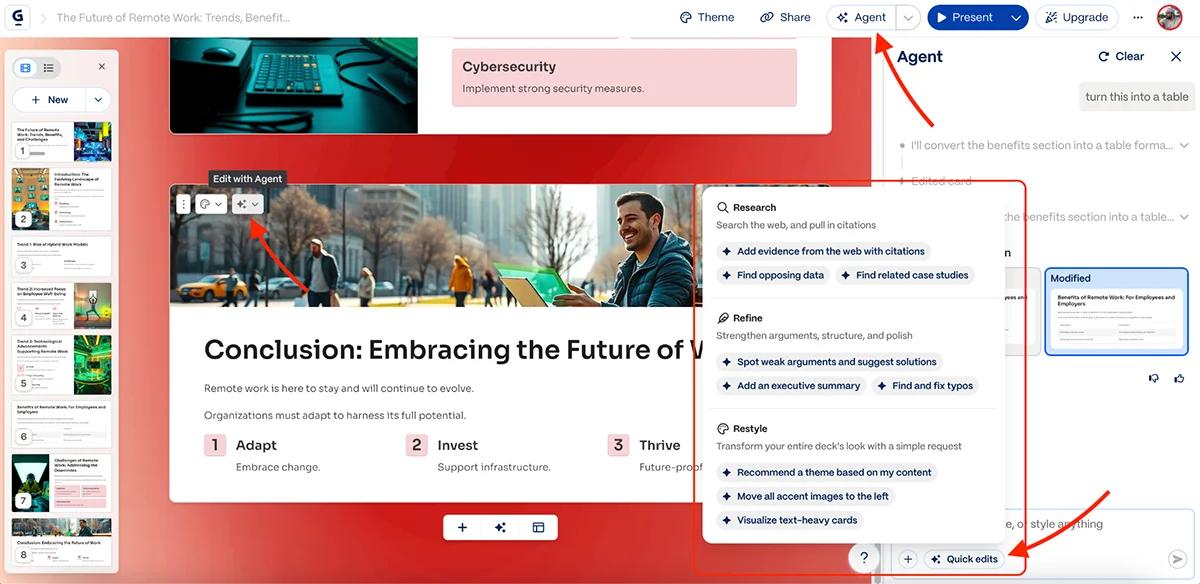
Gamma’s defining choice is its format: decks are built from scrollable cards, so they read more like web pages than traditional slides. It can generate presentations, documents and webpages from text prompts. That shift in format is more than a visual quirk; it favors quick sharing and flexible layouts over precise control of every slide.
Flexible layouts, limited brand control
Gamma offers more than 100 templates for tasks such as pitch decks, marketing proposals and user onboarding. They’re useful starting points, though the designs are basic and the collection is smaller than Visme’s or Canva’s.
The built-in library includes searchable icons and illustrations, with Unsplash for stock photography and GIPHY for GIFs. The selection is narrower than in dedicated design tools.
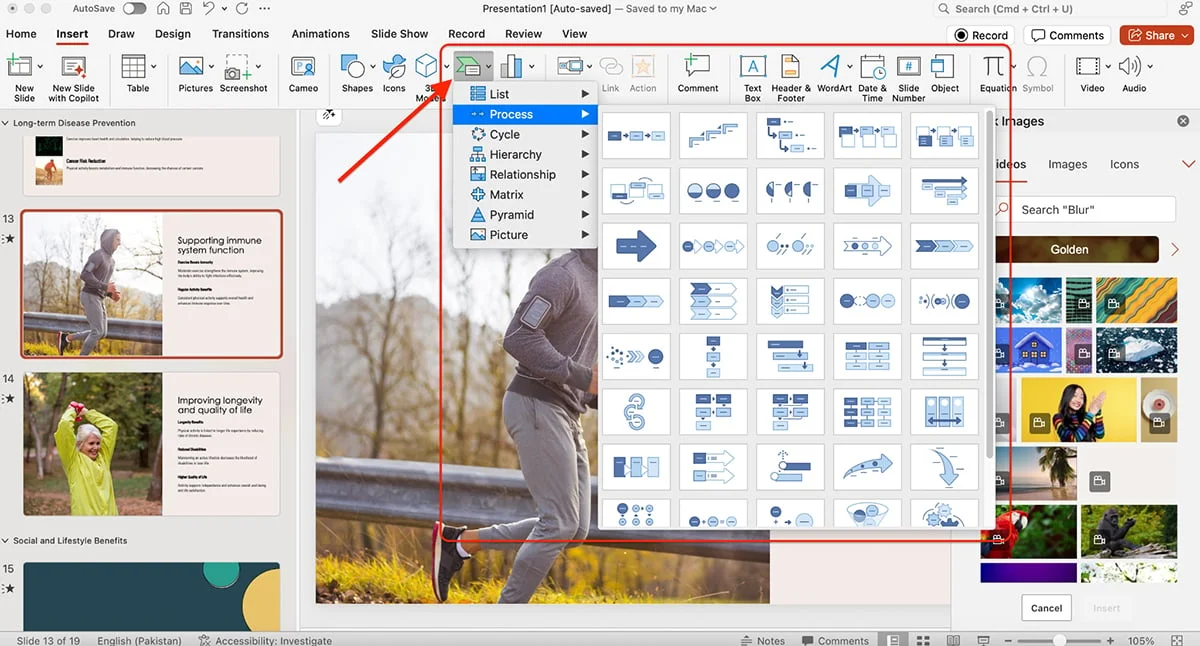
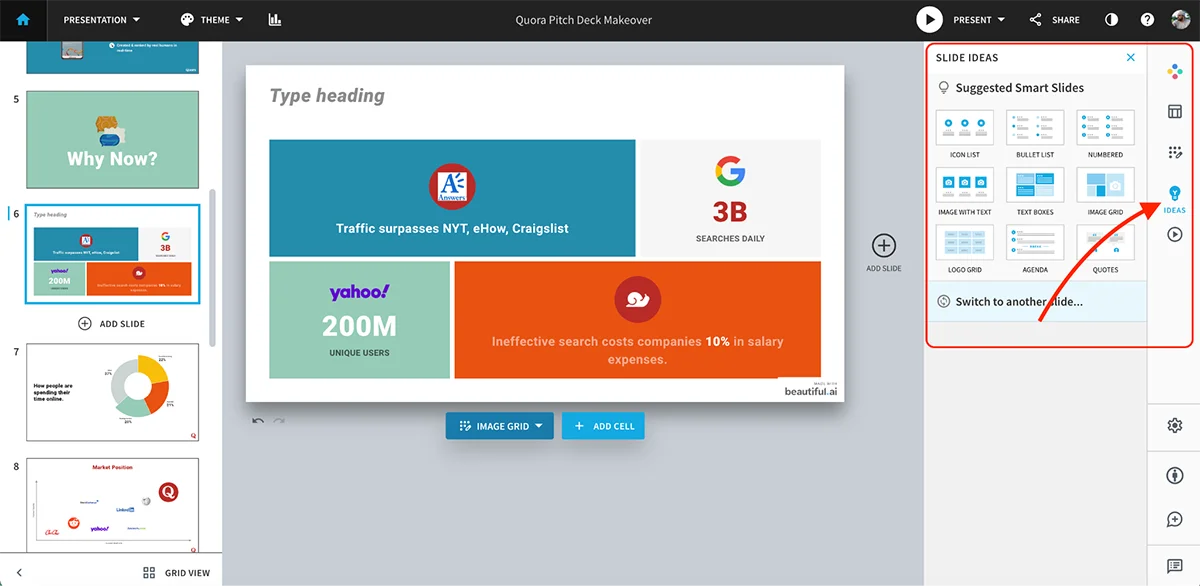
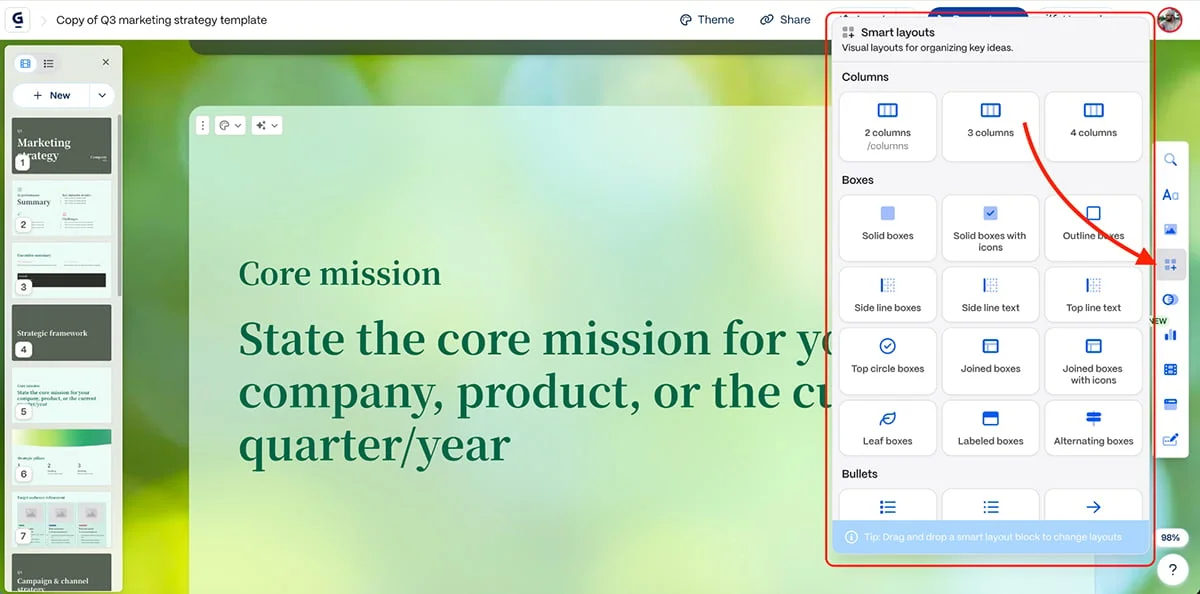
Smart layouts adjust as you add or remove material, and AI suggests arrangements based on the content. Gamma can also help build flowcharts, process maps and organizational charts, though you get limited control over the result.
For data, Gamma supports standard bar, line and pie charts. They’re serviceable, but offer less variety, interactivity and fine-grained control than Visme’s charts.
You can embed YouTube, TikTok, Spotify and Vimeo content, connect tools such as Airtable and Figma, and add web pages, forms and buttons. That makes Gamma a plausible Genially alternative for teams building interactive, web-like presentations.
There’s no standard brand kit. Pro and higher plans let you add a logo and set brand fonts and colors; team plans provide a shared company theme. The card format supports scrolling between sections, but Gamma doesn’t offer advanced animation controls, timeline editing or custom motion paths. Choose it for adaptable layouts, not elaborate motion. For that, Visme or Prezi’s zoomable canvas may fit better.
AI generation and refinement
Gamma can create a complete deck from a prompt, pasted text or an uploaded PPT, PDF, DOCX or URL. You can set the slide count, subject and key points; it then structures the presentation, writes copy and selects visuals.
In the reviewer’s test, the generated deck had clean layouts, appealing colors and modern visuals. The writing was weaker, a common shortfall among the AI tools tested here. Gamma can also generate images and edit existing ones to change their style, crop or improve their fit with the deck.
The AI agent can correct spelling and grammar, suggest layout changes, translate a deck, condense dense text into bullets, adjust tone and produce several versions of an edit. That range makes Gamma useful for fast first drafts and revisions, though the output still needs a designer’s review.
A video is provided to explain Gamma AI, but the fragment contains no usable video content.
Sharing, audience data and plans
Gamma decks can be published as standalone websites, shared by link or exported as PDF, PPTX or PNG. Paid plans include live team editing. Engagement analytics show who viewed a presentation and for how long, a useful signal for sales decks and proposals.
Gamma is aimed at students, startups and teams that need internal decks or pitch presentations quickly. A free plan is available. Individual plans cost $9 per month for Plus, $18 for Pro and $90 for Ultra; team plans cost $20 for Team and $40 for Business. Its main drawbacks are the small template selection and limited brand, customization and animation controls.
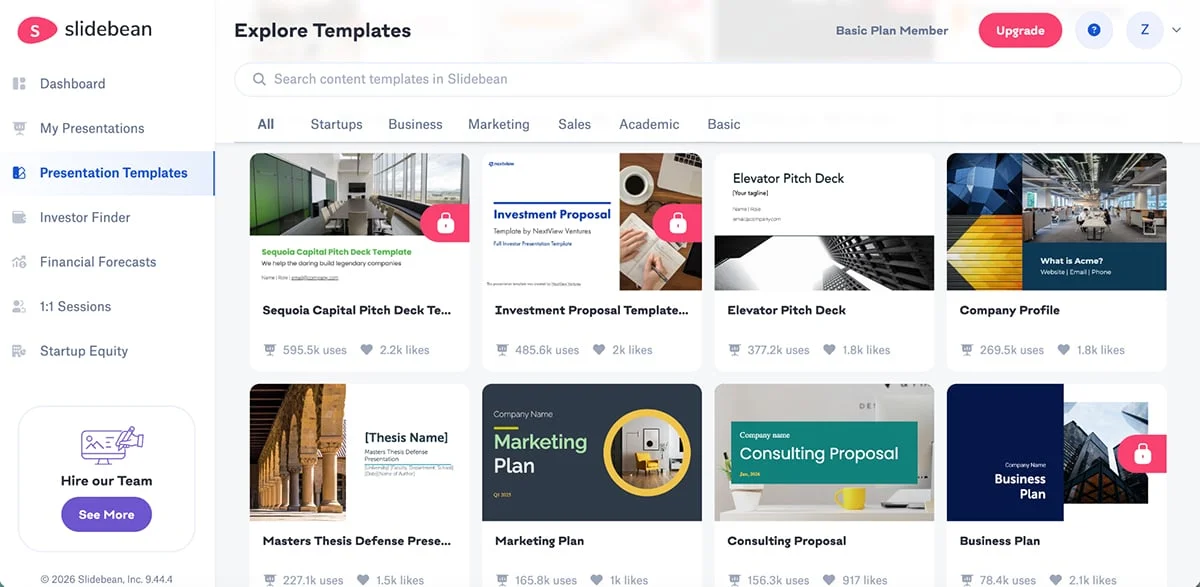
Slidebean focuses on pitch decks, pairing AI tools with templates and editable content blocks. Its unusual offer is a team of specialists who can write and design a deck for clients who don’t want to build one themselves.
Pitch deck templates
Paid plans include more than 100 startup pitch templates based on companies funded through Y Combinator and 500 Startups. They’re organized by industry and use case, with investor presentations in mind.